This screen shows the results of the autodetect sequence for voltage phase
detection. In this example ph3 has been selected, and the resulting phase
power factors shown in the lower pane.
As the survey data are downloaded, the software checks the phase angle
measurements for all phases to ascertain the phase which was used for the
voltage connection (usually unknown to the operator). The screen shows the
selected voltage phase at the top, and the phase power factor below. In
exceptional circumstances (e.g. very poor actual PF) it may be necessary to
override the auto-detection. This is achieved by unchecking the ‘Auto detect’ box
and clicking on the desired voltage phase.
Note that the phase power factors are automatically adjusted to reflect the
revised selection.
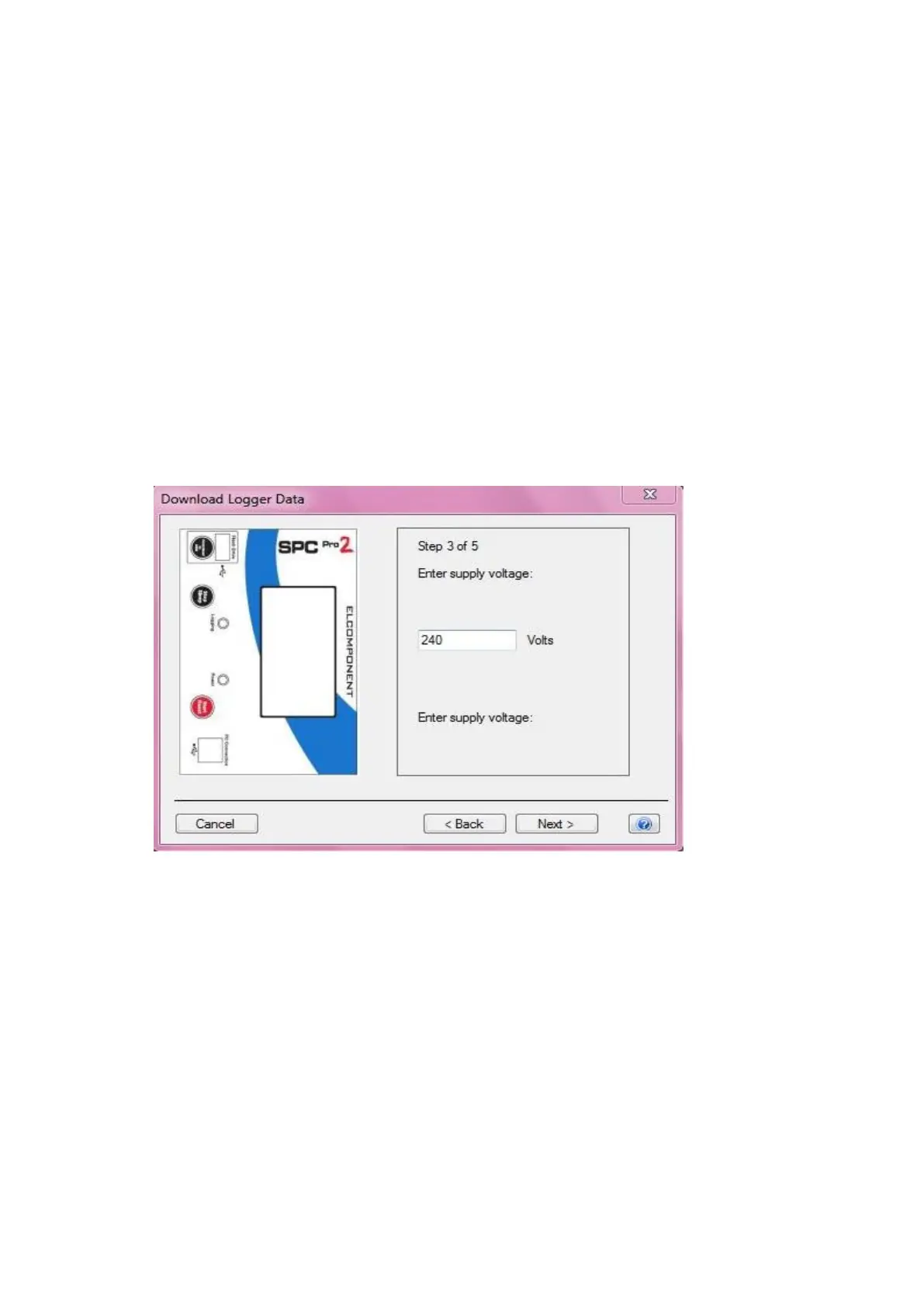
Step 3 (Voltage not present only)
This screen appears if the software detects that no voltage was measured
consistently through the survey (e.g. battery powered survey), and manual input
is required.
Enter the supply voltage as a phase to neutral value. If the survey was carried
out on a 3 phase 3 wire system (where no neutral is present) it is necessary to
enter the value from phase to earth. On standard 3ph systems the phase to
neutral value may be derived from the phase to phase value by dividing it by √3.
E.g. 400V÷√3 = 230V



 To Next Page