ELECRAFT 29
Remove the brown paper backing from the other side of each
piece of tape, then turn the filter/tape assembly adhesive-side down.
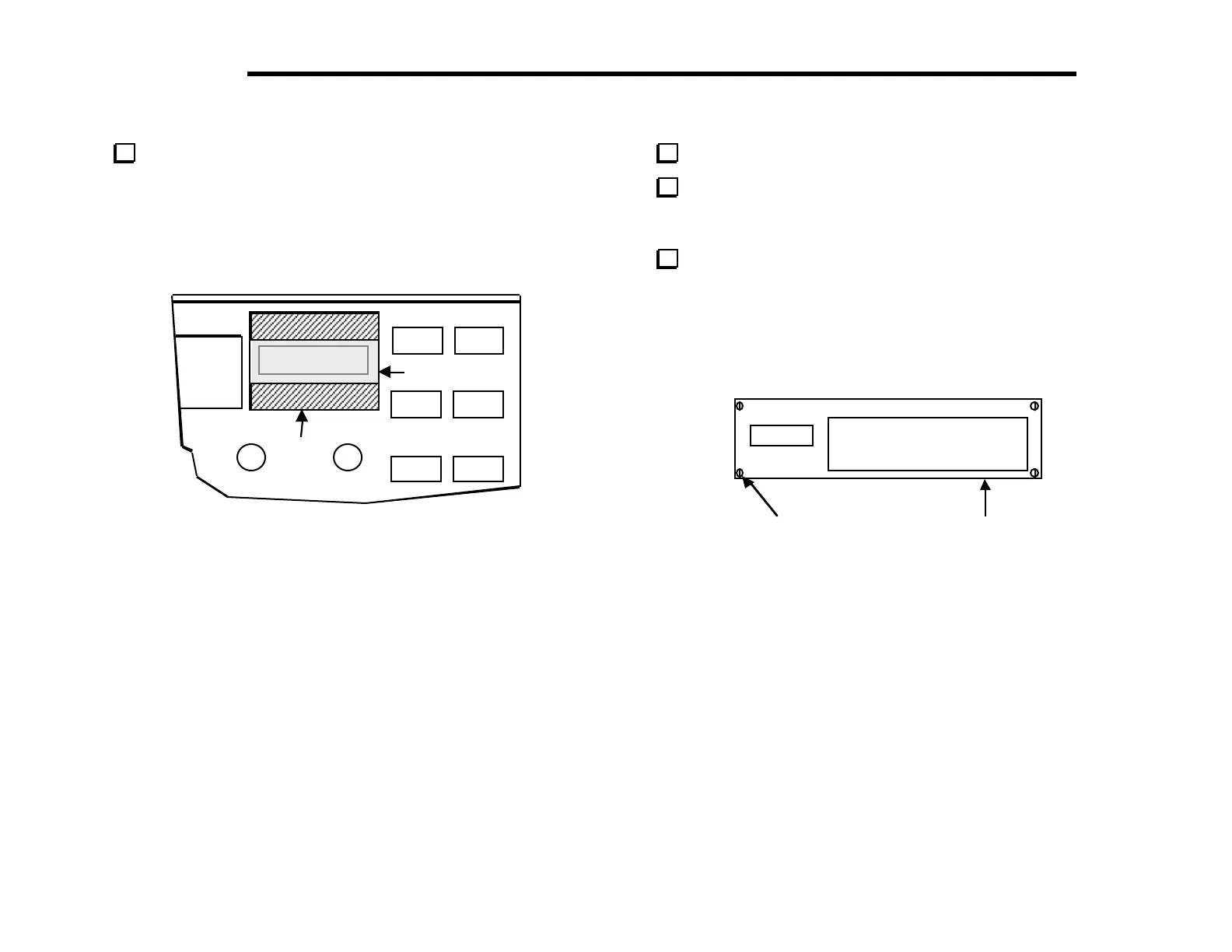
Carefully center the green plastic filter over the inside of the
bargraph LED hole (Figure 5-14).
ape
reen Film
Figure 5-14
Turn the front panel face up.
Position the clear plastic LCD bezel over the LCD and
bargraph holes as shown in Figure 5-15. The bezel goes on the
outside of the panel.
Secure the bezel with four 2-56 screws (stainless steel) as
shown in Figure 5-15. Tighten the 2-56 screws only the
amount needed to hold the bezel to the front panel. Over-
tightening may crack the bezel or strip the threaded holes
in the panel.
LECRAF T K2 TR AN SCEIVE R
2-56 Screw (4) LCD Bezel
Figure 5-15



 To Next Page