34
Beneath the filter graphic is the per-mode Filter Preset number (FLn).
Tapping the graphic cycles through FL1/2/3, setting the passband to
predefined values for each mode. An alternative is to tap the [FIL]
switch above VFO A.
K4D Icon
The K4D model includes a fully independent second receiver module
(KRX4), with its own set of band-pass filters, preamps, and
attenuators. The K4 will use this module whenever possible to
maximize receive performance. When the KRX4 module is in use, the
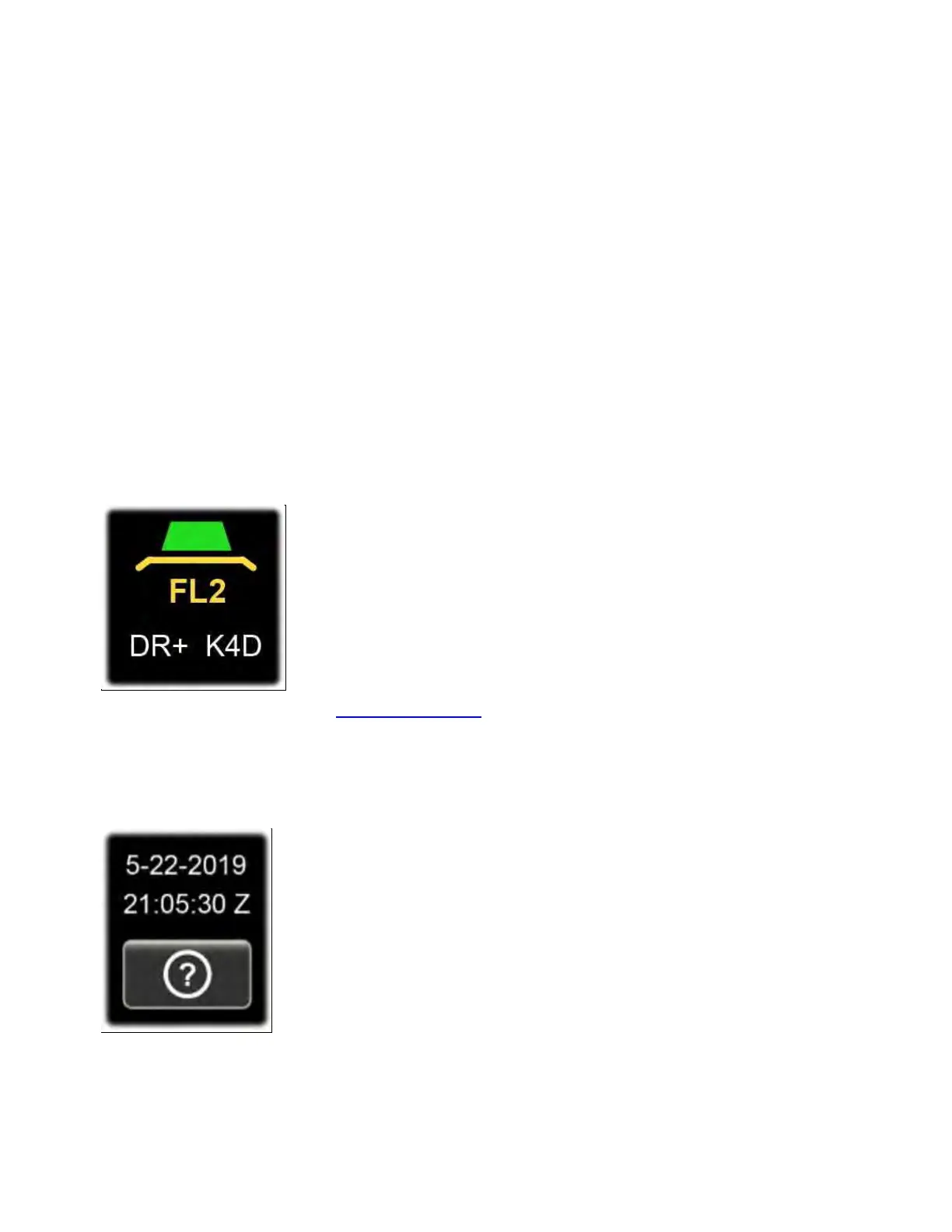
K4D icon (to the right of the RIT/XIT box) will illuminate. This is shown
below. In this example the DR+ icon is also illuminated, indicating that
MENU:RX Dyn. Range Optimization is turned on.
For further details, see DUAL RECEIVE.
Status Area
The status area, just above the Info button (<?>) at the lower-left
corner of the screen, normally shows UTC date and time. Tapping this
text brings up the STATUS DISPLAY button group, allowing you to



 To Next Page