9
3. Short press the " " button to confirm.
4. Short press the " " button to
return to the previous level.
6. "+" sets shortcut keys for entering
brightness, which can adjust brightness.
5.
Press and hold the "Back" button for 3 seconds
to trigger the shutdown and startup functions.
7. "-" sets shortcut keys for entering
brightness, which can adjust brightness.
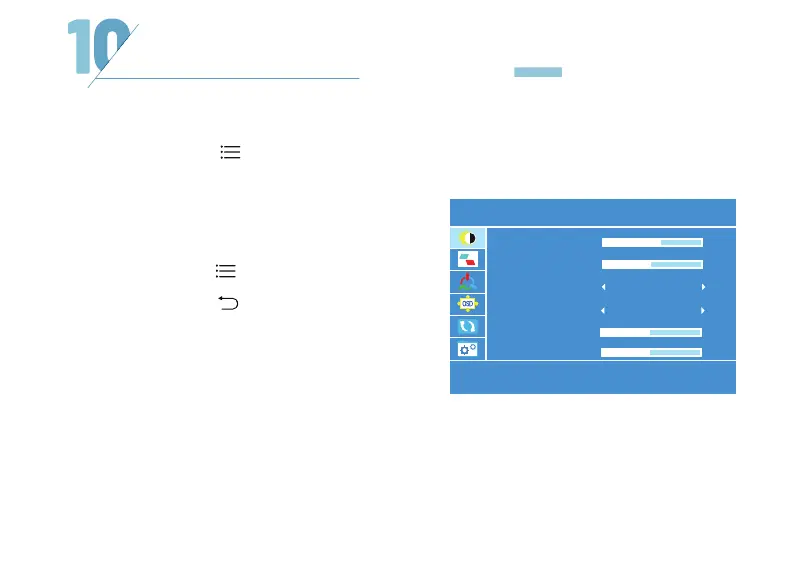
1. Short press the " " button to enter
the menu setting interface.
2. Short press the "+" button to enter the
corresponding setting options.
MENU BUTTON FUNCTIONS
BRIGHTNESS
BRIGHTNESS
CONTRAST
ECO
STANDARD
54
50
SHARPNESS 2
HUE 50
DCR
OFF



 To Next Page