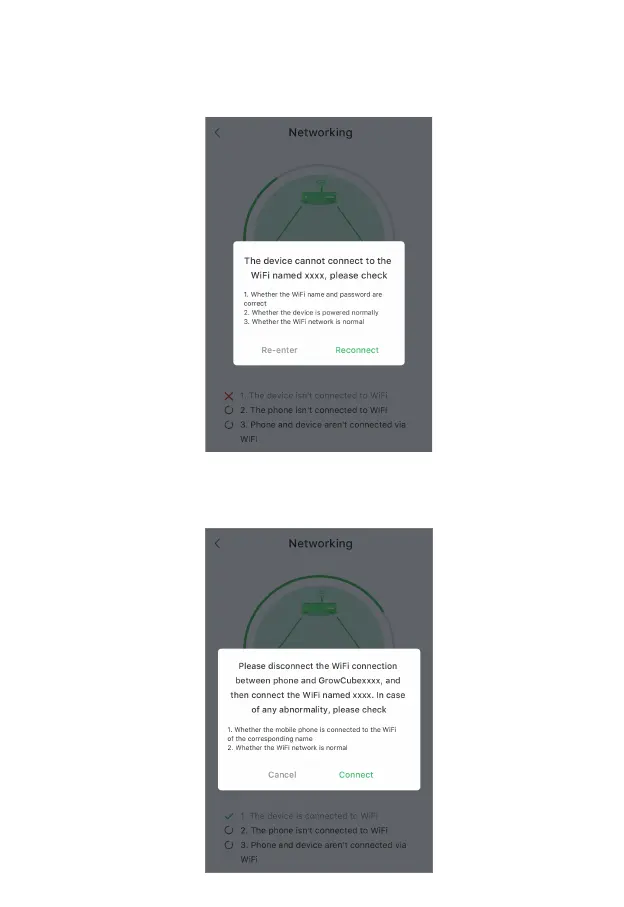
If the first step fails, the interface will pop up as follows, and you can choose to re-enter or
reconnect. Re-entering will return to the WiFi Configuration page and re-enter the WiFi name and
password. If you choose to reconnect, it will try to connect again using the current saved WiFi name
and password.
If the second step fails, the interface will pop up as follows, you need to disconnect the WiFi
connection between the mobile phone and GrowCube and then connect to the current home/office
WiFi.
14



 To Next Page