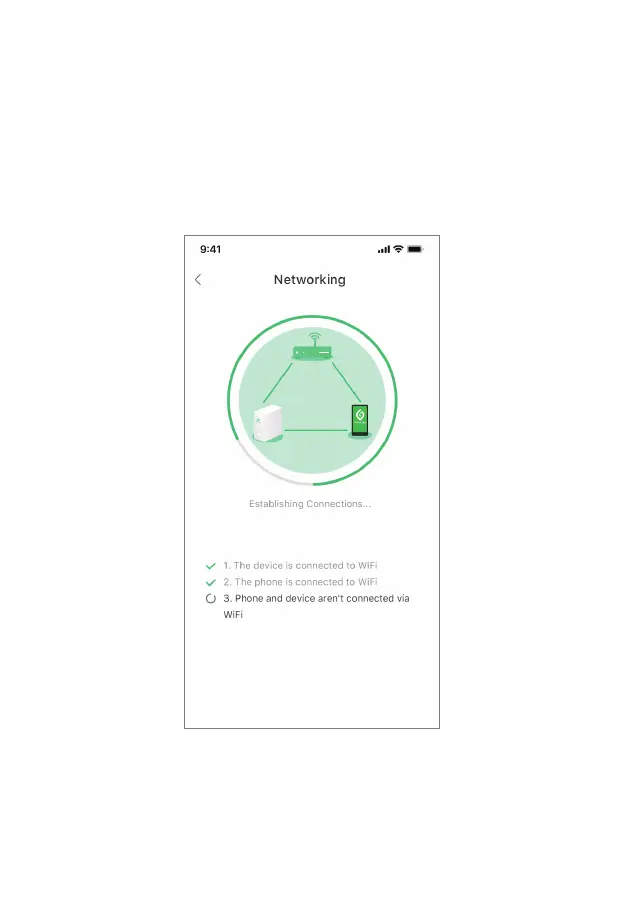
• 3. After enter the Networking page, turn on the phone WiFi and disconnect the WiFi connection
between the phone and GrowCube. And then connect the previously saved home/office WiFi to
ensure that the phone and the device are connected to the same wireless network. In this page, the
App will continuously check:
① Whether the device has been connected to the home/office WiFi ,
② Whether the phone has also been connected to the corresponding home/office WiFi ,
③ Whether the device and the phone have established connections through the home/office WiFi .
13



 To Next Page