10
Play Picture CD Disc
Press to select the desired picture.
Play MP3 Disc
USB Operations
When playing a MP3 disc, there is a menu screen on TV press the [▲] or
[▼] button to shift the cursor to select the track or folder and press the
[ENTE button to play the selected track or folder (it needs to enter the
sub-folder to select the track and press the button to play for some
MP3 discs).
Also use the digit button to select the track.
Remove the DVD/CD disc from the tray, insert the USB drive into the USB
jack. The player will automatically detect the readable files in the USB
drive. Use remote control to select the files for playback.
(USB file unreadable means no supported file in USB.)
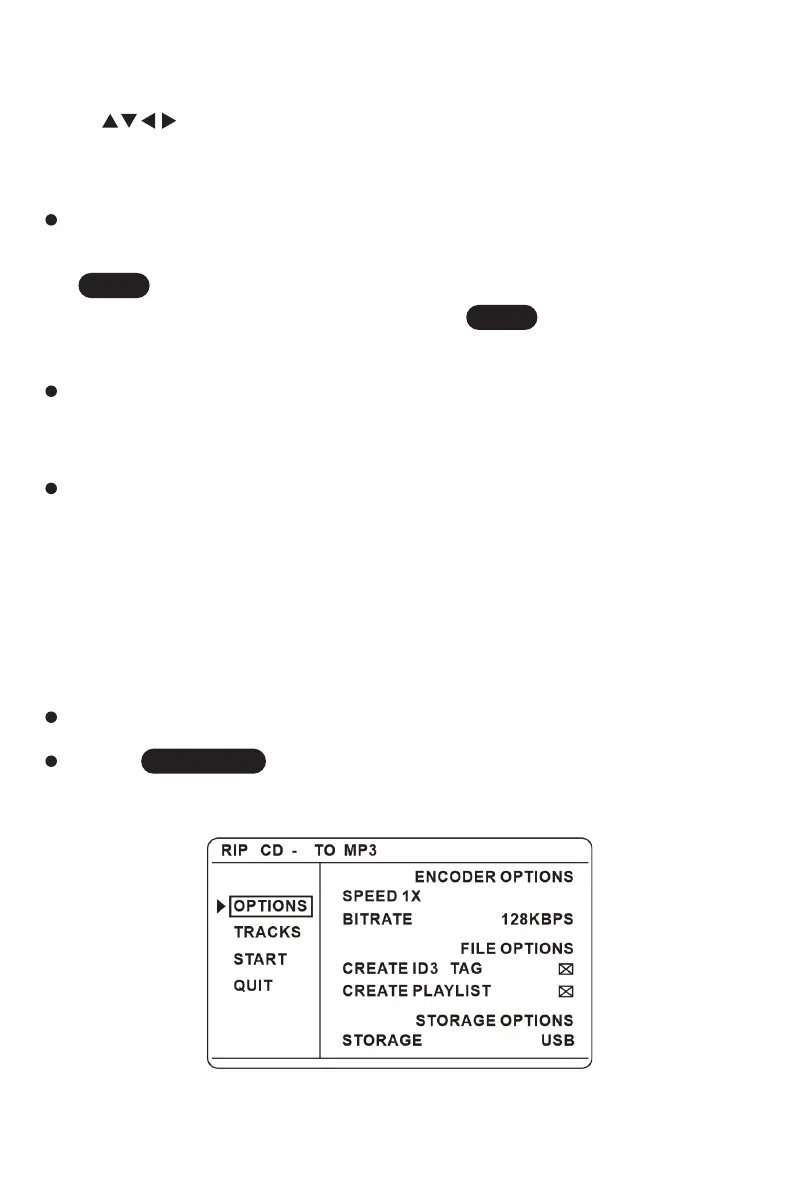
Put a CD into the disc tray and then plug in an USB drive.
Press key on the remote. A CD rip menu will be shown on
the TV screen.
CD Ripping
The product has CD ripping functions.
ENTER
ENTER
CD RIPPING



 To Next Page