8 Rascal 600T / 600F Scooter Owner’s Manual & Service Record
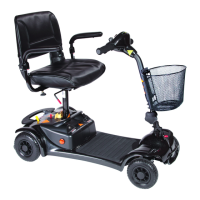
Controls - Driving Controls
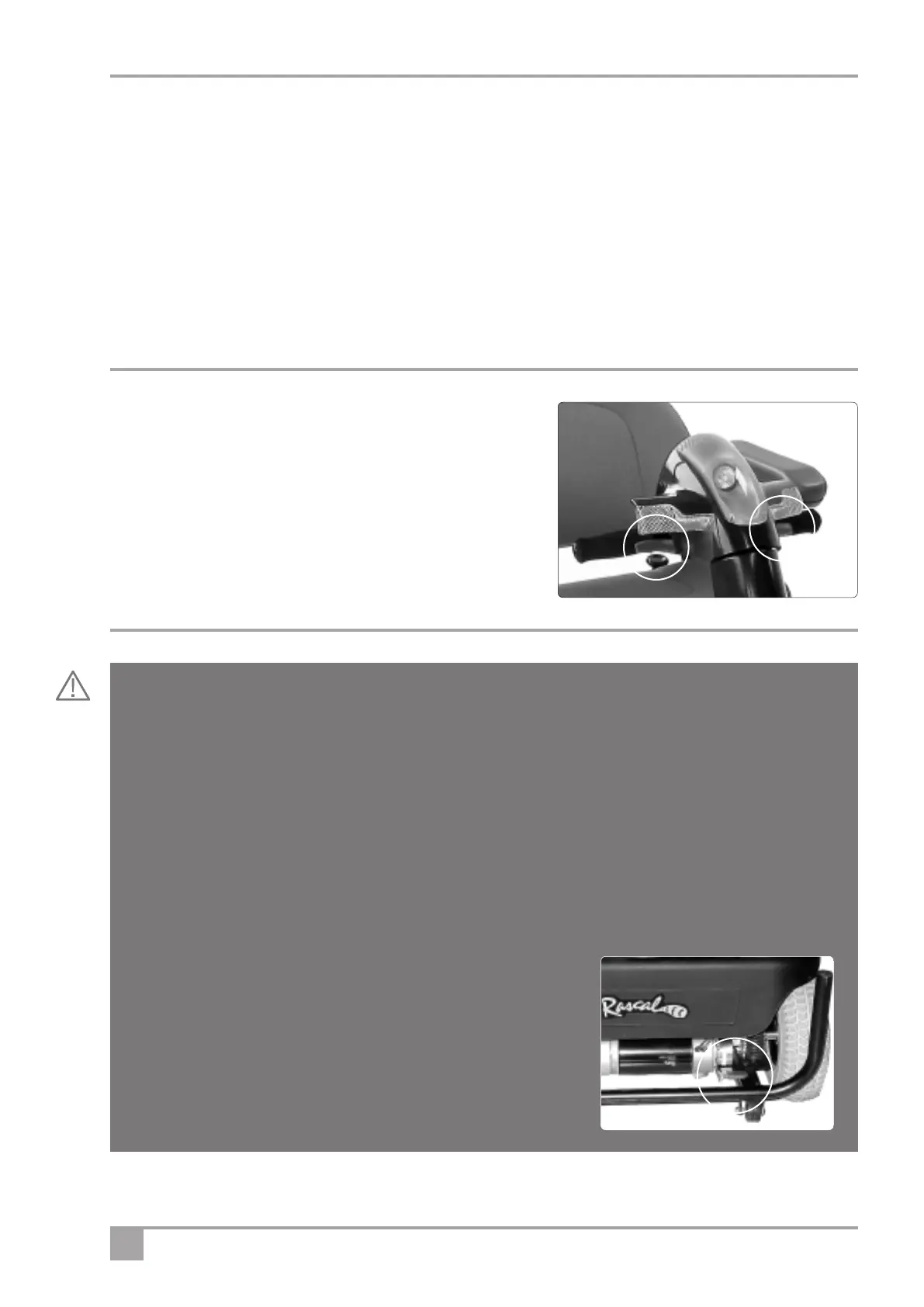
Finger control - To operate, turn on the ignition. Pull the right
hand lever towards you and the machine moves forward. The
more you pull the lever the faster the scooter goes. To brake,
release the lever. Again the faster the lever is released the
quicker you will stop. To reverse, pull the left hand lever towards
you. Do
not pull both levers at once.
Freewheel Device
When the vehicle is switched off the brakes are automatically engaged. This is called “Failsafe Braking”.
Also, if the batteries are flat, the brakes are applied. There may be occasions where you may wish to
move the vehicle without power. To do this there is a Freewheel Device fitted. The Freewheel device
allows the vehicle to be pushed without power. To activate, first locate the lever. It is located below the
cover on the right hand side of the rear of the vehicle when standing behind it.
• Make sure the ignition is switched off.
• Move the lever up. The vehicle can now be pushed in “Fr
eewheel”.
• Move the lever down to engage “drive”. The vehicle is now braked. This is the normal operating position.
• IF YOU ARE NOT COMPLETEL
Y SURE OF THIS FEA
TURE CONT
ACT
YOUR DEALER BEFORE OPERA
TING THE SCOOTER.
Pull the lever UP to the upper “freewheel” position to enable the
vehicle to be moved without power. Braking is disabled. NEVER
sit on the vehicle with the lever in this position.
Push the lever DOWN to the lower “drive” position. This is the
normal operating position. The brakes are enabled, and the vehicle
can only operate with the lever in this position.
5. Horn: Press the button on the bottom left hand or bottom right side and the horn will sound. Release and the
horn will cease.
6. Indicators: Even when the ignition key switch is off, the indicator left or right can be selected using the rocker
switch above the key switch.
7. Hazard Warning Switch: Above the indicators is a triangular hazard-warning switch for selecting the hazard
warning lights. This will operate whether the ignition key is on or off.
8. Seatlift Switch. If seatlift accessory is fitted, this switch enables the seat to be raised or lowered. See page 11
for instruction on how this is operated.
9. Status light. (see page 16).
Finger controls



 To Next Page