EasyManua.ls Logo

ElectrIQ eiQ-12WMINV-V3 - User Manual

ElectrIQ eiQ-12WMINV-V3
27 pages
Print Icon
To Next Page IconTo Next Page
Loading...
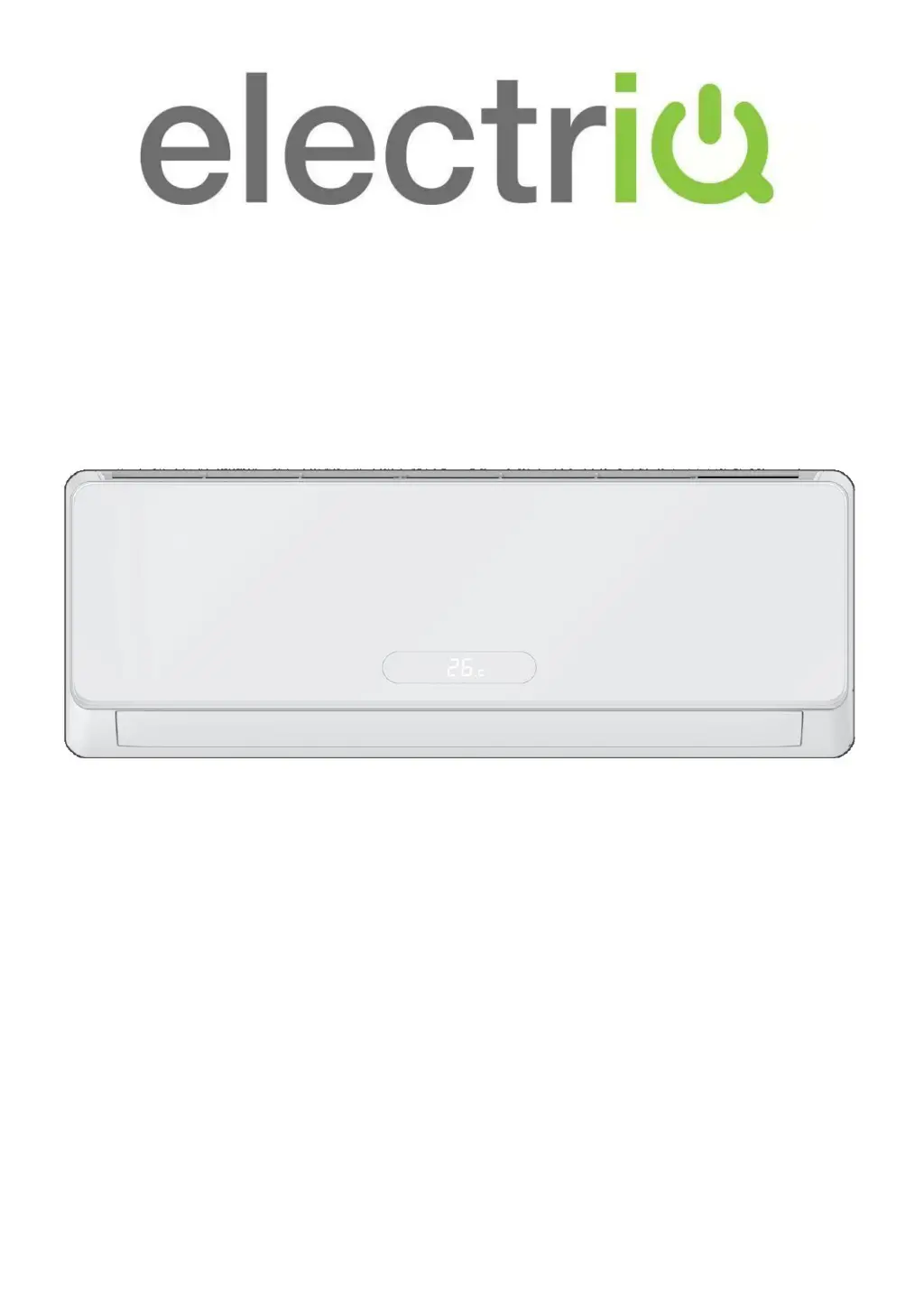
USER MANUAL
eiQ-9WMINV-V3
9,000 BTU
eiQ-12WMINV-V3
12,000 BTU
ENVIRONMENTALLY FRIENDLY
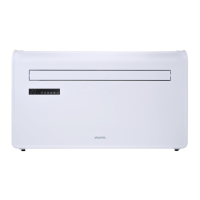
SMART WIFI CONTROLLED WALL MOUNTED
INVERTER SPLIT AIR CONDITIONER WITH HEAT PUMP
Thank you for choosing an electriQ Air Conditioner
Please read this manual before installing this innovative
Air Conditioner and keep it safe for future reference.

Questions and Answers

  • E
    Eric SanfordAug 7, 2025
    What to do if my ElectrIQ eiQ-12WMINV-V3 does not respond to commands?
    • E
      Elizabeth HollowayAug 8, 2025
      If your ElectrIQ Air Conditioner is not responding to commands, it could be due to several reasons: * The remote control might be too far from the unit. * The remote's batteries may be dead. * There might be an obstruction between the remote and the signal receiver on the unit.
  • J
    jonathan64Aug 13, 2025
    Why is my ElectrIQ Air Conditioner airflow insufficient?
    • D
      David AllenAug 13, 2025
      If your ElectrIQ Air Conditioner isn't providing sufficient airflow, whether hot or cold, several factors could be at play: * The temperature setting might be inappropriate. * The air inlet or outlet of the indoor or outdoor unit could be blocked. * The air filter might be blocked. * The fan speed may be set too low. * There could be other heat sources in the room. * The unit might be low on refrigerant.
  • Y
    yharringtonAug 18, 2025
    What to do if my mobile device can’t find ElectrIQ Air Conditioner?
    • R
      Robert SmithAug 18, 2025
      If your mobile device displays "Air conditioner offline" and can’t find the ElectrIQ AC, consider the following: 1. The AC may have been reconfigured. 2. The AC might not be receiving power. 3. The router could be off. 4. The AC might be unable to connect to the router. 5. The AC might be unable to connect to the network through the router. 6. The mobile device might be unable to connect to the router. 7. The mobile device might be unable to connect to a network (when being used remotely).
  • K
    Keith RussellAug 22, 2025
    Why my mobile device can’t control the ElectrIQ eiQ-12WMINV-V3?
    • B
      Blake SellersAug 22, 2025
      If your mobile device displays "Identification failed" and can’t control the ElectrIQ air conditioner, it means the AC has been reset and the mobile device has lost contact with it. Reconnect the device following the instructions. If that doesn't work, delete the AC from your devices list and start the installation process again.
  • M
    meyercameronAug 27, 2025
    Why is the display off on my ElectrIQ eiQ-12WMINV-V3 Air Conditioner?
    • R
      Richard GreenAug 27, 2025
      If the display on your ElectrIQ Air Conditioner is off, it could be due to: * The LED function being active. * A power failure.
  • J
    Joel ChambersSep 2, 2025
    Why my ElectrIQ eiQ-12WMINV-V3 Air Conditioner does not operate?
    • Z
      Zachary SnyderSep 2, 2025
      If your ElectrIQ Air Conditioner does not operate, possible causes include: * Power failure. * Damaged indoor/outdoor unit fan motor. * Faulty compressor thermomagnetic circuit breaker. * Faulty protective device or fuses. * Loose connections. * Self protection in adverse conditions. * Voltage higher / lower than the voltage range. * Active TIMER-ON function. * Damaged electronic control board.

Summary

SAFETY INFORMATION

Energy Saving and Unit Safety Protection Tips

Tips for efficient operation and protecting the unit.

PRODUCT OVERVIEW

HOW IT WORKS

Explanation of the cooling, heating, and dehumidifying modes.

OPERATING THE AIR CONDITIONER

FUNCTIONS

Details on COOL, HEAT, FAN MODE, DEHUMIDIFY, and AUTO MODE operations.

IMPORTANT INFORMATION

Details on heating mode, auto restart, thermostat range, heat pump function, capacity, and emergency start.

SETTING UP THE WIFI APP

REGISTER THE APP

Step-by-step guide to registering for the TUYA SMART app.

CONNECTING USING QUICK CONNECTION

Detailed steps for connecting the unit using the Quick Connection method.

CONNECTING USING AP MODE (ALTERNATIVE METHOD)

Detailed steps for connecting the unit using the AP (Access Point) mode.

USING THE WIFI APP

DEVICE SCREEN

Detailed controls for the air conditioner within the app.

SMART SCENES

Customizing operations with one-touch scene settings.

AUTOMATION

Setting up automatic actions triggered by various conditions.

TECHNICAL SPECIFICATION

TROUBLESHOOTING

Common malfunctions and their possible causes.

WIFI TROUBLESHOOTING

Solutions for issues with Wi-Fi connectivity and app control.

FAULT CODES ON THE INDOOR UNIT

Error codes displayed by the indoor unit and their meanings.

TECHNICAL SPECIFICATION

Detailed specifications including voltage, capacity, power, dimensions, and refrigerant.

WARRANTY AND SUPPORT

WARRANTY INFORMATION

Details about the electriQ guarantee and warranty terms.

ElectrIQ eiQ-12WMINV-V3 Specifications

General IconGeneral
BrandElectrIQ
ModeleiQ-12WMINV-V3
CategoryAir Conditioner
LanguageEnglish

Related product manuals