EasyManua.ls Logo

ElectrIQ IQOOL-SMART15HP - User Manual

ElectrIQ IQOOL-SMART15HP
27 pages
Print Icon
To Next Page IconTo Next Page
Loading...
USER MANUAL
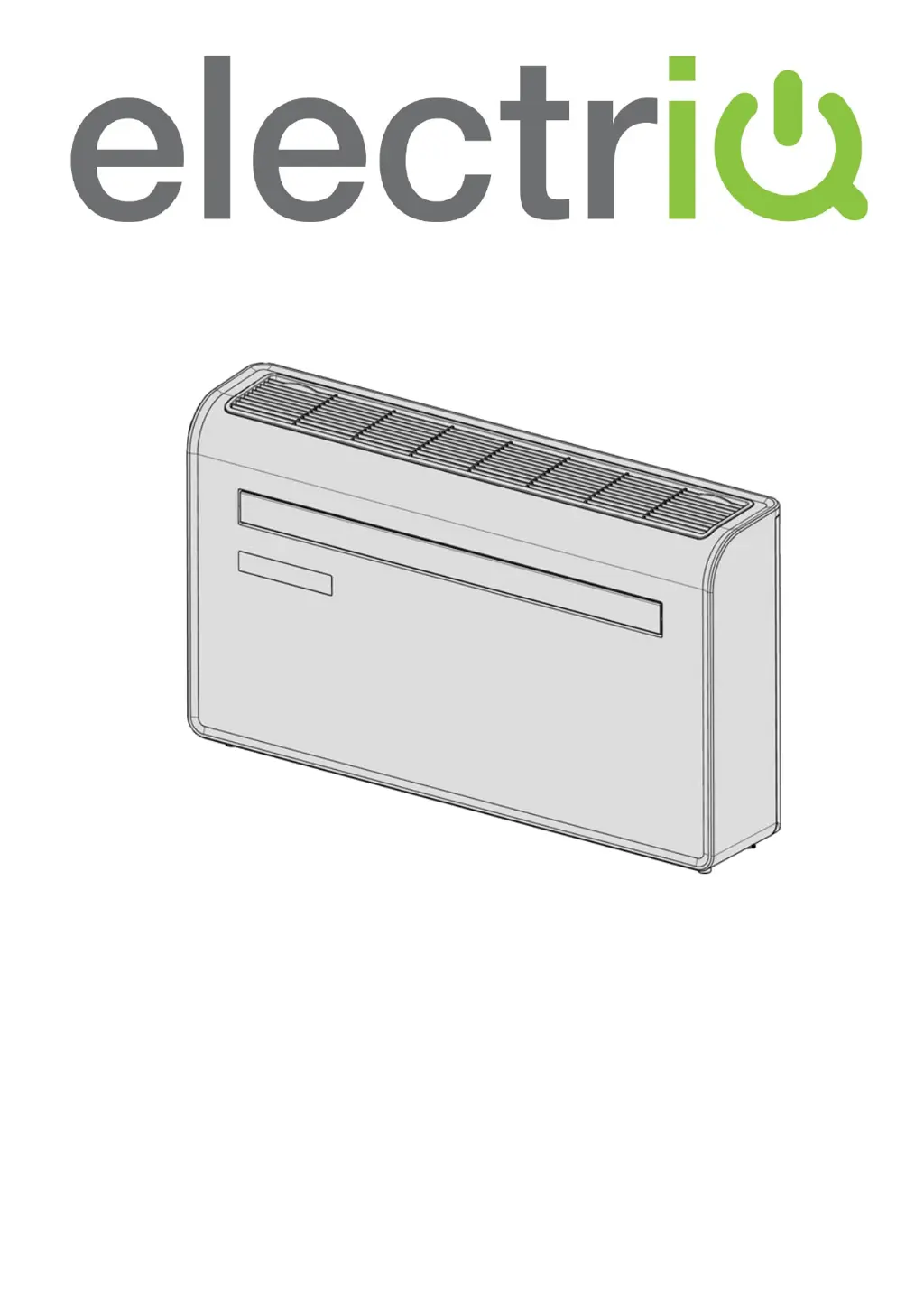
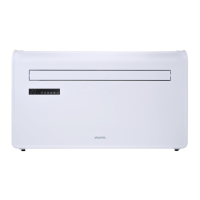
electriQ WALL MOUNTED AIR CONDITIONER
WITH HEAT PUMP AND WIFI SMART APP
IQOOL-SMART12HP
IQOOL-SMART15HP
Thank you for choosing electriQ
Please read this user manual before using this innovative Air Conditioner and keep it safe for future
reference.
Visit our page www.electriQ.co.uk for our entire range of Intelligent Electricals

Questions and Answers

  • M
    Mrs. Kathy EstesAug 6, 2025
    How to improve cooling or heating effect of my ElectrIQ IQOOL-SMART15HP Air Conditioner?
    • T
      Timothy MullinsAug 6, 2025
      If you're experiencing poor cooling or heating with your ElectrIQ Air Conditioner, consider these solutions: * Close any open doors and windows and increase the air conditioning power, especially if there are many people present or heat sources like fridges in cooling mode. * Clean or replace the filter screen if it's dirty. * Ensure that neither the air inlet nor the outlet is blocked, and that the unit is installed correctly.
  • C
    Cory WigginsAug 11, 2025
    Why doesn't the remote control work for my ElectrIQ Air Conditioner?
    • D
      Dawn JonesAug 12, 2025
      If the remote control isn't working with your ElectrIQ Air Conditioner, the issue might be: * Distance: You may be too far from the unit. Try moving closer and ensure the remote is pointed directly at the receiver. * Batteries: The batteries might be dead. Replace them with new ones.
  • D
    Daniel GriffithAug 17, 2025
    What to do if the compressor of my ElectrIQ IQOOL-SMART15HP does not work?
    • K
      Kevin EdwardsAug 18, 2025
      If the compressor on your ElectrIQ Air Conditioner isn't working, it might be due to overheat protection being active. Wait for 3 minutes to allow the temperature to lower, then restart the machine.
  • B
    Brenda StoutAug 23, 2025
    Why my ElectrIQ IQOOL-SMART15HP does not work?
    • S
      Shannon WaltersAug 25, 2025
      Your ElectrIQ Air Conditioner might not be working due to several reasons: there is no electricity, so check if the unit is plugged in and the socket is working; the ambient temperature is too low or too high, so only use the machine between 7 and 35°C; in cooling mode, the room temperature is lower than the desired temperature, or in heating mode, the room temperature is higher than the desired temperature, so adjust the desired room temperature; in dehumidification mode, the ambient temperature is low, so ensure that the room temperature is above 17°C; there is direct sunlight, so use curtains to reduce heat.
  • L
    Louis ThompsonAug 30, 2025
    What to do if my ElectrIQ IQOOL-SMART15HP is leaking?
    • D
      davidsimsAug 31, 2025
      If your ElectrIQ Air Conditioner is leaking, it could be due to the following reasons: * The unit might not be straight. Use a spirit level to check if it is horizontal. If not, remove it from the wall and straighten it. * The drain pipe could be blocked. Inspect the drain pipe to ensure it is not blocked or constricted.

Summary

Safety Information

General Safety Precautions

Essential safety warnings and usage guidelines for the air conditioner.

Safety and Energy Saving Tips

Refrigerant Safety and Environmental Considerations

Information on refrigerant R290, GWP, and environmental safety.

Energy Saving and Unit Protection Tips

Advice on efficient operation and protecting the unit from damage.

Product Overview

Product Diagram and Components

Visual identification of the unit's front and back parts and labels.

Product Features and Contents

Key Features of the Air Conditioner

Highlights the main functionalities and operational capabilities.

Whats Included in the Box

Lists all accessories and components provided with the unit.

Installation Guide

Tools Required and Preparation

Lists necessary tools and initial site checks before installation.

Installation Procedure

Wall Mounting and Venting

Step-by-step guide for mounting the unit and routing ventilation.

Securing the Unit and Drain Pipe

Instructions for hanging the unit, securing the drain, and final installation steps.

Attaching the Bottom Cover

Instructions for fitting the optional decorative bottom plate.

Operation Controls

Control Panel and Remote Overview

Explanation of buttons and displays on the unit's control panel and remote.

Unit Functions

Detailed Unit Functions and Modes

Explanation of cooling, heating, fan, dry, silent, and timer modes.

Wi-Fi Setup and App Registration

Wi-Fi Setup and Connection Methods

Steps for connecting the unit to a Wi-Fi network via Quick or AP mode.

Registering the Mobile Application

Guide for app registration, home setup, and room creation.

App Connectivity Procedures

Setting Up Home and Rooms in the App

Setting up your home environment and rooms within the app.

Connecting via Quick Wi-Fi Setup

Detailed procedure for connecting the unit using the quick mode.

Connecting via AP Mode Setup

Alternative procedure for connecting the unit using AP mode.

Smart App Control

App Home and Device Screen Navigation

Overview of the app's main interface and device-specific controls.

Detailed App Functions

Detailed Device Screen Controls

In-depth explanation of controls within the app's device screen.

Smart Scenes and Automation

Setting Up Smart Scenes

How to create one-touch presets for device operation.

Automation Configuration

Setting Up Automation Rules

Creating automated actions based on triggers like time or environment.

User Profile and Integrations

Profile Management, Sharing, and Integration

Options for changing names, sharing access, and integrating with smart home systems.

Wi-Fi Connection Troubleshooting

Specific advice for resolving Wi-Fi connection problems.

Error Codes

Common Error Codes and Descriptions

Table of fault codes (F1, F2, etc.) and their associated problems.

Technical Data

Technical Specifications

Key technical details including model, power, dimensions, and operating parameters.

Support and Compliance

UK Support and Service Information

Contact details and initial checks for customer service.

Declaration of Conformity

Statement of compliance with relevant EU directives.

ElectrIQ IQOOL-SMART15HP Specifications

General IconGeneral
Power Supply220-240V
Frequency50Hz
RefrigerantR32
Wi-Fi ConnectivityYes
Smart ControlYes
TypeSplit System
Cooling Capacity15000 BTU
Dimensions (Outdoor Unit)780 x 540 x 250 mm

Related product manuals