EasyManua.ls Logo

ElectrIQ IQOOL-SMART12HP - User Manual

ElectrIQ IQOOL-SMART12HP
26 pages
Print Icon
To Next Page IconTo Next Page
Loading...
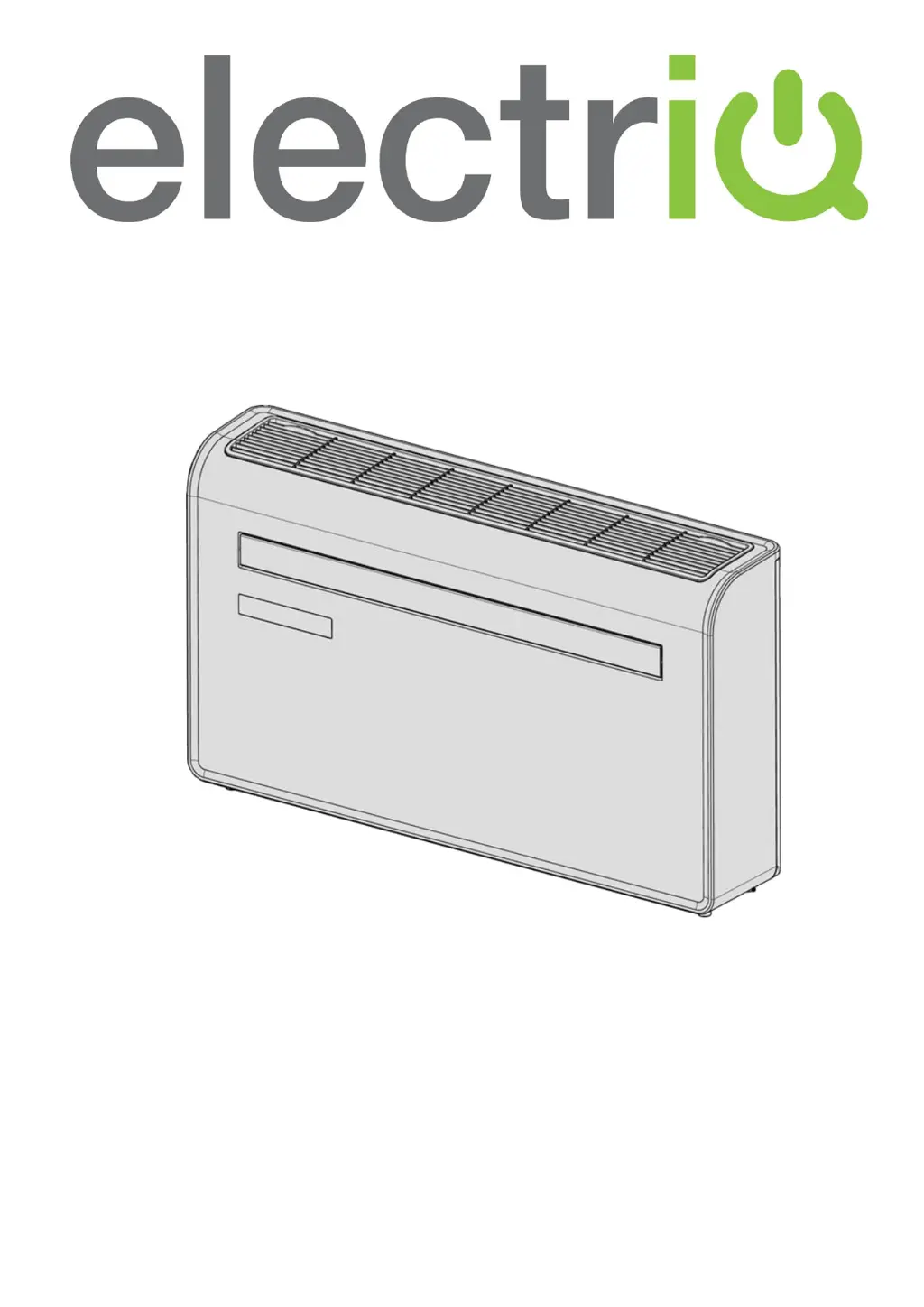
USER MANUAL
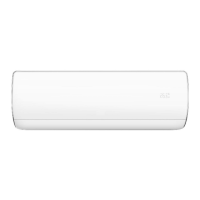
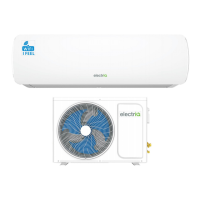
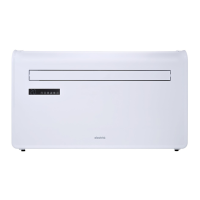
electriQ WALL MOUNTED AIR CONDITIONER
WITH HEAT PUMP AND WIFI SMART APP
IQOOL-SMART12HP
Thank you for choosing electriQ
Please read this user manual before using this innovative Air Conditioner and keep it safe for future
reference.
Visit our page www.electriQ.co.uk for our entire range of Intelligent Electricals

Questions and Answers

  • J
    Jorge Diaz MDAug 15, 2025
    What to do if ElectrIQ IQOOL-SMART12HP Air Conditioner cooling or heating effect is poor?
    • A
      Adam MurrayAug 16, 2025
      If your ElectrIQ air conditioner isn't cooling or heating well, it might be because doors or windows are open, there are too many people in the room, or in cooling mode, there are other heat sources like fridges. Try closing doors and windows and increasing the air conditioning power. Also, check if the filter screen is dirty and clean or replace it. Ensure that the air inlet or outlet isn't blocked; clear any obstructions and make sure the unit is installed correctly according to the instructions.
  • S
    Shawn SantanaAug 19, 2025
    What to do if ElectrIQ IQOOL-SMART12HP is leaking?
    • M
      Michelle WashingtonAug 19, 2025
      If your ElectrIQ air conditioner is leaking, it could be due to the unit not being straight. Use a spirit level to check if the unit is horizontal; if it's not, remove it from the wall and straighten it. Another possible cause is a blocked drain pipe, so check the drain pipe to ensure it is not blocked or constricted.
  • T
    tjonesAug 21, 2025
    Why ElectrIQ IQOOL-SMART12HP compressor does not work?
    • T
      Thomas WatsonAug 21, 2025
      The compressor of your ElectrIQ air conditioner might not be working because the overheat protection is active. Wait for 3 minutes until the temperature is lowered, and then restart the machine.
  • J
    John TuckerAug 25, 2025
    How to fix ElectrIQ IQOOL-SMART12HP remote control that is not working?
    • H
      Howard JonesAug 26, 2025
      If the remote control for your ElectrIQ air conditioner isn't working, it could be because the distance between the machine and the remote control is too far. Try moving the remote control closer to the air conditioner, ensuring it directly faces the remote-control receiver. Also, check if the batteries are dead and replace them if needed.
  • C
    Craig MartinezAug 27, 2025
    How to improve cooling or heating effect of my ElectrIQ Air Conditioner?
    • J
      Judith NelsonAug 28, 2025
      If you're experiencing poor cooling or heating with your ElectrIQ Air Conditioner, consider these solutions: * Close any open doors and windows and increase the air conditioning power, especially if there are many people present or heat sources like fridges in cooling mode. * Clean or replace the filter screen if it's dirty. * Ensure that neither the air inlet nor the outlet is blocked, and that the unit is installed correctly.
  • K
    Katrina MarshallAug 30, 2025
    Why doesn't the remote control work for my ElectrIQ Air Conditioner?
    • R
      Robert DavisAug 30, 2025
      If the remote control isn't working with your ElectrIQ Air Conditioner, the issue might be: * Distance: You may be too far from the unit. Try moving closer and ensure the remote is pointed directly at the receiver. * Batteries: The batteries might be dead. Replace them with new ones.
  • N
    Nicole HunterSep 3, 2025
    What to do if the compressor of my ElectrIQ IQOOL-SMART12HP does not work?
    • P
      Patricia FloresSep 3, 2025
      If the compressor on your ElectrIQ Air Conditioner isn't working, it might be due to overheat protection being active. Wait for 3 minutes to allow the temperature to lower, then restart the machine.
  • C
    Cheryl Meyer DDSSep 5, 2025
    Why ElectrIQ IQOOL-SMART12HP Air Conditioner is not working?
    • M
      Meagan FarleySep 5, 2025
      Your ElectrIQ air conditioner might not be working due to several reasons: there is no electricity, so check if the unit is plugged in and the socket is working; the ambient temperature is too low or too high, so only use the machine with a room temperature between 7 and 35°C; in cooling mode, the room temperature is lower than the desired temperature or in heating mode, the room temperature is higher than the desired temperature, so adjust the desired room temperature; in dehumidification (dry) mode, the ambient temperature is low, so ensure that the room temperature is above 17°C for dry mode; or there is direct sunlight, so use curtains to reduce heat from the sun.
  • P
    pshawSep 8, 2025
    Why my ElectrIQ IQOOL-SMART12HP does not work?
    • T
      Tracy HendersonSep 8, 2025
      Your ElectrIQ Air Conditioner might not be working due to several reasons: there is no electricity, so check if the unit is plugged in and the socket is working; the ambient temperature is too low or too high, so only use the machine between 7 and 35°C; in cooling mode, the room temperature is lower than the desired temperature, or in heating mode, the room temperature is higher than the desired temperature, so adjust the desired room temperature; in dehumidification mode, the ambient temperature is low, so ensure that the room temperature is above 17°C; there is direct sunlight, so use curtains to reduce heat.
  • T
    thomasjonathanSep 12, 2025
    What to do if my ElectrIQ Air Conditioner is leaking?
    • J
      Jessica ChapmanSep 12, 2025
      If your ElectrIQ Air Conditioner is leaking, it could be due to the following reasons: * The unit might not be straight. Use a spirit level to check if it is horizontal. If not, remove it from the wall and straighten it. * The drain pipe could be blocked. Inspect the drain pipe to ensure it is not blocked or constricted.

Summary

SAFETY INSTRUCTIONS

General Safety and Installation Precautions

Covers essential safety guidelines for operating, installing, and maintaining the unit, including electrical and environmental hazards.

Refrigerant and Service Safety

Details safety precautions related to refrigerant gas, installation integrity, and authorized servicing.

ENERGY SAVING AND UNIT SAFETY PROTECTION TIPS

Operational Efficiency and Protection Guidelines

Provides guidance on optimizing airflow, filter maintenance, and operational settings for energy saving and unit protection.

PRODUCT OVERVIEW

Product Diagram and Components

Illustrates the front and back views of the air conditioner with labeled components.

FEATURES

WHATS INCLUDED

INSTALLATION

Tools Required for Installation

Lists the necessary tools for installing the air conditioner, including drills, levels, and measuring tools.

Wall Mounting and Venting Procedures

Details the process of mounting the unit on the wall and drilling holes for ventilation and drainage.

Vent Sheet and Cover Installation

Explains how to install the plastic vent sheets and secure the external vent covers.

Final Unit Placement and Drainage Setup

Guides on lifting the unit onto the wall, connecting the drain pipe, and ensuring proper drainage.

OPERATION

Control Panel Overview

Describes the functions and indicators on the unit's physical control panel.

Remote Control Functions and Usage

Details how to use the remote control to operate the air conditioner and its various functions.

FUNCTIONS

Mode Operations and Fan Speed

Explains the different operating modes and fan speed settings.

Timer and Swing Mode Settings

Describes how to use the timer functions and the swing mode for airflow direction.

WIFI SETUP AND SMART FEATURES

Prerequisites and App Download

Outlines requirements, app download, and initial setup of home and rooms within the app.

Connecting via Quick and AP Modes

Step-by-step instructions for connecting the unit using Quick Connection and AP modes.

CONTROLLING YOUR DEVICE THROUGH THE APP

Home and Device Screen Navigation

Explains the app's home screen navigation and the controls available on the individual device screen.

SMART SCENES

Setting Up a Scene

Guides on creating custom one-touch scenes for controlling the air conditioner based on preferences.

AUTOMATION

Setting Up Automation Rules

Details how to create automated actions triggered by various conditions like time or environment.

PROFILE TAB

Changing Device Name and Sharing

Covers profile settings, changing device names, sharing access, and home automation integration.

Integration with Home Automation

Explains how the unit can be integrated with home automation systems like Google Home and Amazon Echo.

CONNECTION TROUBLESHOOTING

Connection Troubleshooting Steps

Provides solutions for common Wi-Fi connection issues encountered during setup.

TROUBLESHOOTING

Common Problems and Solutions

Lists common operational problems with the air conditioner and their corresponding solutions.

ERROR CODES

Fault Code Descriptions

A comprehensive list of fault codes and their associated error descriptions for diagnostics.

TECHNICAL DATA

Specifications and Ratings

Provides detailed technical specifications, including model, capacity, power, noise, and dimensions.

UK SUPPORT

Contact Information and Declaration

Offers contact details for support, office hours, and the EU Declaration of Conformity.

ElectrIQ IQOOL-SMART12HP Specifications

General IconGeneral
Power Supply220-240V, 50Hz
RefrigerantR32
Wi-Fi ConnectivityYes
Weight (Outdoor Unit)28 kg
Cooling Capacity12000 BTU
Heating Capacity12000 BTU
Smart ControlYes
TypeSplit Air Conditioner

Related product manuals