EasyManua.ls Logo

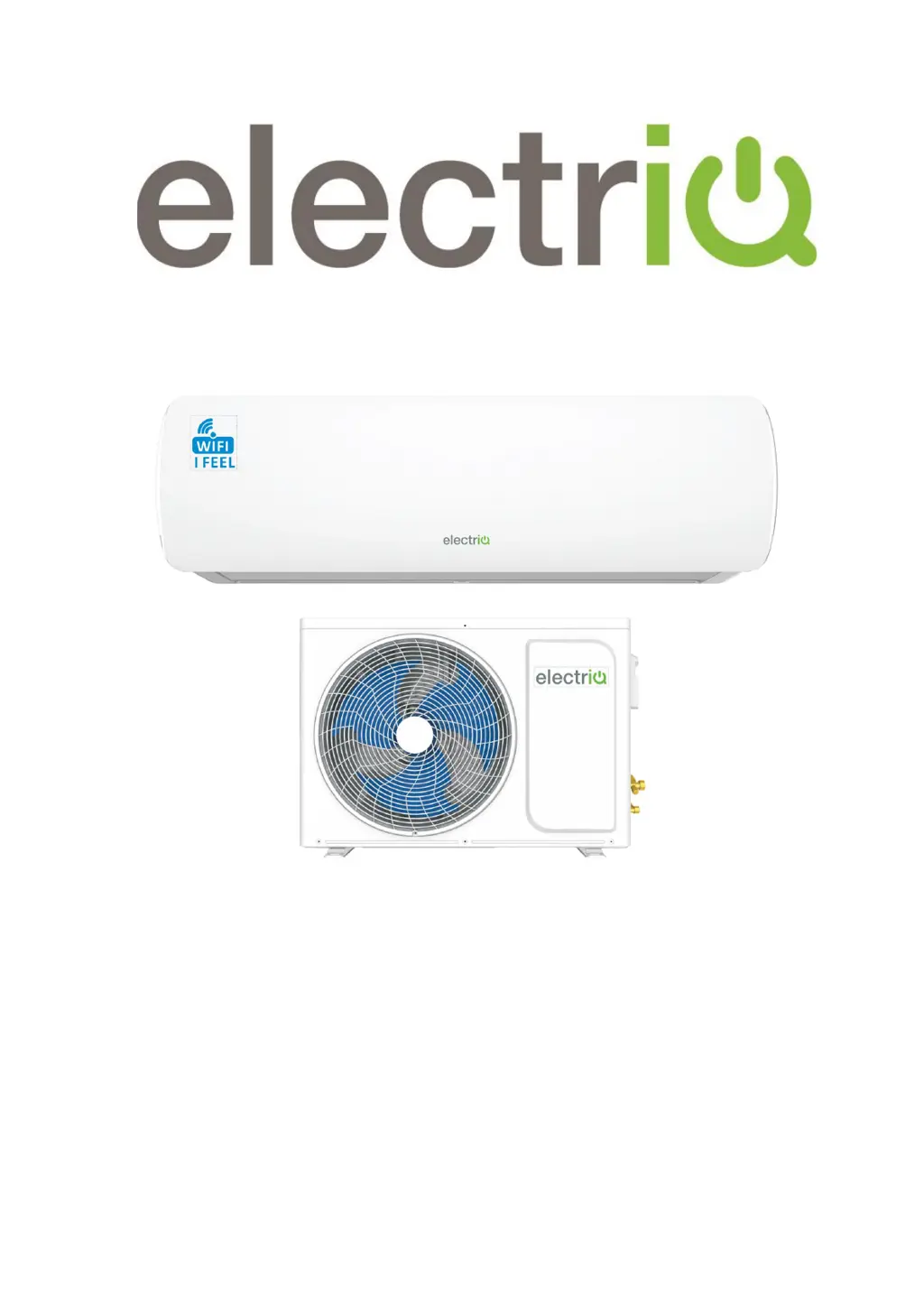
ElectrIQ iQool9PLUS-V2 - User Manual

ElectrIQ iQool9PLUS-V2
42 pages
Print Icon
To Next Page IconTo Next Page
Loading...
USER AND INSTALLATION MANUAL
iQool9PLUS-V2
9,000 BTU
iQool12PLUS-V2
12,000 BTU
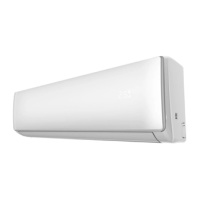
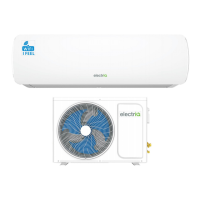
SMART WIFI CONTROLLED WALL MOUNTED
INVERTER SPLIT AIR CONDITIONER WITH HEAT PUMP
Thank you for choosing an electriQ Air Conditioner
Please read this user manual before using this innovative
Air Conditioner and keep it safe for future reference.

Questions and Answers

  • S
    Stephen KaneAug 19, 2025
    Why my ElectrIQ iQool9PLUS-V2 does not operate?
    • R
      Rachael FisherAug 19, 2025
      If your ElectrIQ Air Conditioner isn't turning on, several issues could be the cause. First, check the power supply to ensure it's working. Other potential causes include a damaged fan motor (inspect and replace if needed), a faulty compressor circuit breaker (test and replace if faulty), or faulty fuses (check and replace). Also, loose connections can prevent operation, so ensure all connections are secure. In some cases, the unit may be in self-protection mode due to adverse conditions, so allow it to reset. Finally, check that the voltage is within the specified range and that the TIMER-ON function is deactivated. If none of these solve the issue, the electronic control board may be damaged and require replacement.
  • B
    Brian JenkinsAug 21, 2025
    What to do if ElectrIQ iQool9PLUS-V2 Air Conditioner does not respond to commands?
    • H
      Howard SmithAug 22, 2025
      If your ElectrIQ Air Conditioner isn't responding to commands, there might be a few reasons. First, make sure the remote control is close enough to the unit. If that doesn't work, the batteries in the remote might be dead, so try replacing them. Lastly, check for any obstacles blocking the path between the remote and the signal receiver on the unit and remove them.
  • A
    austin13Aug 25, 2025
    How to improve airflow in ElectrIQ iQool9PLUS-V2?
    • A
      Alexander YoungAug 25, 2025
      Insufficient airflow from your ElectrIQ Air Conditioner can stem from several causes. Verify that the temperature setting is appropriate for your needs. Check for any blockages in the air inlet or outlet of both the indoor and outdoor units and clear them. A blocked air filter can also restrict airflow, so clean or replace it. Ensure that the fan speed isn't set to the minimum; increase it if necessary. Other heat sources in the room can also affect airflow, so minimize them. Finally, low refrigerant levels can cause this issue, so check and recharge if needed.
  • C
    cmyersAug 26, 2025
    Why ElectrIQ iQool9PLUS-V2 smells strange?
    • B
      bowmanhollyAug 26, 2025
      A strange odor from your ElectrIQ Air Conditioner usually indicates a dirty air filter. Clean or replace the air filter to resolve this issue.
  • J
    Jessica CaseAug 28, 2025
    Why ElectrIQ iQool9PLUS-V2 display is off?
    • H
      Heather DominguezAug 28, 2025
      If the display on your ElectrIQ Air Conditioner is off, it could be due to a couple of reasons. First, check if the LED function is active and turn it off. Also, verify the power supply to ensure there isn't a power failure.
  • C
    Christopher DickersonAug 30, 2025
    Why a fine mist comes from the ElectrIQ Air Conditioner outlet?
    • R
      Ryan LeonardAug 30, 2025
      A fine mist coming from the air outlet of your ElectrIQ Air Conditioner is normal when the air in the room becomes very cold, such as in COOLING or DEHUMIDIFYING modes.
  • D
    Darlene LaneSep 1, 2025
    What to do if ElectrIQ iQool9PLUS-V2 makes noise of running water?
    • T
      Terry PhillipsSep 1, 2025
      The noise of running water in your ElectrIQ Air Conditioner is due to the back flow of liquid in the refrigerant circulation. Check and correct the refrigerant circulation to resolve this issue.
  • T
    taylorteresaSep 3, 2025
    What is that strange noise from ElectrIQ iQool9PLUS-V2 Air Conditioner?
    • M
      Miss Katie HunterSep 3, 2025
      This noise from your ElectrIQ Air Conditioner is due to the expansion or contraction of the front panel caused by temperature changes. This does not indicate a problem.
  • M
    Mary ReillySep 5, 2025
    What to do if ElectrIQ Air Conditioner has overheated cables?
    • T
      timothyspencerSep 5, 2025
      Switch off the ElectrIQ air conditioner immediately and cut off the power supply.
  • B
    Beverly ColeSep 8, 2025
    What to do if ElectrIQ Air Conditioner has faulty fuses or switches?
    • S
      Steven CollinsSep 8, 2025
      Switch off the ElectrIQ air conditioner immediately and cut off the power supply.

Summary

Safety Instructions

General Safety Precautions

Crucial safety guidelines for operating and handling the air conditioner.

Energy Saving and Unit Safety Tips

Recommendations for energy efficiency and unit protection.

Operation Guide

Modes of Operation

Explanation of Cooling, Heating, and Dehumidifying modes.

Unit Component Identification

Identification of indoor and outdoor unit parts and features.

Remote Control Operation

Using the remote control and its buttons for unit operation.

Display Panel Indicators

Explanation of symbols and indicators on the unit's display panel.

Temperature and Fan Speed Settings

How to set temperature and fan speed using the unit's controls.

Special Functions

Details on Timer, Cool, Heat, Fan, Dry, and Auto modes.

Additional Modes

Explanation of Sleep, Turbo, Swing, Eco, and iFeel functions.

Operational Parameters and Limits

Information on heating mode, thermostat range, and unit capacity.

WiFi Control

App Setup and Registration

Step-by-step guide to downloading and registering the control app.

Connecting the Air Conditioner via WiFi

Instructions for connecting the unit using Quick Connection or AP Mode.

App Operation and Smart Features

Navigating the app, controlling the unit, and using smart scenes/automation.

WiFi Connection Troubleshooting

Solutions for common issues encountered during WiFi setup and connection.

Maintenance Procedures

Filter and Unit Cleaning

How to clean air filters and the indoor/outdoor unit casings.

Seasonal Maintenance and Battery Replacement

Steps for end/start of season care and replacing remote batteries.

Installation Guide

Installation Safety and Positioning

Safety precautions and guidelines for choosing unit locations.

Unit Positioning and Spacing

Optimal placement and clearance requirements for units.

Recommended Installation Tools

A list of tools necessary for the installation process.

Indoor Unit Mounting

Step-by-step instructions for mounting the indoor unit.

Indoor Unit Installation Details

Installing the rear panel and piping hole for the indoor unit.

Outdoor Unit Installation and Drainage

Securing the outdoor unit and setting up condensate drainage.

Pipeline Connection and Purging

Connecting refrigerant pipes and performing vacuum purging.

Refrigerant and Drainage Pipe Installation

Adding refrigerant, checking for leaks, and installing drain pipes.

Copper Pipe Handling Notes

Important advice on handling copper pipes to prevent damage.

Electrical Wiring Diagrams

Electrical Connection Guide

Instructions and diagrams for proper electrical connections.

Troubleshooting and Self Diagnosis

Common Malfunctions and Causes

Identifying common operational issues and their potential causes.

Error Codes and Fault Diagnosis

Interpreting error codes and LED flash patterns for diagnosis.

WiFi Configuration and Control Issues

Resolving problems with WiFi setup and mobile device control.

Product Disposal Information

Guidelines for the environmentally responsible disposal of the unit.

Technical Specification

Model Specifications Overview

Comprehensive technical data for both air conditioner models.

Support and Warranty

Warranty Information and Contact Details

Information on product warranty, service, and customer support contacts.

ElectrIQ iQool9PLUS-V2 Specifications

General IconGeneral
BrandElectrIQ
ModeliQool9PLUS-V2
CategoryAir Conditioner
LanguageEnglish

Related product manuals