OPERATION
11
FUNCTIONS
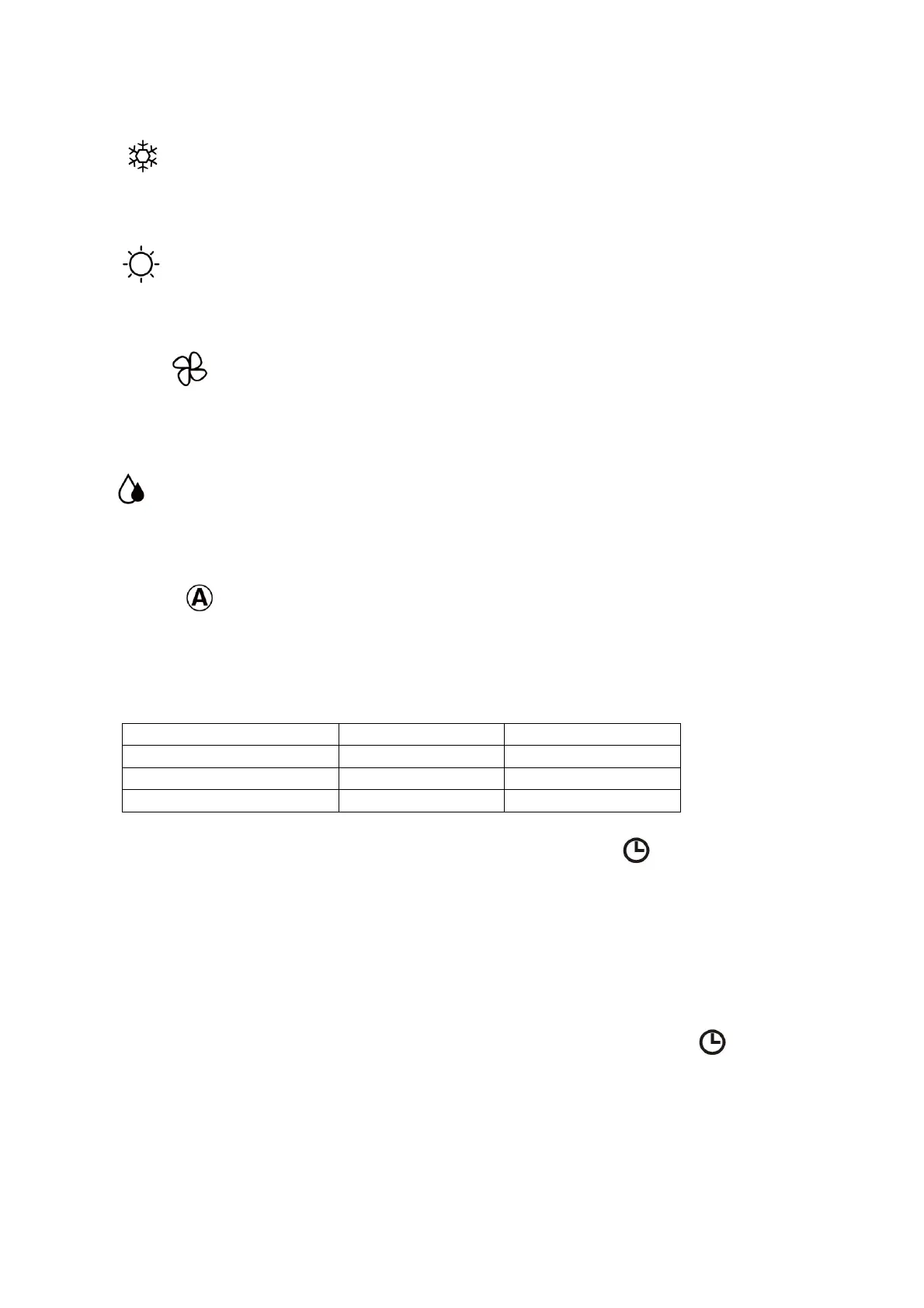
COOL
1. Press the MODE button until the COOL indicator appears.
2. Set the desired temperature using the + and - buttons.
3.
Use the FAN button
to set the fan speed.
HEAT
1. Press the MODE button until the HEAT indicator appears
2. Set the desired temperatureusing the + and - buttons.
3. Use the SPEED button to set the fan speed.
FAN MODE
1. Press MODE
button until the FAN indicator appears.
2. The temperature settings are disabled in fan mode.
3. Use the SPEED button to set the fan speed, cycling through LOW / MED / HIGH / AUTO.
DRY
1. Press the MODE
button until the dry indicator appears.
2. The fan speed will always be low in this mode and the SPEED button is disabled. In
addition the temperature cannot be adjusted in dehumidifying mode
AUTO MODE
1. Press the MODE button until the AUTO indicator appears.
2. The difference between the set temperature and room temperature determines how the air
conditioner operates: cool, heat, fan or dry. It is not possible to change the temperature in
this mode the unit will operate to achieve best performance. The operation logic is as
below.
3. Use the SPEED button to set the fan speed.
TIMER OFF FUNCTION (WHILE THE AIR CONDITIONER IS ON)
1. Press the MODE button until the symbol appears for the operation you want.
2. Set the desired temperature.
3. Use the SPEED button to set the fan speed.
4. Press the TIMER button to set the running time required. Use the up and down buttons to
set the running time (max 24 hours). Once the running time has elapsed, the appliance
will switch itself off. To cancel the timer function before the set time has elapsed, press the
TIMER button again.
TIMER ON FUNCTION (WHILE THE AIR CONDITIONER IS IN STANDBY)
1. The appliance is switched off in standby mode
2. Press the TIMER button to set the number of hours until switch on is required. Use the up
and down button set the number of hours (max 24 hours). Set the desired operation,
temperature, fan speed. Once the set time has elapsed, the appliance will switch itself on.
To turn off the timer function before the set time has elapsed, press the TIMER button
again.






 To Next Page