EasyManua.ls Logo

ElectrIQ P12C - User Manual

ElectrIQ P12C
18 pages
Print Icon
To Next Page IconTo Next Page
Loading...
USER MANUAL
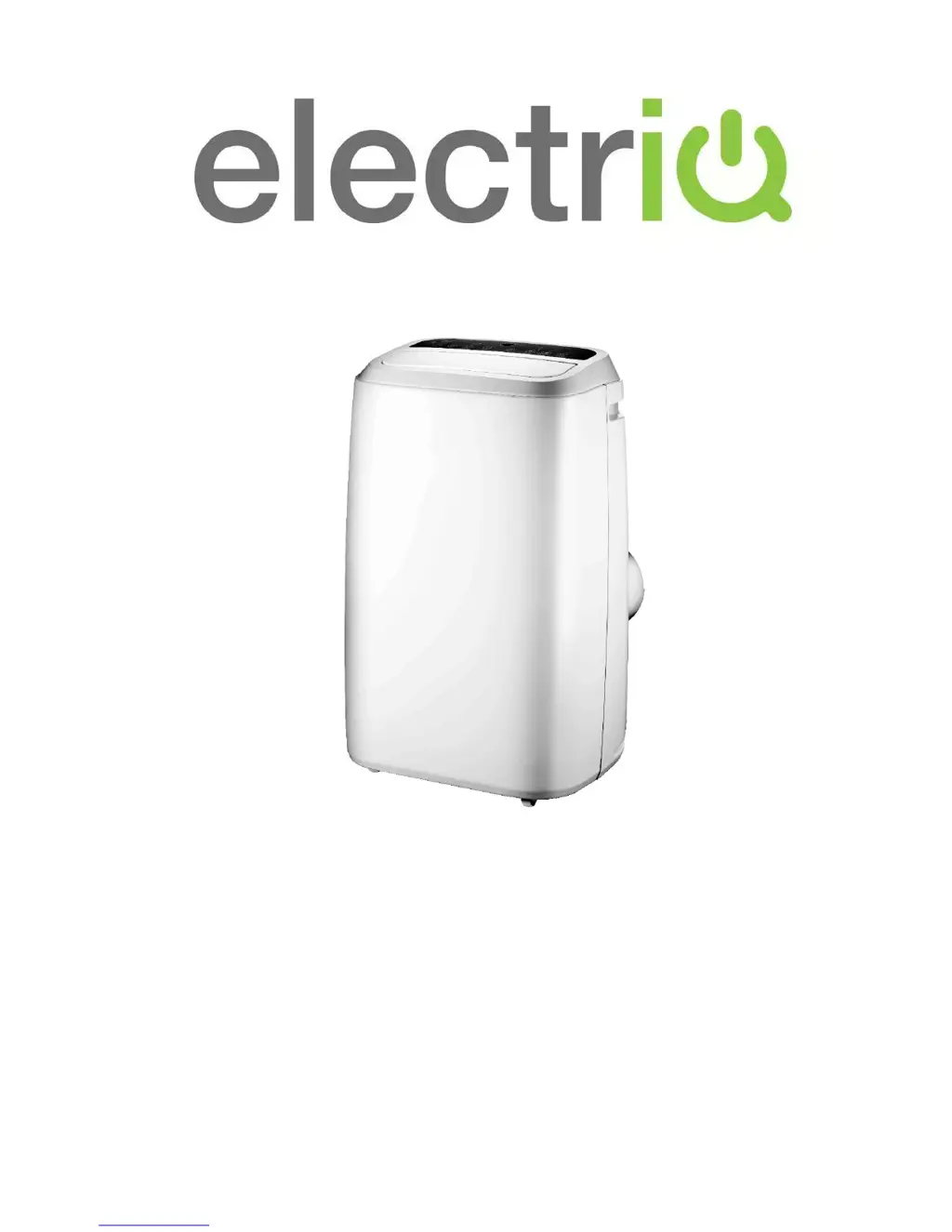
12,000 BTU PORTABLE AIR CONDITIONER
P12C
P12HPW (with Heat Pump and WIFI Smart App)
Thank you for choosing ElectriQ
Please read this user manual before using this innovative Air Conditioner and
keep it safe for future reference.
Visit our page www.electriQ.co.uk for our entire range of Intelligent Electricals

Questions and Answers

  • D
    donna23Jul 31, 2025
    Why my ElectrIQ P12C does not seem to perform well?
    • D
      Daniel WangJul 31, 2025
      Your ElectrIQ Air Conditioner might not be performing well due to several reasons: * Direct sunlight: Draw the curtains as UV affects the remote control. * Open windows or doors, a large number of people, or a heat source in the room: Close windows and consider using another air conditioner. * Dirty filter: Clean or change the air filter. * Blocked air inlet or outlet: Clear any obstructions. * Room temperature lower than the set temperature: Adjust the setting temperature.
  • J
    Jason MeltonAug 5, 2025
    How to fix ElectrIQ P12C Air Conditioner that does not work?
    • M
      Mark MedinaAug 5, 2025
      If your ElectrIQ Air Conditioner isn't working, check the following: * Power: Ensure the unit is powered on. * Water-full indicator: Drain the internal water tank. * Timer function: Cancel the timer function. * Room temperature: Use the unit in ambient temperatures between 7-35?
  • M
    Melinda OlsonAug 9, 2025
    What to do if the remote control of ElectrIQ P12C doesn’t work?
    • A
      Andrea LopezAug 9, 2025
      If the remote control for your ElectrIQ Air Conditioner isn’t working, try these steps: 1. Distance: Move the remote closer to the unit, ensuring it's aimed at the air-outlet grille. 2. Batteries: Replace the batteries in the remote control.
  • C
    Carol RodgersAug 13, 2025
    What to do if ElectrIQ P12C compressor does not work?
    • J
      Johnny WhitneyAug 13, 2025
      If the compressor in your ElectrIQ Air Conditioner isn't working, it might be due to overheating protection being active. Check the venting and restart the unit after 5 minutes to allow the compressor to cool down.
  • M
    Melinda LunaAug 17, 2025
    What does E2/E4 error mean on ElectrIQ P12C?
    • C
      Christopher WeaverAug 17, 2025
      If your ElectrIQ Air Conditioner displays an E2/E4 error, it indicates that the water tank inside the machine is full. Drain the water from the drain port located at the bottom rear of the unit.
  • B
    bjacksonAug 22, 2025
    What does E3 error mean on ElectrIQ P12C Air Conditioner?
    • T
      Terri PatrickAug 22, 2025
      If your ElectrIQ Air Conditioner shows an E3 error, it indicates a pipe temperature sensor failure. Turn off the unit, let it rest for at least 30 minutes, and then restart it. If the error persists, please contact the service center.
  • J
    Julian SanchezAug 26, 2025
    What does E0 error mean on ElectrIQ P12C Air Conditioner?
    • C
      Christina PetersAug 26, 2025
      If your ElectrIQ Air Conditioner displays error code E0, it means the room temperature is abnormal or there is an electrical short on the temperature sensor. Ensure the temperature is within the 7-35°C operating range. If it is and the error persists, contact the service center to check the room temperature sensor or relevant circuit.

Summary

Safety Instructions

Energy Saving and Unit Safety Protection Tips

Tips for energy saving and unit safety, including airflow, filter cleaning, and temperature settings.

Features

Parts List

Accessories

Lists and illustrates the accessories included with the air conditioner.

Installation

Installation of Window Kit

Details how to install the window kit and position the unit for optimal airflow.

Operation and Settings

Control Panel & Function

Explains the buttons and indicators on the P12C and P12HPW control panels.

Programmable Timer

Timer Operation

Details ON and OFF timer functions for automatic unit control.

Mode Selection

Describes how to select operational modes like Cooling, Heating, and Dehumidify.

Unit Display and Indicators

Explains the LED display and WF indicator meanings for status and errors.

Connecting the Air Conditioner to WiFi

Water-Drainage

Manual Drainage

Instructions for draining the internal water tank manually when it is full.

Continuous Drainage

Details on how to set up continuous drainage using a water pipe or pump.

Maintenance

Cleaning the Surface

Guidance on cleaning the exterior plastic housing of the unit.

Air Filter Cleaning

Steps for cleaning the air filters to maintain unit performance.

End of Season Maintenance

Procedures for storing the unit at the end of the cooling season.

Troubleshooting

Technical Data

ElectriQ UK Support

ElectrIQ P12C Specifications

General IconGeneral
Air FilterYes
Sleep ModeYes
Auto RestartYes
Cooling Capacity12000 BTU
Power Supply220-240V, 50Hz
Timer FunctionYes
Noise Level (Outdoor)50 dB

Related product manuals