- 12 -
Clock Set
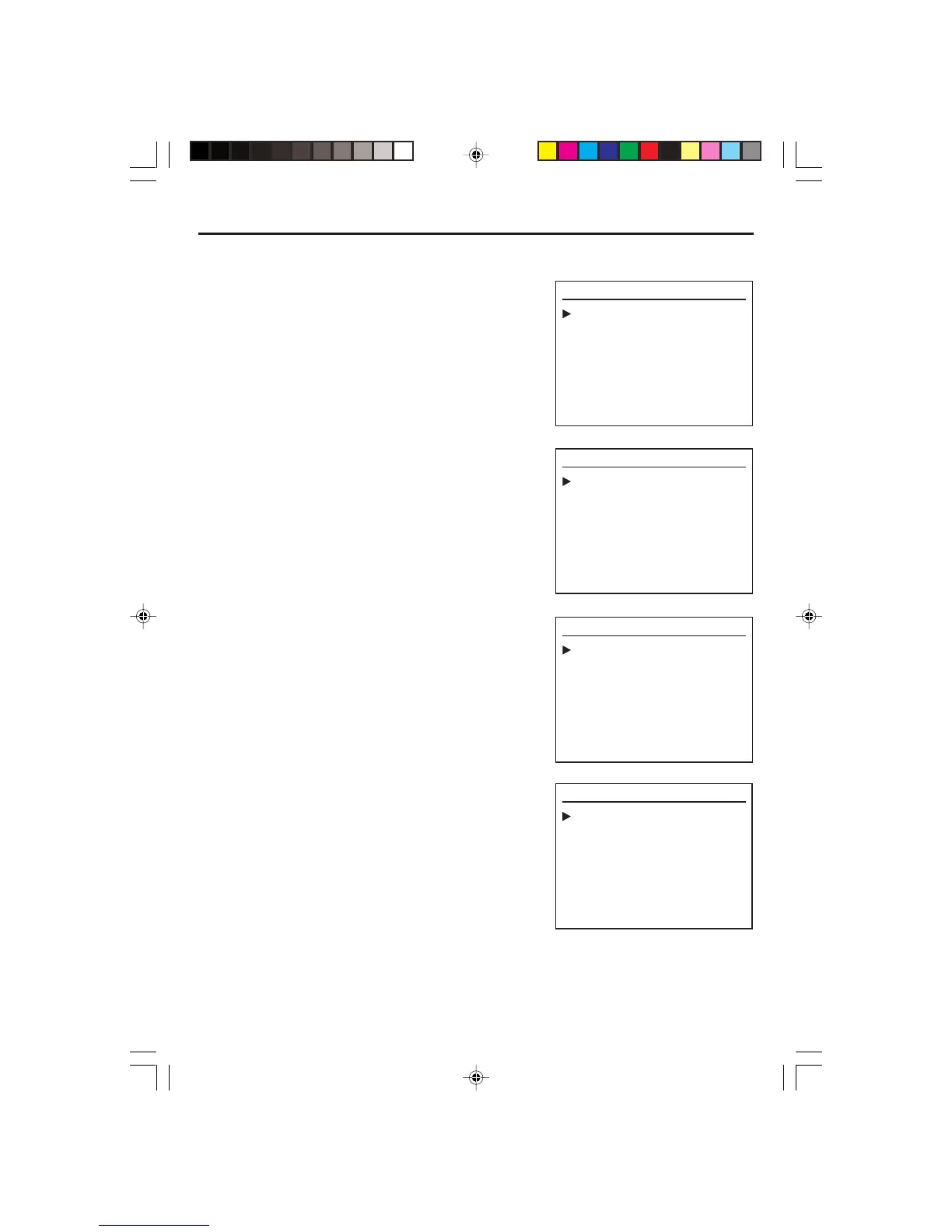
• Press VCR on remote control to change into VCR mode and follow the procedure below.
1. Press SETUP on the remote control. The setup menu
is displayed.
2. Press OK button, the CLOCK SET is displayed.
3. Set the current date and time with [,] Navigation
buttons or Number 0-9 button.
For TIME SET, follow the order of Hour/Minute; for
DATE SET, follow the order of Month/Day/Year in
CLOCK SET SCREEN. Use [,] Navigation Buttons
to Select AM or PM.
4. When CLOCK SET is completed, press SETUP.
CLOCK SET
Quit : Setup
Date
--/--/20--
(mm / dd / yy)
Time
:-- --
CLOCK SET
Quit : Setup
Date
--/--/20--
(mm / dd / yy)
Time
:-- --
SETUP
Select : Ok
Clock set
Program Set
Channel Set
Language Select
Search
Option
Quit : Setup


 To Next Page