- 15 -
Language Set
• Select the OSD language of the VCR mode.
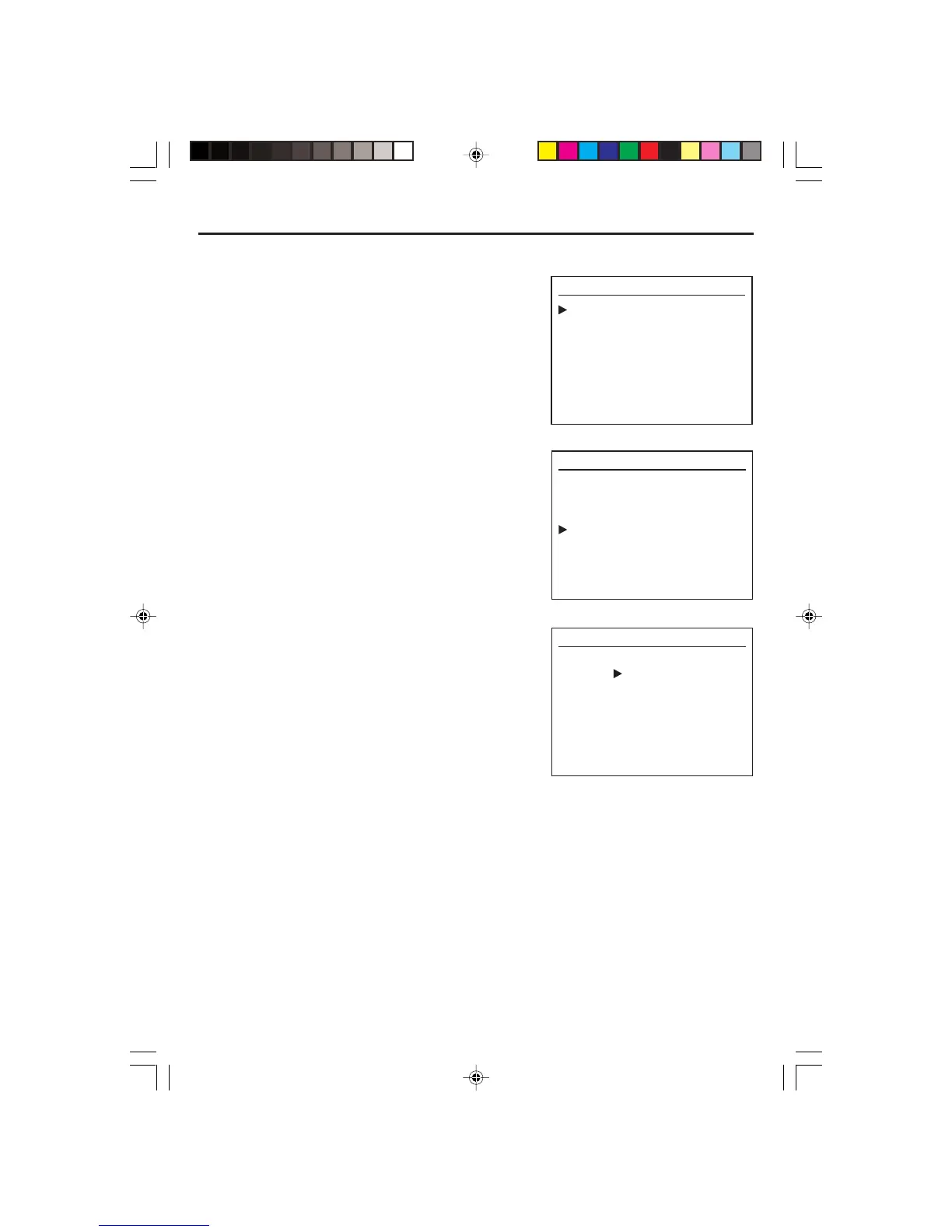
1. Press SETUP to enter the setup menu.
2. Press [] Navigation button to select “Language
Select” and press OK to display the language
options available.
3. Press [ or ] Navigation button to select your
desired OSD Language.
4. Press OK to confirm your selection of language.
SETUP
Select : Ok
Clock set
Program Set
Channel Set
Language Select
Search
Option
Quit : Setup
SETUP
Select : Ok
Clock set
Program Set
Channel Set
Language Select
Search
Option
Quit : Setup
LANGUAGE SELECT
ENGLISH
SPANISH
FRENCH
Quit : Setup
ELECTROHOME DVC510E_EngP11-18.p65 5/3/2007, 9:47 AM15


 To Next Page