9
le Chef Starting the oven
The steam generator's water
automatically empties at set
intervals.
A change of water never takes
place while a program is in
progress, but when the water
in the steam generator has
fallen below 50°C.
Menu and Gourmet Starting the oven
Before Start and the day's use.
NOTE!
The water in the steam generator can be extremely hot
if emptied directly after using the oven.
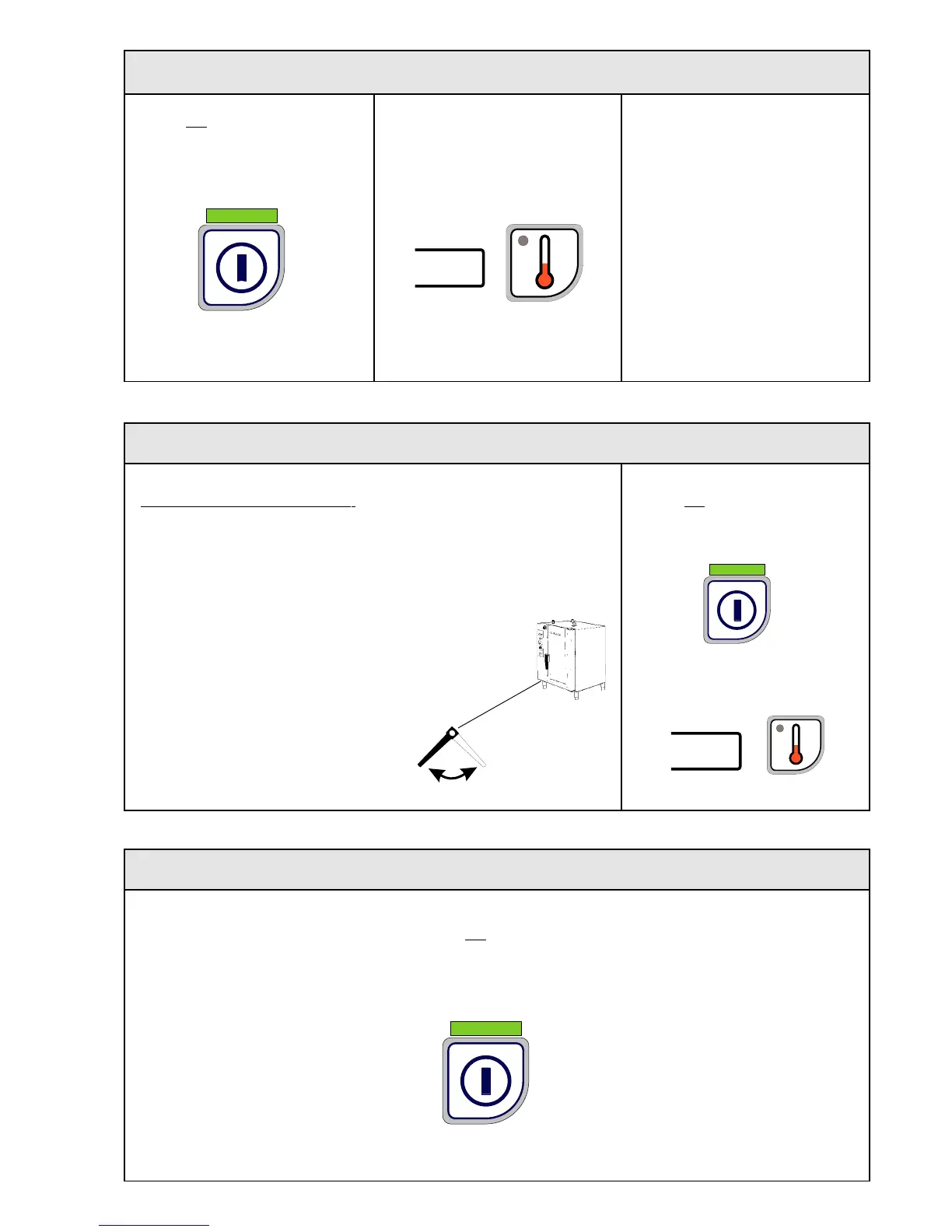
Empty the steam generator by opening the drain valve.
Close the valve
after approx. 0.5 min. when emptying has taken place.
Press "On/Off"
LED lights.
The oven lighting comes on.
The actual oven temperature
is shown.
Press "On/Off" for 1.5 secs.
The panel's LED goes out.
The oven's lighting is switched off.
Important! Empty the steam generator every day. Close the drain valve before starting!
Switching off the oven
The actual oven temperature
is shown.
Press "On/Off"
LED lights.
The oven lighting comes on.
Close Open
Drain valve
xx
xx



 To Next Page