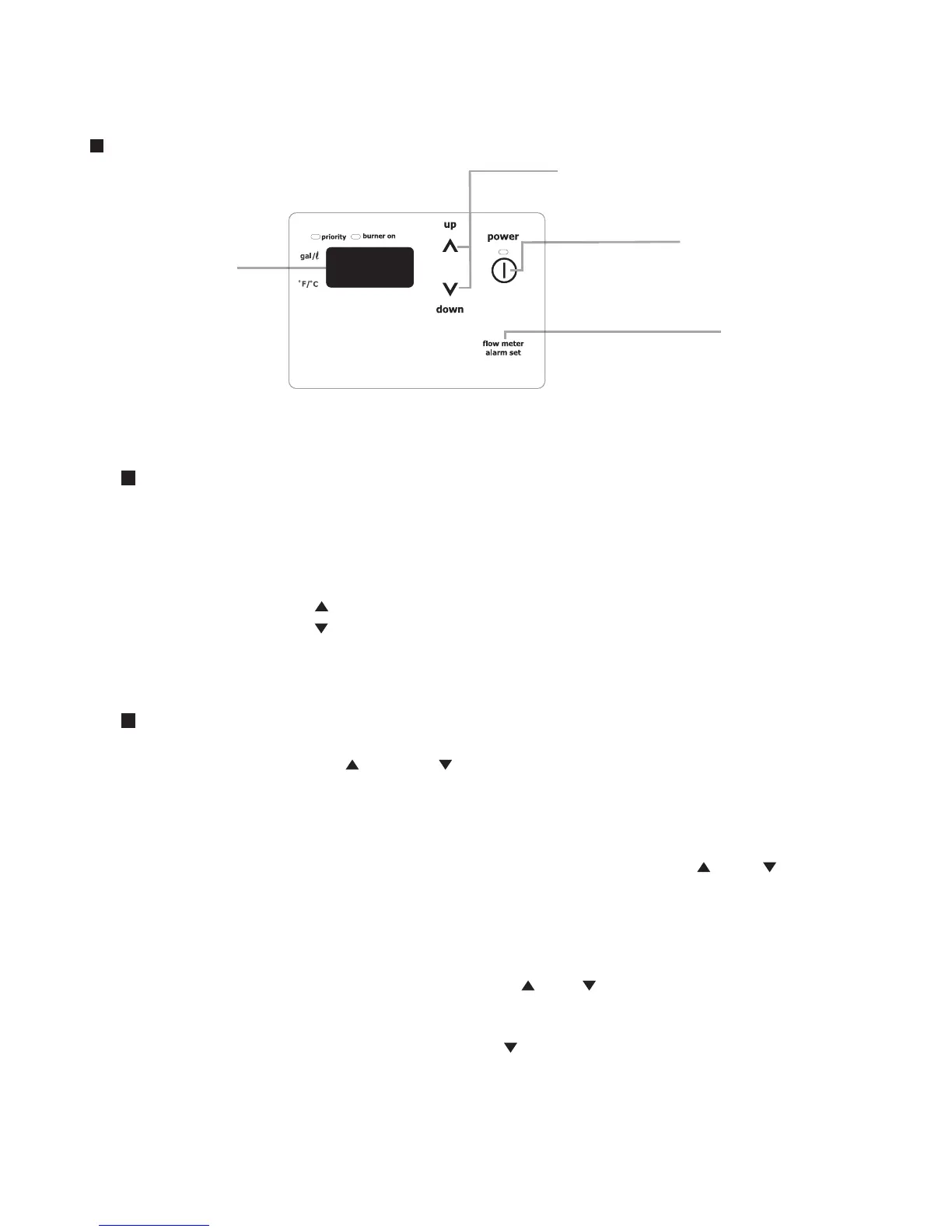
Display
Power On/Off Button
Flow Meter Alarm Set buttton
Setting Button
Adjusting the Temperature Display
Note: The setting must be done within the first 10 minutes of connecting electrical power to the water heater.
1. Turn the water heater off by pressing the Power On/Off Button on the remote controller.
2. Disconnect, then reconnect electrical power to the water heater.
3. Press the Flow Meter Alarm Set Button and hold it in for 2 seconds or more.
4. Press the Flow Meter Alarm Set Button until the remote controller displays item number "12".
5. Press Setting Button " " for 5 seconds or more to change the display units to °F.
6. Press Setting Button " " for 5 seconds or more to change the display units to °C.
7. To confirm the setting, turn the water heater on by pressing the Power On/Off Button on the
remote controller.
Remote Controller
Displaying Maintenance Monitors
<Display Procedure>
1.
Press and hold both the up [ ] and down [ ] setting buttons simultaneously for more than two seconds.
This can be done regardless of whether the power has been turned on or the unit is operating.
<Indications>
1.
The maintenance monitor data no. will appear on the display for two seconds, and then the data will appear.
2.
In order to switch to other maintenance monitor data, press either the up or down button once. The data no.
will then reappear, then different data nos. can be selected using the up
[]
and
[]
down but-
tons. When the maintenance monitor data no. is changed, the data no. will be displayed for two
seconds, after which the data will appear.
3. With the remote controller in maintenance mode, the hot water set temperature and flow meter
alarm cannot be adjusted.
<Returning to Normal Mode>
1. For releasing the indication, press and hold both [ ] and [ ] of the setting button simultaneously
more than two seconds, or leave it alone for more than 10 minutes.
<Clearing Error Codes from Memory>
When the power is OFF, press and hold the down [ ] button for more than 5 seconds.
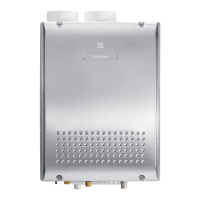
<EN18WI30LS, EP18WI30LS, EN19WI30LS, EP19WI30LS>



 To Next Page