using the oven electrolux 37
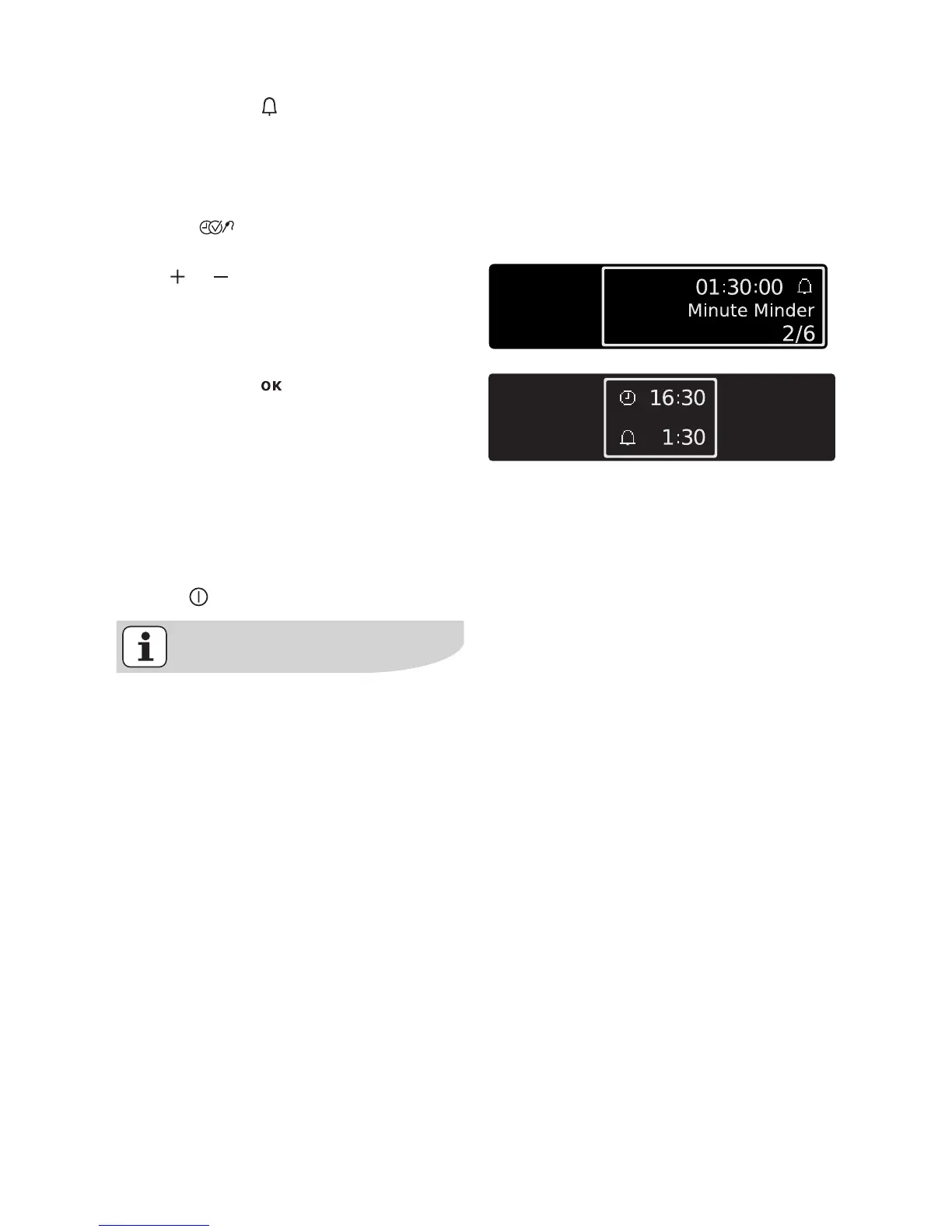
Minute Minder
To set a countdown. When it has count-
ed down, an audible signal sounds.
This function has no effect on the oper-
ation of the oven.
1. Press key repeatedly until the
”Minute Minder” window appears.
Using or key, set the desired count-
down (max. 2 hours 30 minutes).
2. Confirm with or wait 5 seconds.
The last menu option visited and the
remaining time are displayed.
When the time has counted down to
10%, a short signal sounds.
When the time has elapsed, an acoustic
signal sounds for 2 minutes and a mes-
sage is displayed.
3. Press any key to stop the signal (ex-
cept ).
The Minute Minder remains active if
you change to another function or
the appliance is switched off.







 To Next Page