38 electrolux using the oven
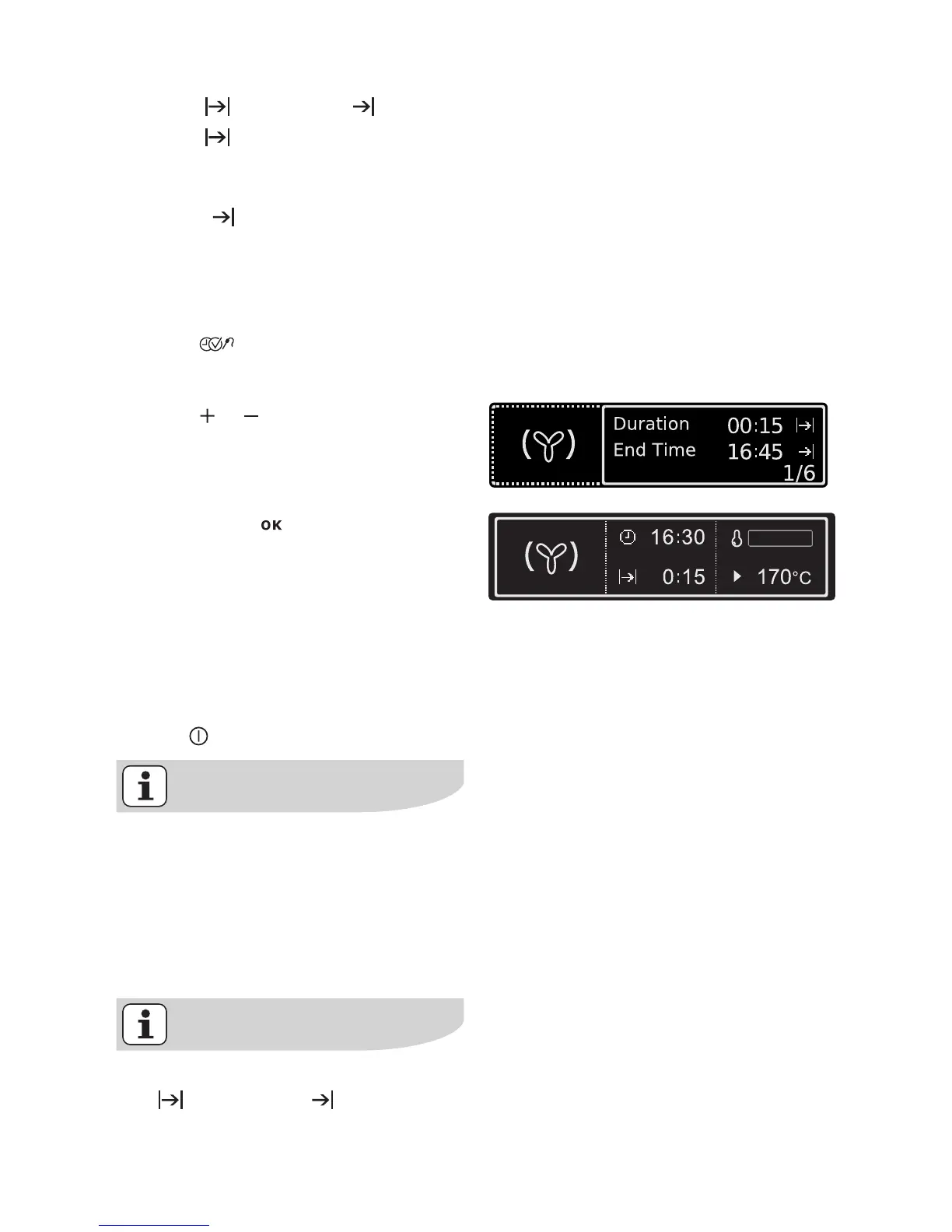
Duration or End Time
Duration
For setting how long the oven is to op-
erate.
End Time
For setting when the oven is to switch it-
self off again.
1. Select oven function.
2. Press key repeatedly until the
”Duration/End Time” window ap-
pears.
3. Using or key, set the desired
cooking time or switch-off time
(max. 23 hours 59 minutes).
4. Confirm with or wait 5 seconds.
The settings of the selected oven
function are displayed with the cook-
ing time or switch-off time set.
When the time has elapsed, an acoustic
signal sounds for 2 minutes and a mes-
sage is displayed.
The oven switches itself off.
5. Press any key to stop the signal (ex-
cept ).
Irrespective of the oven function set
the fixed cook time remains. You
can move between the oven func-
tions.
Condition: The oven function to
which you move has no fixed cook
time.
If the Meatprobe is inserted, Dura-
tion or End Time is not possi-
ble.







 To Next Page