40 electrolux using the oven
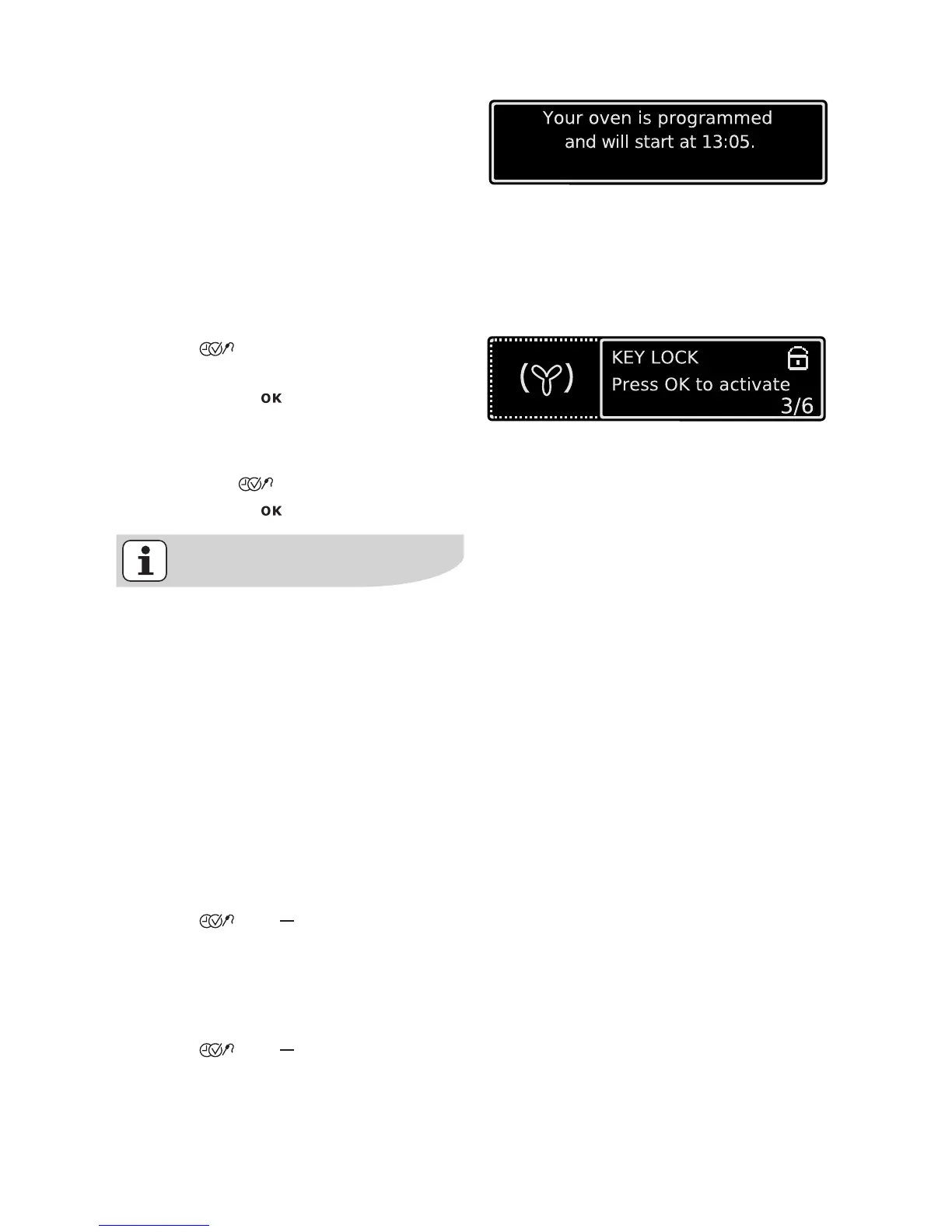
A message is displayed when the pro-
gramme starts.
Key Lock
The key lock protects all functions set
from accidental changes.
To switch on Key Lock
1. Select oven function.
2. Press key repeatedly until the
”Key Lock” window appears.
3. Confirm with .
The Key Lock is now activated.
To swi t ch off Key Loc k
1. Press the key.
2. Confirm with .
The Key Lock does not protect the
appliance from being accidentally
switched off.
After the appliance is switched off,
the Key Lock is automatically can-
celled.
Child Lock for the oven
As soon as the Child Lock child safety
device is activated, the oven cannot be
operated.
Switching on the Child Lock
No Oven Function must be selected.
1. Press and keys at the same
time until a message appears in the
display.
The key lock Child Lock is in operation.
Switching off the Child Lock
1. Press and keys at the same
time until a message appears in the
display.
The Child Lock is now deactivated and
the oven is again ready for use.







 To Next Page