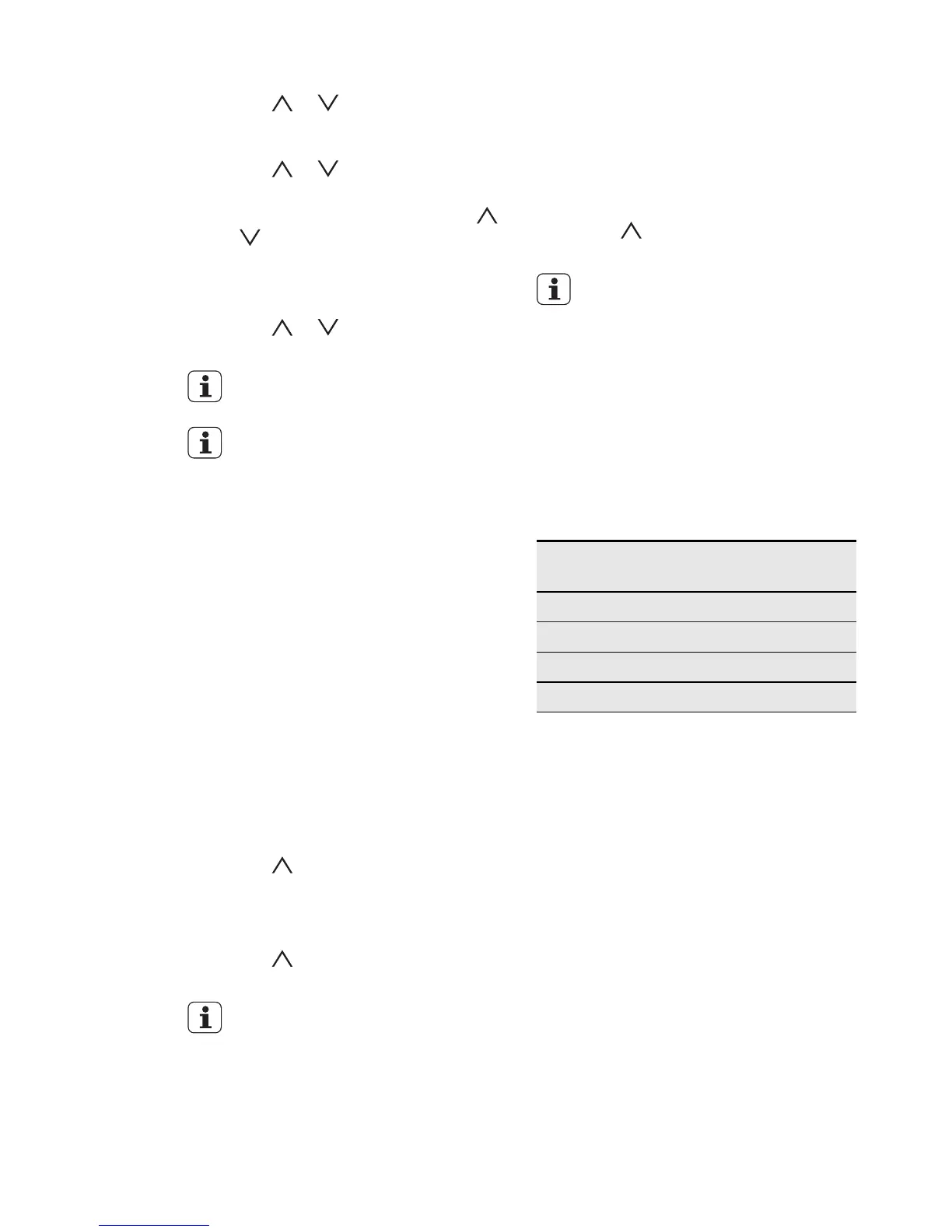
3.
Set the My Programmes menu.
4.
Touch or to set the Add new
option. Touch OK. The display shows
a possible name for the programme.
5.
Touch or to set the letter or
number. Touch OK.
6.
To remove the last symbol, touch
or to set the Remove option.
Touch OK.
7.
Do step 5 again and again to set the
name of the programme.
8.
Touch or to set the Save op-
tion. Touch OK.
If the memory is full, remove some
entries from the menu.
To change the name of a pro-
gramme, use the Rename option.
Refer to "Saving a programme".
Activating the programme
1.
Activate the appliance.
2.
Set the My Programmes menu.
Touch OK.
3.
Set the name of the programme.
Touch OK.
4.
Set the Start option. Touch OK.
10.2 Key lock
The Key lock function prevents an acci-
dental change of the heating function.
Activating the Key lock function
1.
Activate the appliance.
2.
Set the heating function and tempera-
ture.
3.
Touch and OK at the same time.
The display shows a message.
The Key lock is active.
Deactivating the Key Lock function
1.
Touch and OK at the same time.
The Key lock is not active.
If you deactivate the appliance,
the Key lock function deactivates.
10.3 Child lock
The Child lock function prevents an acci-
dental operation of the appliance.
Activating and deactivating the Child
lock function
1.
Deactivate the appliance.
2.
Touch and OK at the same time
until the display shows a message.
If the appliance has a Pyrolytic
cleaning function and the function
operates, the door is locked. A
message comes on in the display
when you touch a sensor field.
10.4 Automatic switch-off
The appliance deactivates after some
time:
• If you do not deactivate the appliance.
• If you do not change the oven tempera-
ture.
Oven tempera-
ture
Switch-off time
30 °C – 115 °C 12.5 h
120 °C – 195 °C 8.5 h
200 °C – 245 °C 5.5 h
250 °C – 300 °C 3 h
To operate the appliance after an auto-
matic switch-off, first deactivate the appli-
ance fully.
10.5 Cooling fan
When the appliance operates, the cooling
fan activates automatically to keep the
surfaces of the appliance cool. If you de-
activate the appliance, the cooling fan can
continue to operate until the appliance
cools down.
20
www.electrolux.com





 To Next Page