4. PRODUCT DESCRIPTION
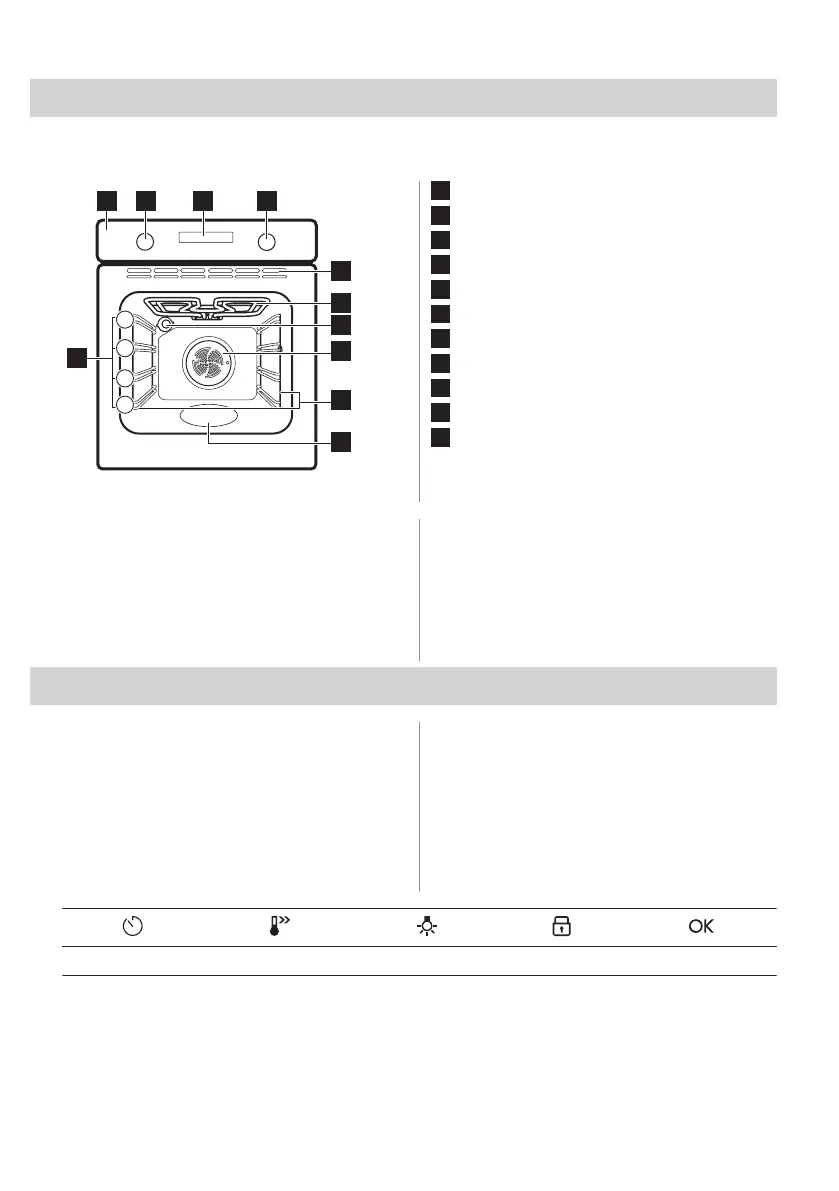
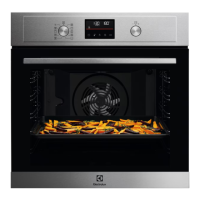
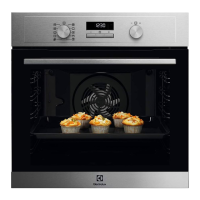
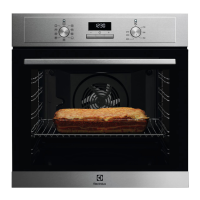
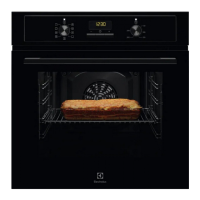
4.1 General overview
1
Control panel
2
Knob for the heating functions
3
Display
4
Control knob (for the temperature)
5
Air vents for the cooling fan
6
Heating element
7
Lamp
8
Fan
9
Shelf support, removable
10
Cavity embossment
11
Shelf positions
4.2 Accessories
• Wire shelf
For cookware, cake tins, roasts.
• Baking tray
For cakes and biscuits.
• Grill- / Roasting pan
To bake and roast or as pan to collect fat.
• Telescopic runners
With the telescopic runners you can put in
and remove the shelves more easily.
5. CONTROL PANEL
5.1 Retractable knobs
To use the appliance press the knob. The
knob comes out.
5.2 Control panel overview
Select a heating function to turn on the
appliance. Turn the knob for the heating
functions to the off position to turn the
appliance off.
Timer Fast Heat Up Light Lock Confirm setting
ENGLISH 9



 To Next Page