For inserting and removing trays and wire
shelf more easily.
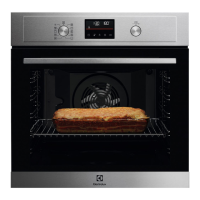
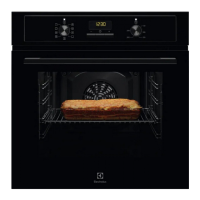
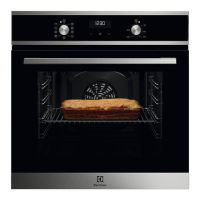
5. CONTROL PANEL
5.1 Turning the appliance on and off
To turn on the appliance:
1. Press the knobs. The knobs come out.
2. Turn the knob for the heating functions to
select a function.
3. Turn the control knob to adjust settings.
To turn off the appliance: turn the knob for the
heating functions to the off position .
5.2 Control panel overview
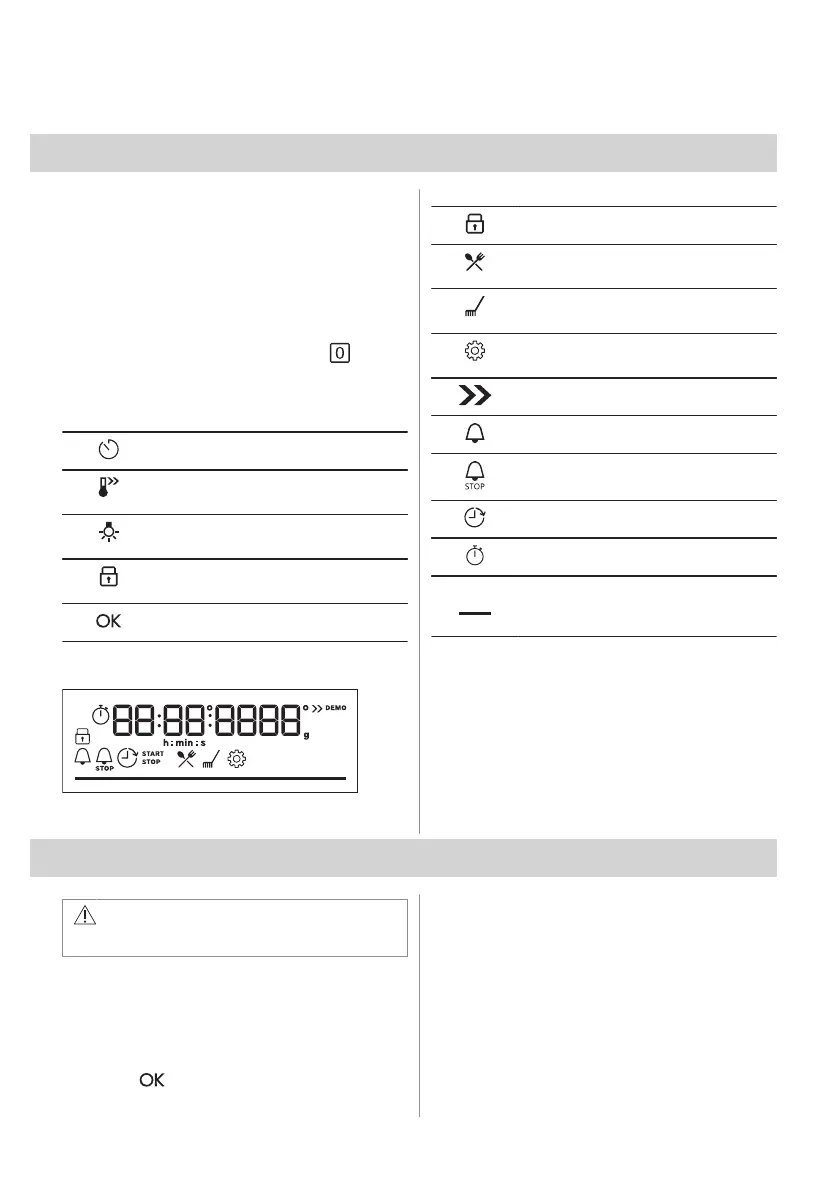
Press to set: Clock functions.
Press and hold to set the function:
Fast Heat Up.
Press to turn on or to turn off the oven
lamp.
Press and hold to set the function:
Lock.
Press to confirm your selection.
5.3 Display indicators
Display with key functions.
The appliance is locked.
Enter the menu and select the icon to
open: Assisted Cooking.
Enter the menu and select the icon to
open: Cleaning.
Enter the menu and select the icon to
open: Settings
Fast Heat Up is turned on.
Minute minder is turned on.
End time is turned on.
Time Delayed Start is turned on.
Uptimer is turned on.
For temperature or time. The bar is fully
red when the appliance reaches the set
temperature.
6. BEFORE FIRST USE
WARNING!
Refer to Safety chapters.
6.1 Setting the time
After the first connection to the mains, wait
until the display shows: "00:00".
1. Turn the control knob to set the time.
2. Press .
6.2 Initial preheating and cleaning
Preheat the empty appliance before the first
use and contact with food. The appliance can
emit unpleasant smell and smoke. Ventilate
the room during preheating.
1. Remove all accessories and removable
shelf supports from the appliance.
ENGLISH 9



 To Next Page