Q&CI - Technical Support
SERVICE MODE LED COMBINATIONS
S
ervice mode can be started with a cold or warm appliances. The only exception is when testing the digital input
heater switch that requires a cold appliance.
When service mode starts, all light indications are on and all components are off. Service mode activates multiple
components simultaneously. Sensors are self-diagnosing while components must be checked manually.
Turning a component on provides electricity to the component. This makes it possible to test that the power supply is
getting through and if there is voltage absorption.
For example, if activating the refrigerator compressor does not work, use a tester to see whether the motor or the
power board causes the problem.
Activate service mode on interfaces with LED combinations
1. S
witch on the appliance
2. Unplug the appliance
3. Wait 10 seconds
4. Plug in the appliance
5. Wait 6 seconds.
6. Press key for 5 seconds - the key must be pressed within 6 to 16 seconds after power-on
T
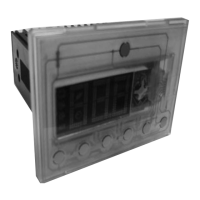
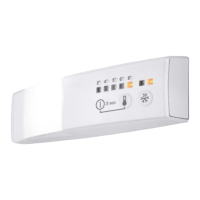
he same key is used for all commands. The key varies between user interfaces, see images below.
Service mode
Hold key for 5 seconds within 6 - 16
seconds of starting the appliance.
Enter service mode All lights on
Next Long press
next component
Lights switched off
Action Short press
components
applicable
mode
Hold for 5 seconds. Exit service mode None


 To Next Page