ENGLISH
INTENSIVE: for heavy soiled laundry.
This option can be selected only for cottons and
synthetics.
The washing time will be prolonged according to the
cycle temperature and the fabric type.
EASY IRON: selecting this button the laundry is
gently washed and spun to avoid any creasing. In
this way ironing is easier. Furthermore the machine
will perform 6 rinses instead of 3 for cotton and 4
rinses instead of 3 for synthetics. This function can
be used for cotton and synthetic fabrics. If this
option is selected for cotton programmes, the spin
speed automaticaly will reduce to 1000 rpm.
ECONOMY: this option can be selected only for
synthetics lightly or normally soiled with a
temperature of 40°C or higher. The washing time will
be prolonged. If you select 60°C-50°C-40°C, the
washing temperature will be reduced to 42°C.
MENU:
Menu option is used for selecting various basic
settings without affecting the particular wash
programme. These basic settings will remain active
until they are deselected/modified.
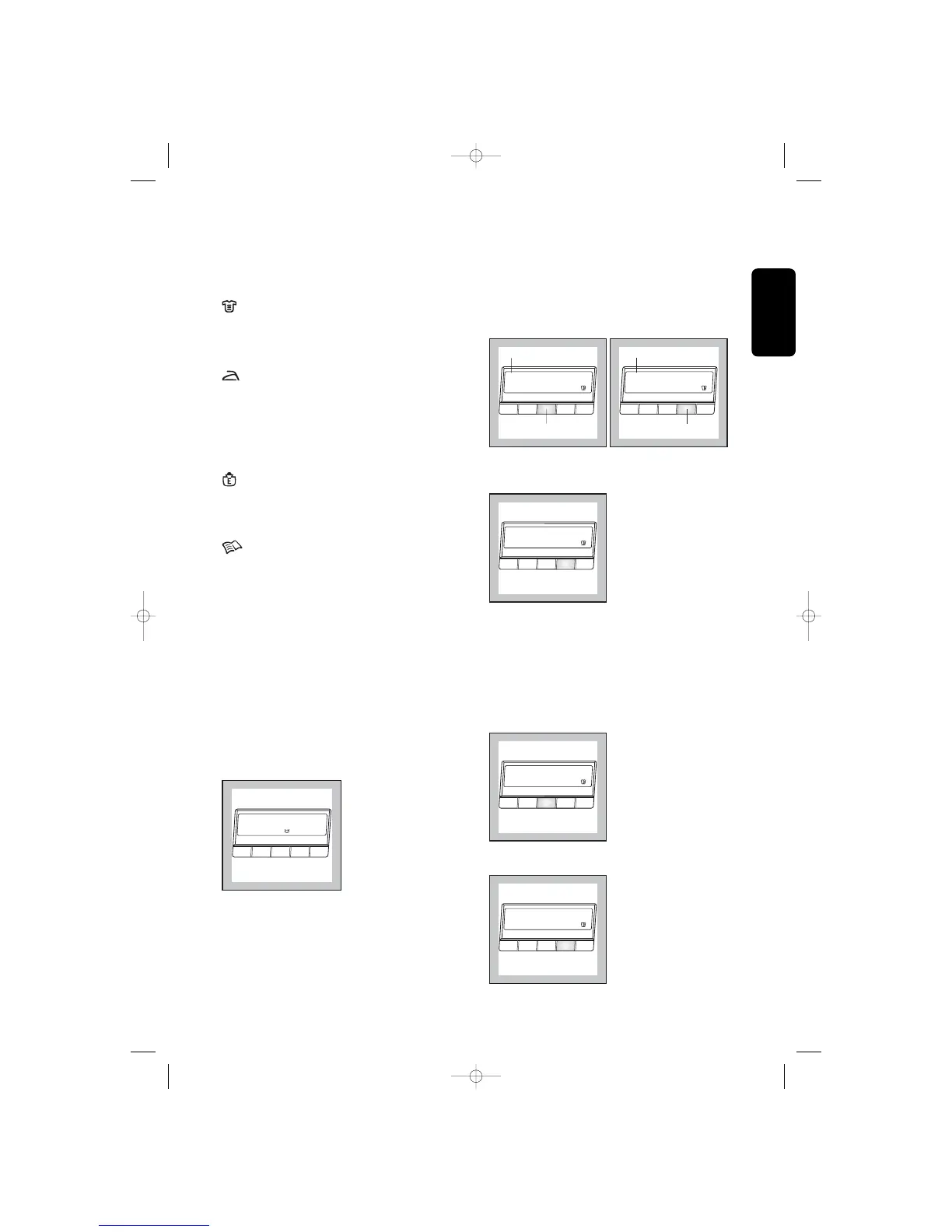
To move through the different Menu settings use the
«Options» button.
To change/confirm the selected setting use the
«Change» button.
MEMORY
Programme settings that are frequently used can be
saved (e.g. cotton, 95°C, 1200 rpm, with time saving).
There are 3 memory spaces available for this
purpose. The saved programme can be selected in
the same way as any other wash programme by
means of the selector dial.
Example: Cotton , 95°C, 1200 rpm, with Time saving.
1. Select the cycle and programme settings.
2. Enter the Menu option and select one of the
memory positions. A «Store programme?»
message will appear in the display.
3. To memorise the selected programme press the
«Change» button. «Stored» message will appear
in the display.
To change the memorized programme setting repeat
the procedure from the beginning.
SOUND
The sound setting permits you to modify the volume
of the sound emitter. You can choose between
different levels: low, no sound and normal.
Example:
1. Enter the Menu option and select the sound
setting.
2. Use the «Change» button to select the desired
level.



 To Next Page