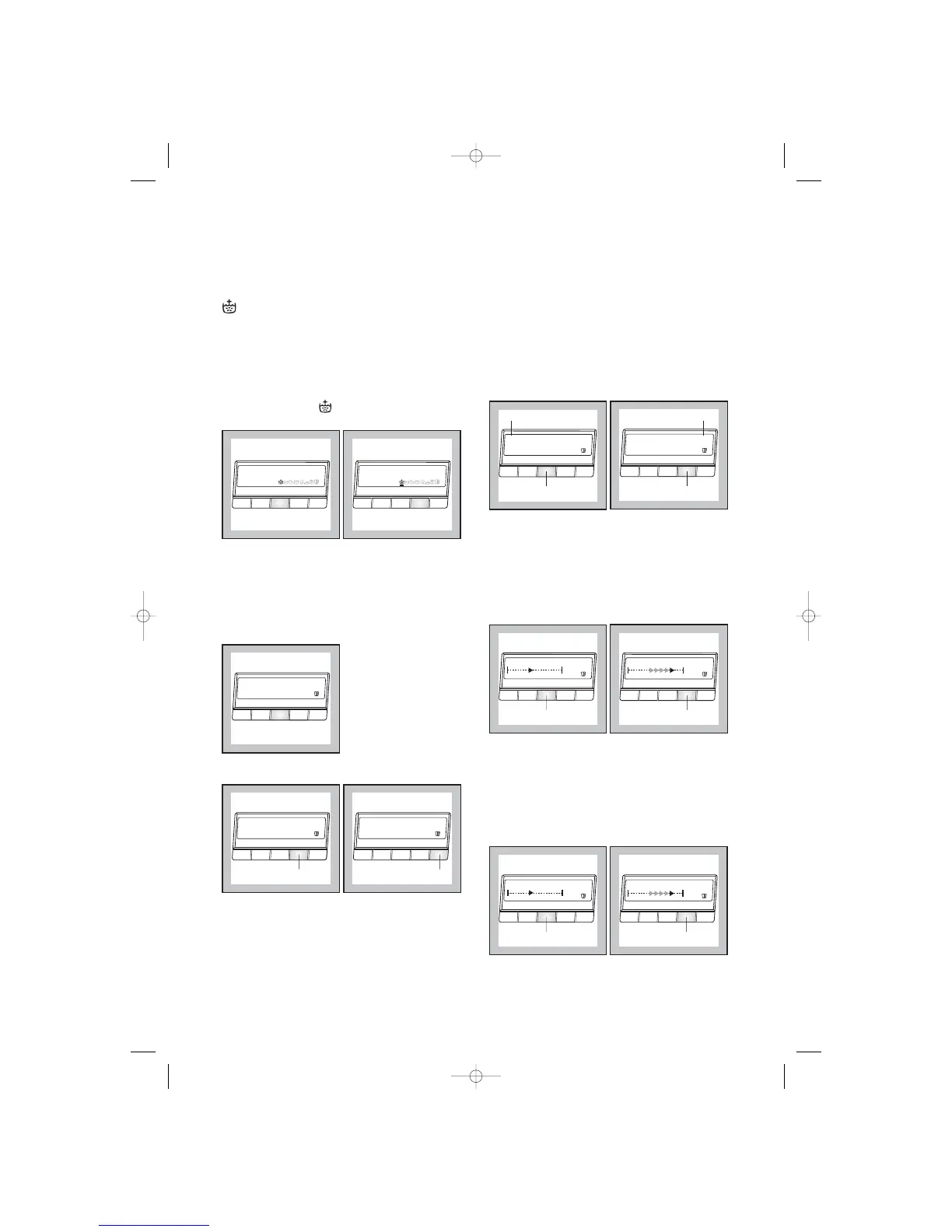
RINSE +
The washing machine is set such that its water
consumption is extremely economical. For people
with allergies and in areas where the water is very
soft, it can however be helpful to use more water
when rinsing. When you select RINSE +, 2 additional
rinses will be carried out for cottons and 1 additional
rinse for synthetics, delicates and silk items. If RINSE
+ has been selected, will appear in the option
row.
LANGUAGE
You can change the language setting if you would like
the indicators in the display to appear in a different
language.
Example:
1. Enter the Menu option and select the Language
setting.
2. Press the «Change» button to select the desired
Language.
CLOCK
The clock setting permits you to modify/set up the
current time. It is important to keep it updated as the
current END Cycle Time depends on it.
Example:
1. Enter the Menu option and select the Clock
setting.
2. With a short/single time pressure of the
«Change» button, the time varies minute by
minute. With a continue pressure of the
«Change» button, the time varies 10 minutes by
10 minutes.
CONTRAST
The Contrast setting allows you to modify the
optical characteristic of the display.
Example:
1. Enter the Menu option and select the Contrast
setting.
2. Use the «Change» button to set up the desired
contrast level.
BRIGHTNESS
The Brightness setting allows you to modify the
backlight intensity of the display.
Example:
1. Enter the Menu option and select the
Brightness setting.
2. Use the "Change"button to set up the desired
brightness level.
Note:
At the end of the programme if no button is pressed
for approximately 10 minutes the backlight intensity
goes off.




 To Next Page