the mode is selected� The temperature
will then increase by another 1 °C after
an additional 30 minutes� This new
temperature will be maintained for 7 hours
before it returns to the originally selected
temperature� This ends the "Sleep" mode
and the unit will shut down automatically�
The "Sleep" mode program can be
cancelled at any time during operation
by pressing the "Sleep", “mode” or “fan
speed” button�
Note: In Fan or Dry mode, Sleep mode
cannot be set�
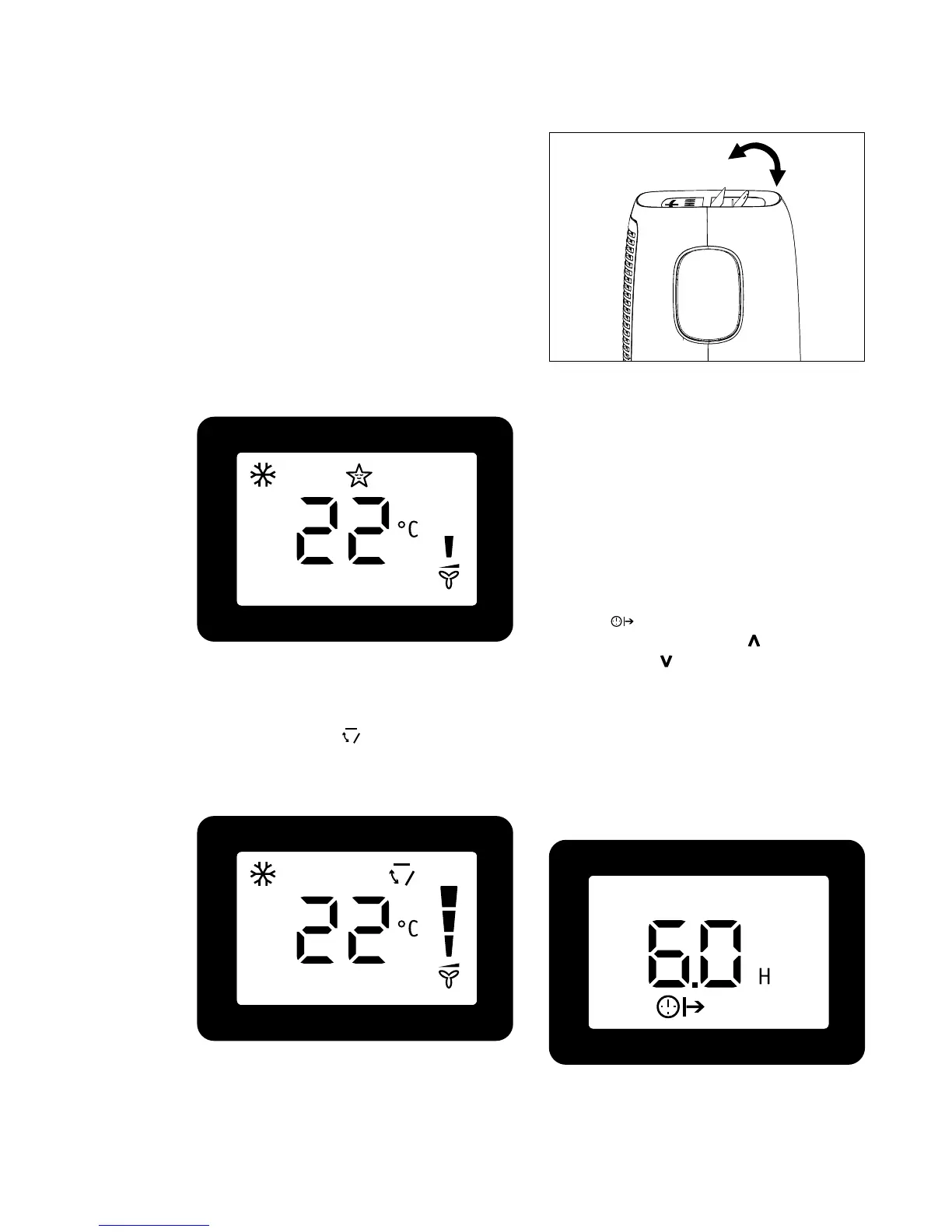
Press the “swing” button to enable louver
swing function, and the upper side of
screen will display “ ”� The louver on the
top panel will swing up and down�
Press this button again to disable the
louver swing function�
Louver Swing Function
°F/°C function
Timer mode
Press the “°F/°C” button to switch
between degree Fahrenheit and degrees
Celsius� Under Dry/Fan mode, you can not
select °F/°C�
How to delay startup
Plug in the unit, so the unit turns to
standby�
Press the “timer on” button, the screen will
display “ ”and “H”�
Tap or hold the UP arrow " " or the
DOWN arrow " " to change delay start
timer at 0�5 hour increments up to 10
hours, then at 1 hour increments up to 24
hours� After 2 seconds, the setting will be
memorized� The control will count down
the time remaining until startup� The unit
will start up in the mode as previously set�
To cancel the setting, press the “timer on”
button again�



 To Next Page