Welcome to Electrolux! Thank you for choosing our appliance.
In our drive to be sustainable, we are reducing paper assets and provide full user
manuals online. Access your full user manual at electrolux.com/manuals
Get usage advice, brochures, trouble shooter, service and repair information at
electrolux.com/support
1. PRODUCT DESCRIPTION
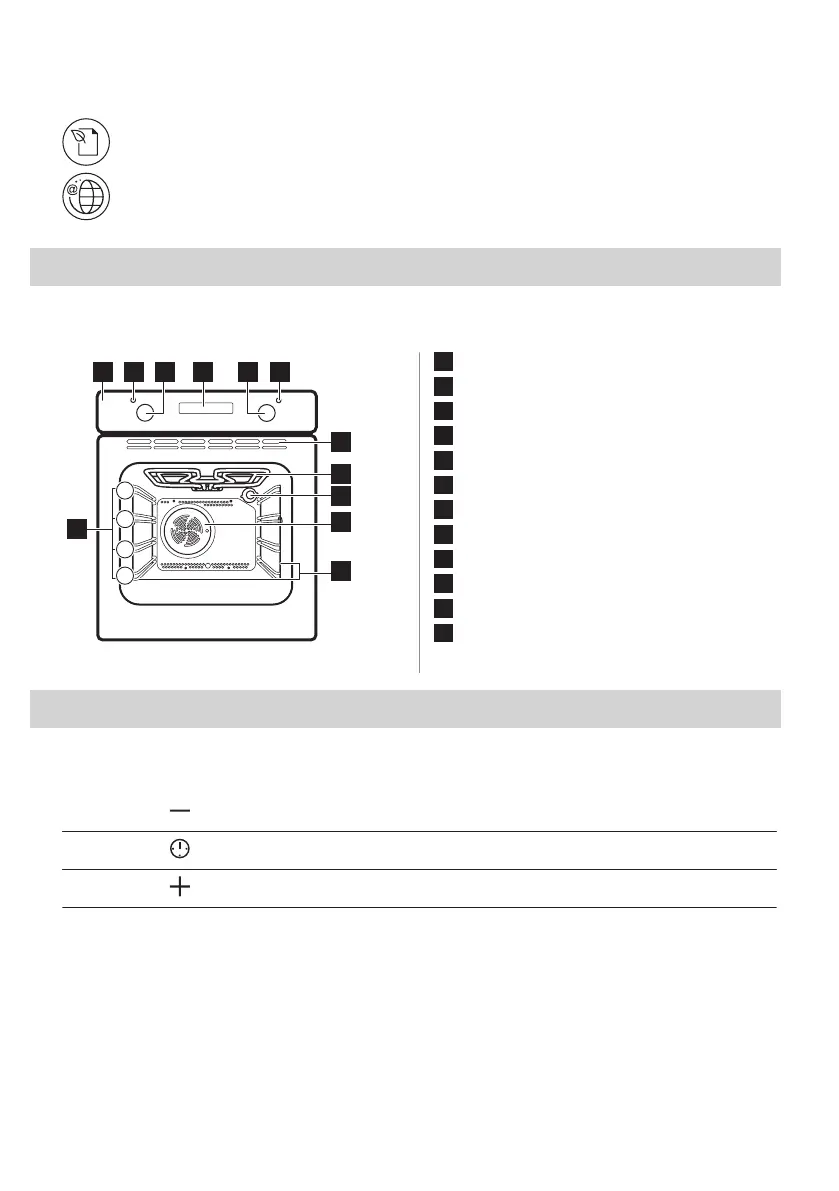
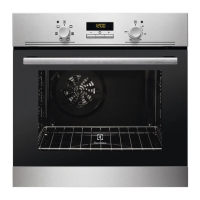
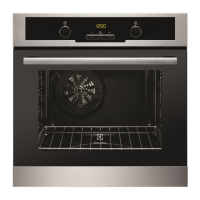
1.1 General overview
1
Control panel
2
Power lamp / symbol
3
Knob for the heating functions
4
Display
5
Control knob (for the temperature)
6
Temperature indicator / symbol
7
Air vents for the cooling fan
8
Heating element
9
Lamp
10
Fan
11
Shelf support, removable
12
Shelf positions
2. CONTROL PANEL
2.1 Sensor fields / Buttons
To set the time.
To set a clock function.
To set the time.
2 ENGLISH



 To Next Page