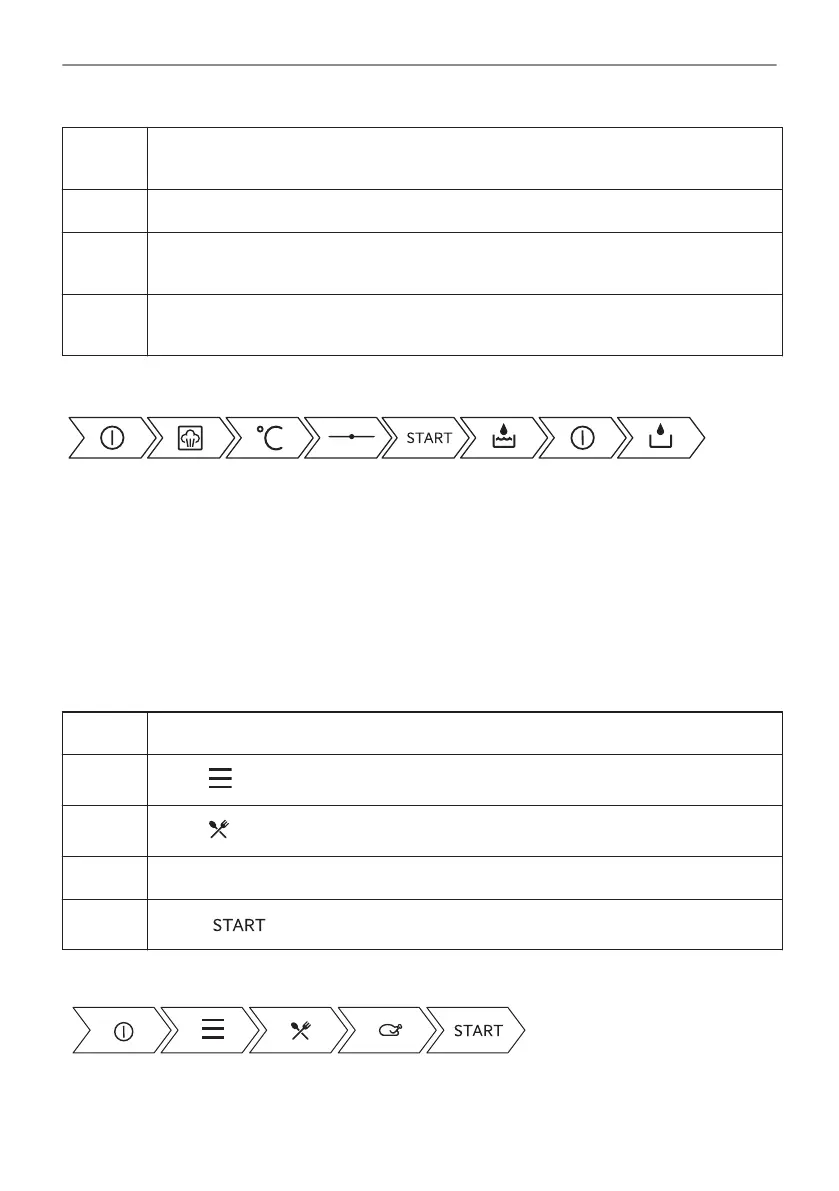
Step 10 When the water drawer runs out of water, the signal sounds. Refill the water drawer.
The signal sounds at the end of the cooking time.
Step 11 Turn off the oven.
Step 12 Empty the water drawer after cooking ends.
Refer to "Care and Cleaning" chapter, Tank emptying.
Step 13 Residual water can condensate in the cavity. After cooking, carefully open the oven
door. When the oven is cold, dry the cavity with a soft cloth.
Take a shortcut!
6.3 How to set: Assisted Cooking
Every dish in this submenu has a recommended function and temperature. You can adjust the
time and the temperature.
For some of the dishes you can also cook with:
• Food Sensor
The degree to which a dish is cooked:
• Rare or Less
• Medium
• Well done or More
Step 1 Turn on the oven.
Step 2
Press: .
Step 3
Press: . Enter: Assisted Cooking.
Step 4 Choose a dish or a food type.
Step 5
Press: .
Take a shortcut!
19/52
DAILY USE





 To Next Page