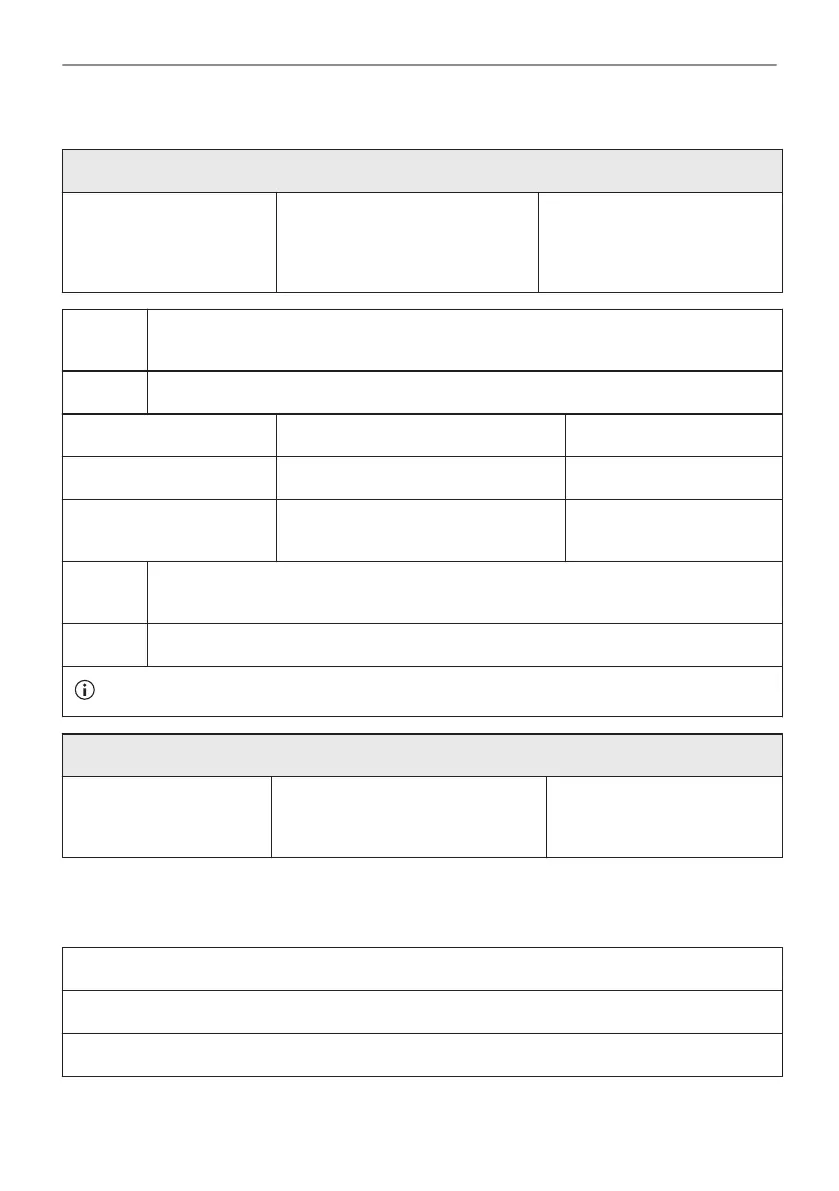
11.3 How to use: Steam Cleaning
Before you start:
Turn off the oven and wait
until it is cold.
Remove all accessories and re‐
movable shelf supports.
Clean the bottom of the cavity
and the inner door glass with a
soft cloth with warm water and
a mild detergent.
Step 1 Fill the water drawer to the maximum level until the signal sounds or the display
shows the message.
Step 2 Select: Menu / Cleaning.
Function Description Duration
Steam Cleaning Light cleaning 30 min
Steam Cleaning Plus Normal cleaning
Spray the cavity with a detergent.
75 min
Step 3 Turn on the function. Follow the instruction on the display.
The signal sounds when the cleaning ends.
Step 4 Press any symbol to turn off the signal.
When this function works, the lamp is off.
When the cleaning ends:
Turn off the oven. When the oven is cold, dry the cav‐
ity with a soft cloth.
Leave the oven door open
and wait until the cavity is
dry.
11.4 Cleaning Reminder
When the reminder appears, cleaning is recommended.
Use the function: Steam Cleaning Plus.
You can enable and disable the reminder in the menu: Setup.
34/52
CARE AND CLEANING





 To Next Page