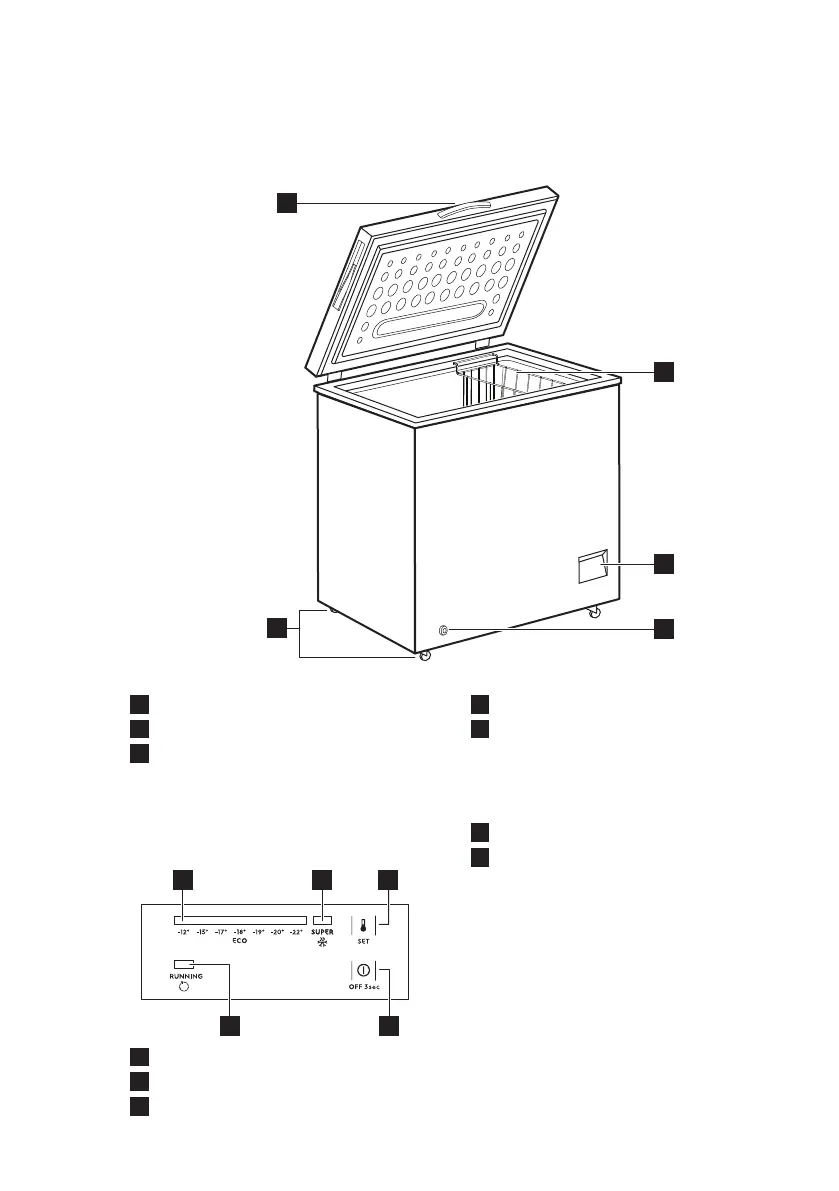
4. GENERAL OVERVIEW
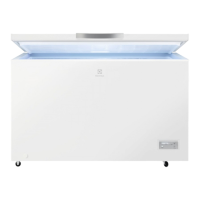
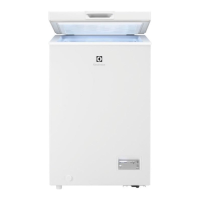
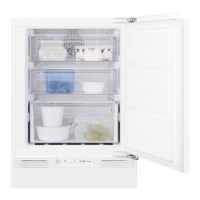
4.1 Description of the appliance
1
Handle
2
Basket
3
Control panel
4
Outer drain plug
5
Wheels
5. CONTROL PANEL
5.1 Control panel
1
Temperature indicator
2
SUPER indicator
3
SET button
4
OFF button
5
Running indicator
5.2 Switching ON/OFF
1. To switch on the appliance insert the
plug into the mains socket.
2. If the indicators are off, press the
OFF button for 3 seconds.
3. To switch off the appliance, press the
OFF button for 3 seconds.
5.3 Temperature regulation
To set the temperature:
ENGLISH 9



 To Next Page