12www.electrolux.com
Emptying the Dust container, Replacing/Cleaning the Filter
A
B
1. Empty the dust container regularly or when the
dust container icon lights up.
If the dust bin symbol remains lit up when the dust
bin is empty, please clean the lter.
2. Press Release button (A), remove the Dust
container by swinging it upwards (B).
Open the lid by swinging it upwards.
Empty the dust container into a waste bin.
Note: The dust container icon flashes to indicate that
the Dust container has been removed, or is not in the
right position.
Emptying the Dust container
3. After emptying the container, close the lid
and put it back in place
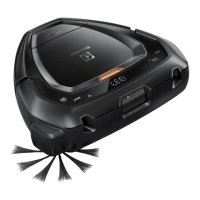
Ret the Dust container in the robot.
Note: If the Dust container has not been properly
assembled and Play/Pause button is pressed, the
dust container icon flashes. Refit the Dust container
properly.


 To Next Page
 Loading...