9www.electrolux.com
How to use the robot vacuum cleaner
Docking
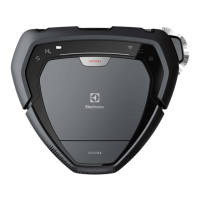
Stop cleaning and send the robot to the
charging base: Press the Home button. If the robot
is not started from the charging base, it will return to
the starting position.
SPOT Cleaning
SPOT cleaning (small area, ~ 1 m): Place the robot
facing the spot and press the SPOT button. The robot
will will clean the area twice.
Tips on how to get the best results
Preparing the cleaning area
Before cleaning, remove smaller and fragile objects such as clothing, curtain strings, papers and power
cords from the oor. If the device passes over a power cord and drags it, there is a risk that an object could
be pulled o a table or shelf.
Larger/taller objects such as chairs can be left as the robot will clean around them.
Strong light, Mirrored walls, oor-to-ceiling windows and very shining objects could disturb the 3D Vision
system.
Limiting the cleaning area
The robot will clean all oors it can access. To limit the cleaning area, simply close doors or put an obstacle
in the way.
Dust emptying between scheduled cleanings
To get the most out of scheduled cleaning, empty the dust container regularly.


 To Next Page
 Loading...