18
Program
Resetting new settings
To delete all special settings and return to the factory settings follow the steps below:
Return to factory settings
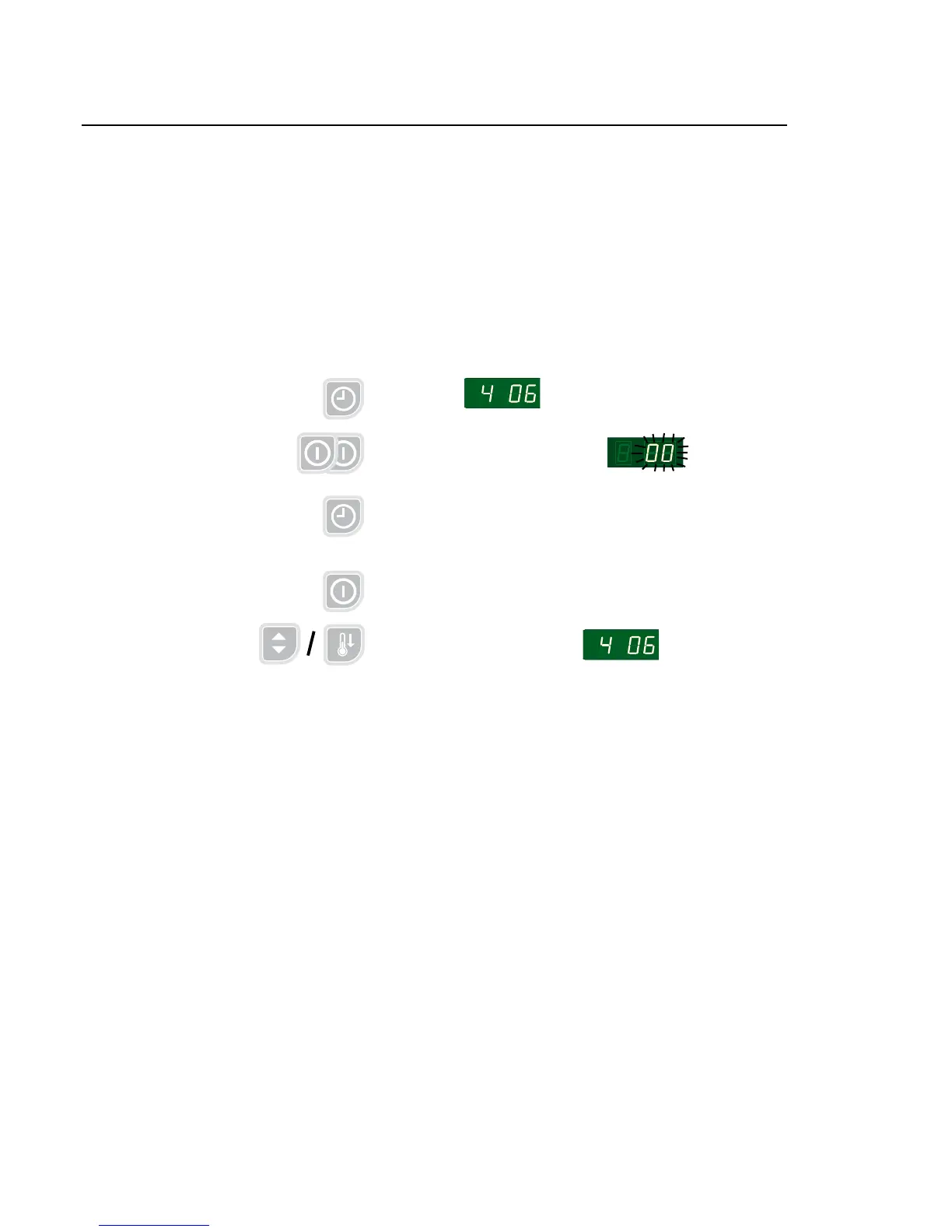
Return to factory settings is done in Group 4 - Setting dryer, parameter group 4 06.
1. Step forward to group 4_ _
2. Step Up to 4 06
3. Press Enter twice, the display reads 00 blinks
4. Press Up 00 = nothing
01 = reset (return to factory settings)
5. Press Enter display shows the chosen setting
6. Press Return the display shows 4 06





 To Next Page