11
left.
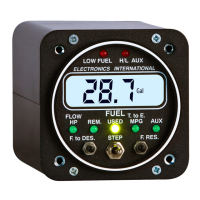
b) Advance a Digits Count - Moving the Mode Select Switch to the right will increase the blinking
digits count by one. After the blinking digit reaches 9 it will reset to 0.
c) Change Functions - Each time the Mode Select Switch is pushed to the left, the displayed function
will change as follows:
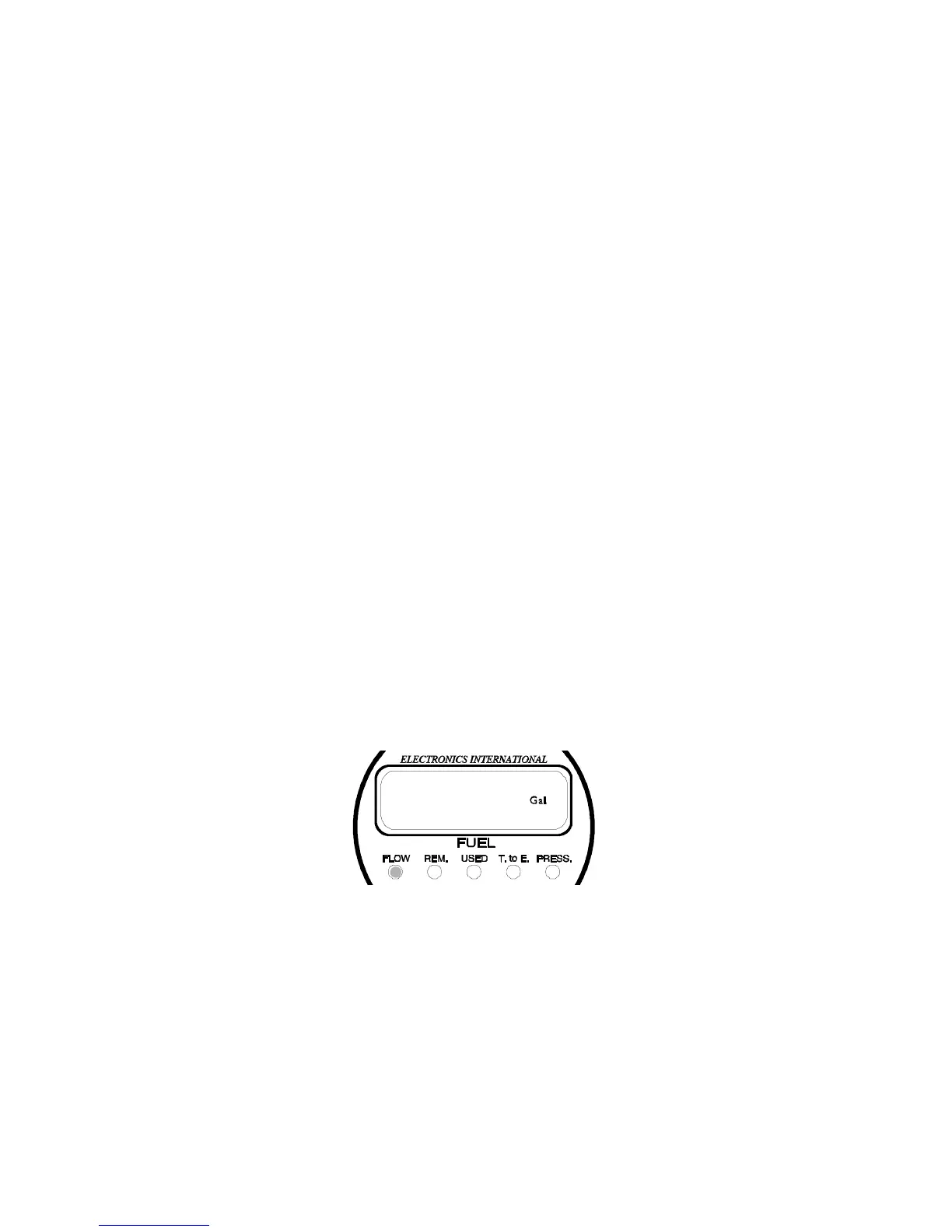
Full Fuel Level (shown with a Gal, Lbs or no indicator, for liters, at the right)
K Factor (shown with no indicators)
Filter (shown as "F 1" or "F 2")
Display Update Time (shown as "UP2" or "UP1")
Loran/GPS Interface on FP-5L only (shown as "L 1" or "L 2")
d) To Exit - To exit the Power-up Programming Mode, momentarily push both Prg Buttons at the
same time. The programmed values will be stored in memory and no internal batteries or external
power are required to store this information for life.
2. FLOW Programming Mode (setting the display for Gal, "br Gal", Lbs or "Ltr"):
In the FLOW Programming Mode the FP-5 may be set to display Fuel Flow, Fuel Remaining and Fuel Used
in Gallons, British (Imperial) Gallons, Pounds or Liters.
To program the display, perform the following steps:
A. Select the FLOW Display Mode.
B. Momentarily push both Prg Buttons. Either Gal", "br Gal", "Lbs" or Ltr will be shown in the
display. You are ready to program the FP-5 to display in Gallons, British (Imperial) Gallons, Pounds
or Liters.
C. Set the Display using the following procedure:
a) Change the display to "Gal", "br Gal", "Lbs" or "Ltr" - Moving the Mode Select Switch to the
right while pushing the left program button will alternate the display between "Gal", "br Gal",
"Lbs" and "Ltr".
b) To Exit - To exit the Flow Programming Mode, momentarily push both Prg Buttons at the
same time. The programmed values will be stored in memory and internal batteries or external
power are not required to store this information for life.
3. REM Programming Mode (Setting the Fuel Remaining Level):


 To Next Page