7"
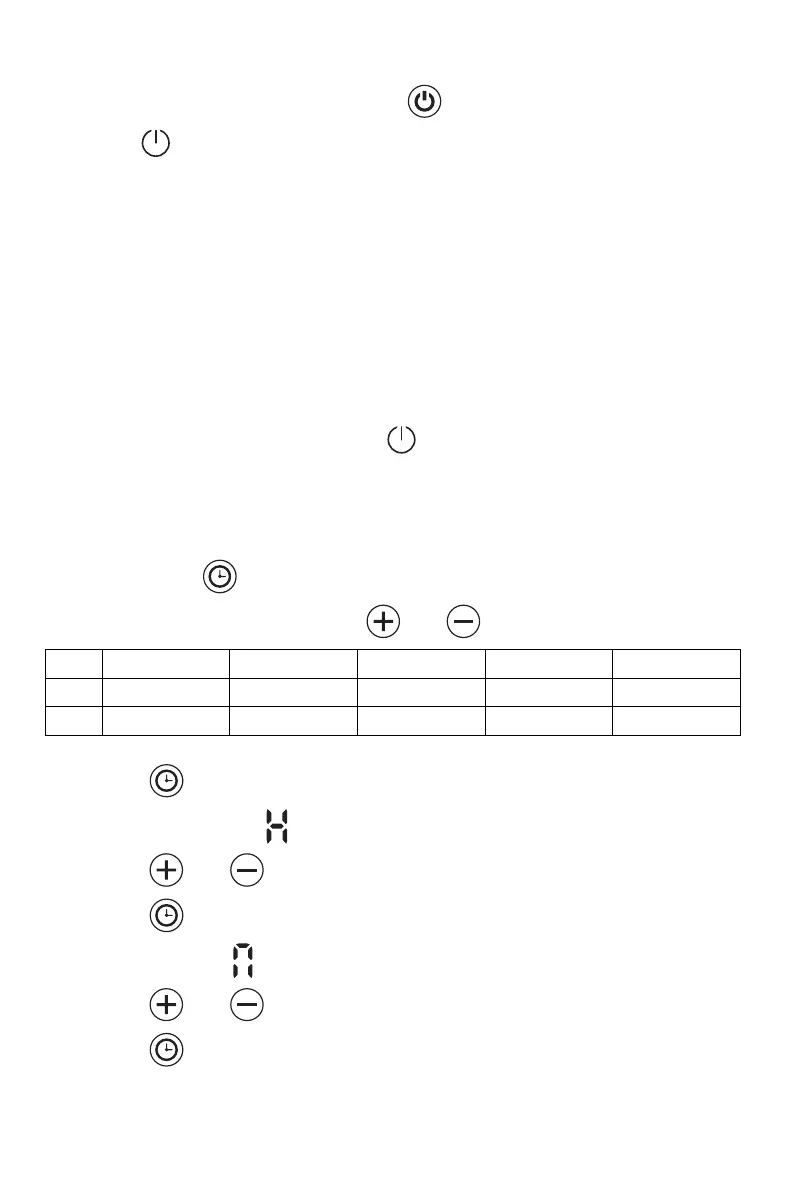
- Plug the appliance in to AC 220-240V 50-60Hz socket, you will hear a
beep sound. The blue indicator light will come on.
- Press to turn the heater on, which is in state of factory default when
used for the first time.
Factory default:
Heating mode: comfort mode
Target temperature setting: 22 ºC
Date: 1(Monday); Time: 00:00 (Off)
Window open function: Off
Timer: Off
(If the default settings are different, it will simply be because
the unit has been quality tested after production).
- To stop the heater working, press to turn off the heater,
- Unplug the product when it’s not in use for long periods of time.
Clock and day of week setting:
- Press down 3 secs to enter clock and day of week setting
- The screen displays “d”, press and to choose day from 1-7.
- Press to confirm day setting and enter the clock hour setting, with
the screen display: .
- Press and to set the current hour
- Press to confirm hour setting and enter the minute setting, with the
screen display: .
- Press and to set the current minute
- Press to confirm all settings
Note: The clock and calendar will be reset to factory default if the heater is
turned off at the mains.



 To Next Page