Revised March 30, 2005 Versa DRIVE C1
Page 3 of 11 DRAFT COPY User Manual
1. Introduction
The Versa™ DRIVE C1 is a stand-alone controller for Versa TILE and Versa TUBEs. Video or .BMP based patterns
are combined with a pixel map in the Raster MAPPER software application, saved onto a Compact Flash card,
and loaded into the C1.
2. Quick Start
1. Assemble Versa TILE or Versa TUBEs.
Tubes may be daisy-chained together.
2. Connect Power & Data Cables.
4. Create map and patterns in RasterMAPPER and save to Compact Flash Card.
5. Adjust C1 and panel values.
3. General Information
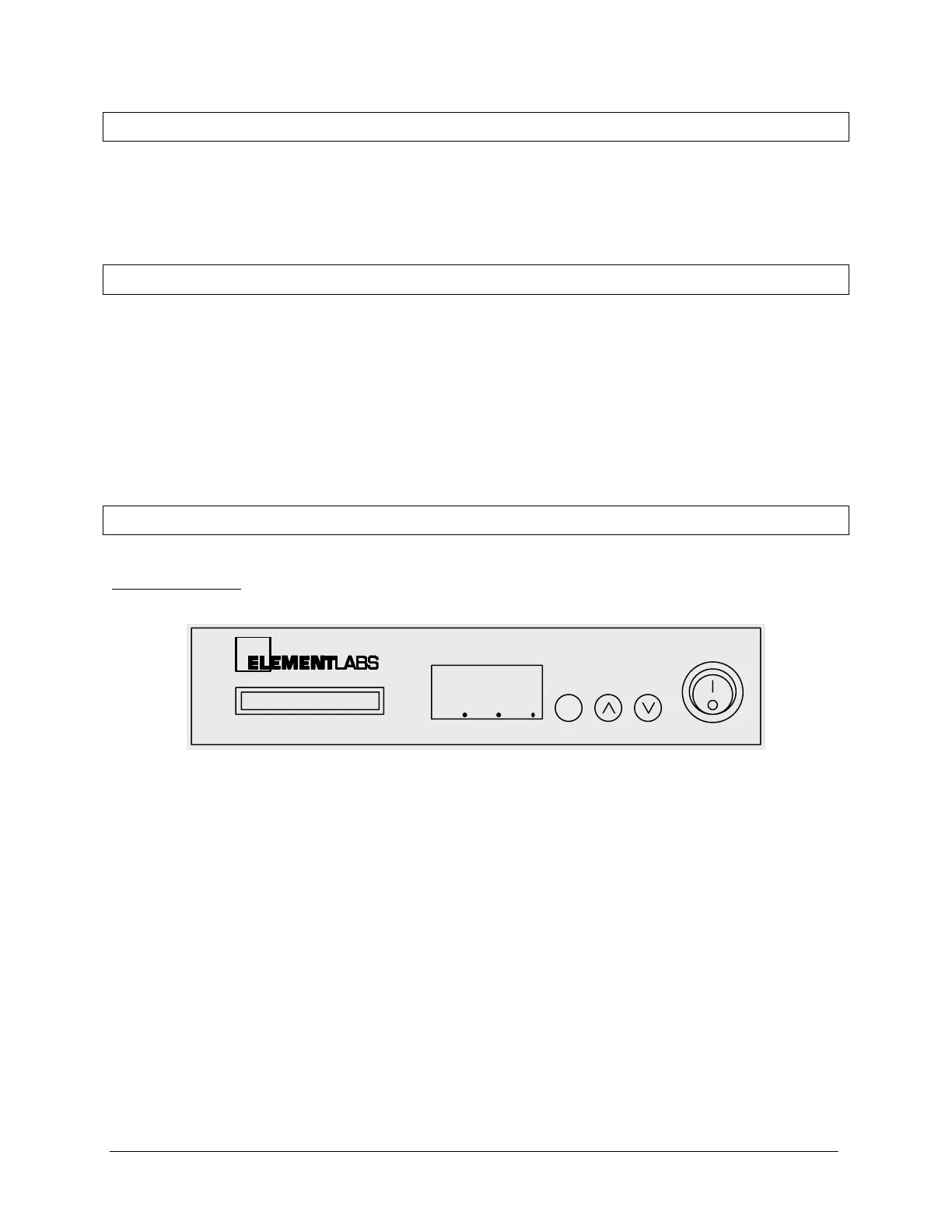
3.1 Front Panel
888
Versa DRIVE C1
COMPACT FLASH MODE UP DOWN POWER
The Versa DRIVE has the following controls and displays on its front panel:
• Three function buttons:
MODE UP DOWN
• Compact Flash Card Slot
• 3 Digit Numeric LED Display
• POWER switch


 To Next Page