12
Operating Your Television
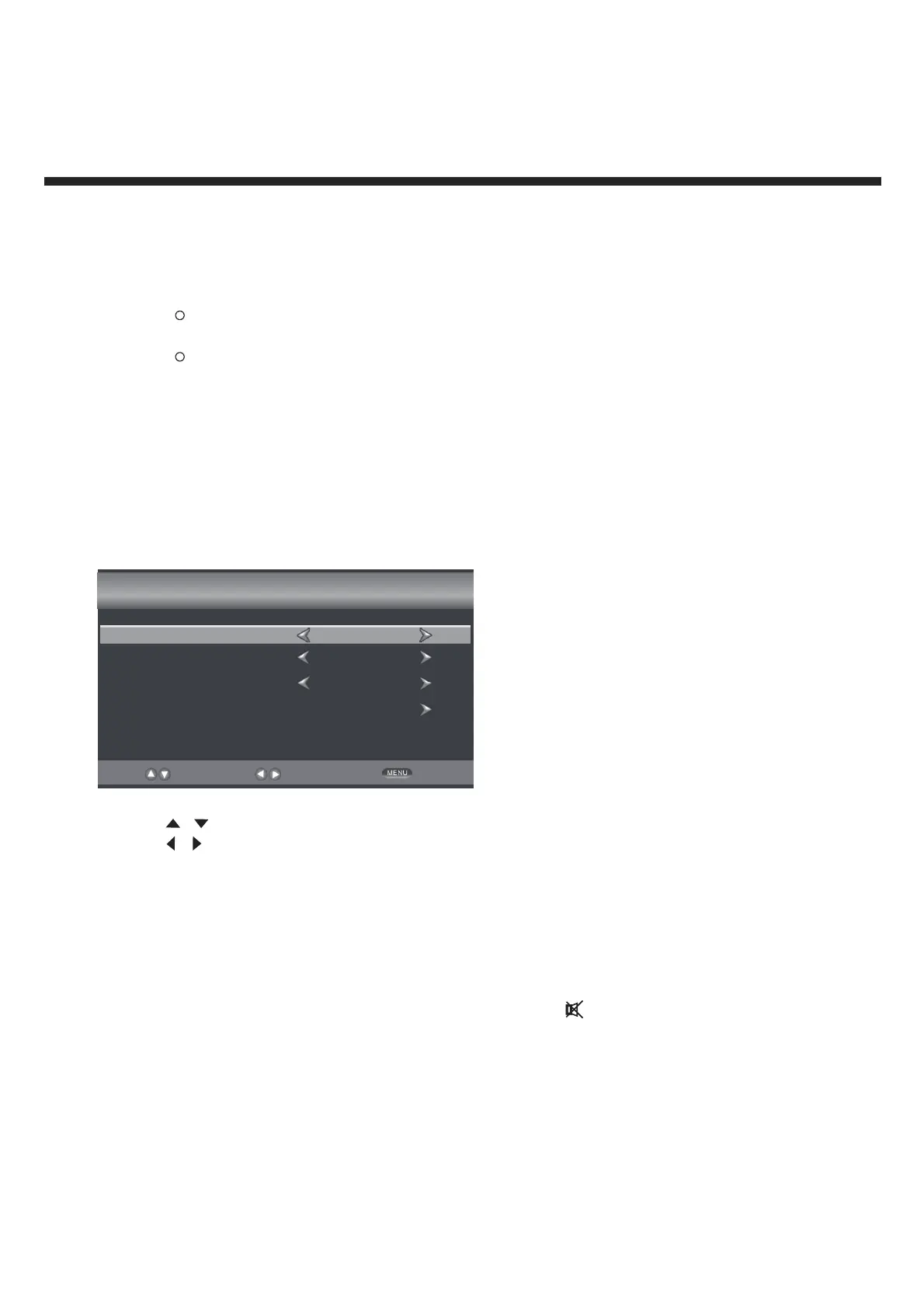
Select Your Onscreen Language Preference
Note: Select the language which will be used for displaying menus and information boxes.
Press button to select Menu Language. .
Press
/ button to select your desired language.
When you are satisfied with your choice, press the MENU to exit.
Volume Adjustment
1. Press VOL +/- to adjust the volume
2. If you want to switch the sound off, press the MUTE
, Press again to resume.
/
Setup Wizard
Menu Language
Air/Cable
Cable System
Auto Scan
English
Cable
AUTO
Select
Move
Exit
ENERGY STAR is a set of power-saving guidelines issued by the U.S. Environmental
Protection Agency(EPA).
ENERGY STAR is a joint program of the U.S. Environmental Protection Agency and the U.S.
Department of Energy helping us all save money and protect the environment through energy
efficient products and pratices.
Note: If you want change the modes between Home Mode(Energy Saving) and Standard Mode,
you can change the setting in the Setup Menu under Display Mode.
R
Return
R



 To Next Page