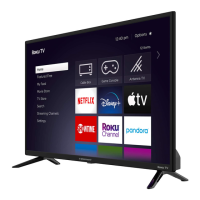
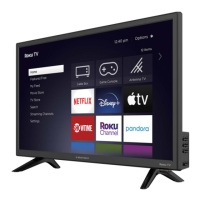
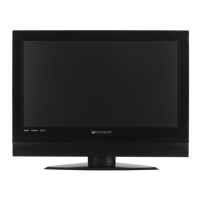
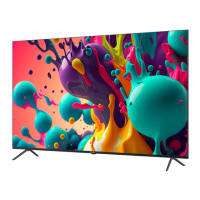
Element (ELCHW321) 32 inch LCD Television Service Manual
Proprietary & Confidential Page 2
1. Stand Removal
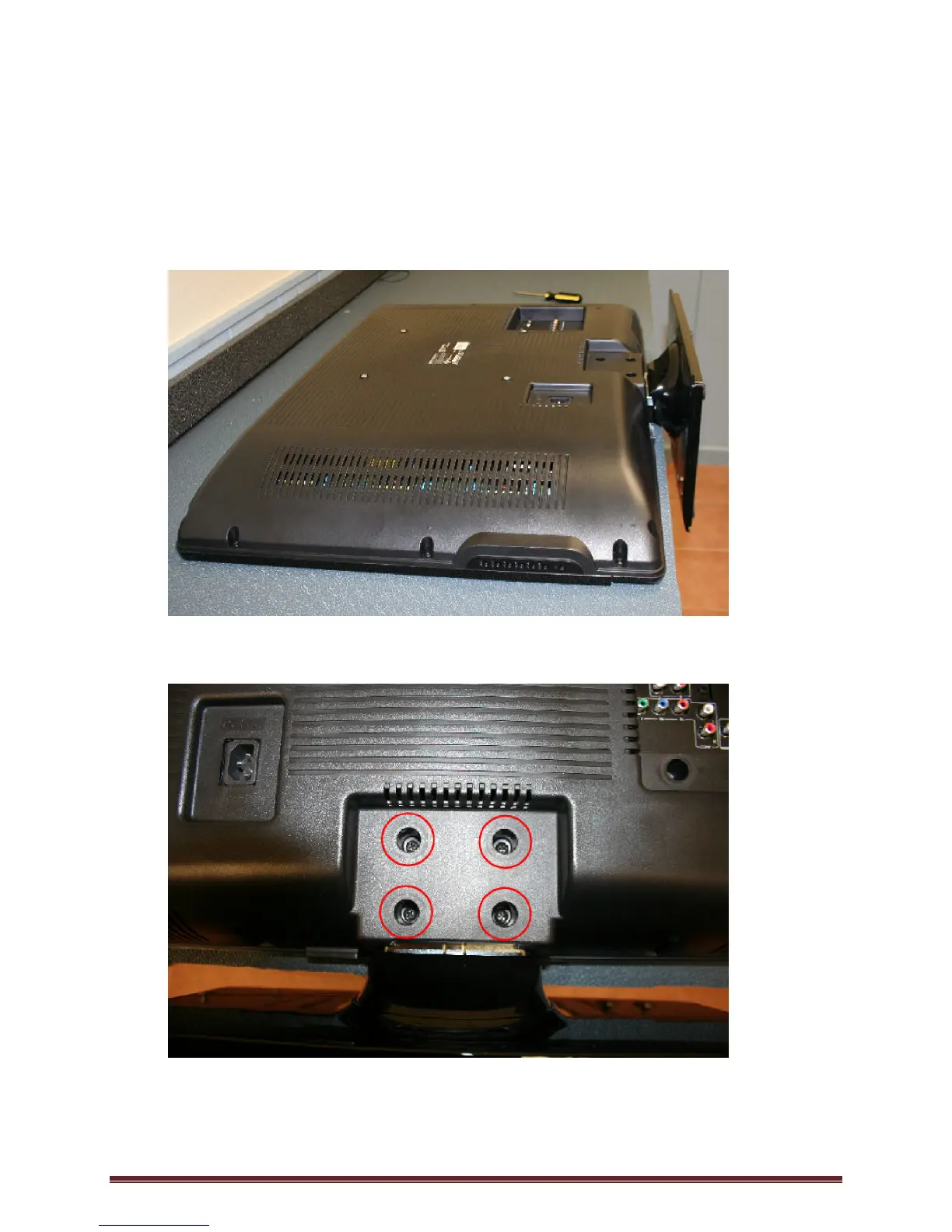
• To ensure no damage to the front LCD Panel, gently place unit face down on padded
anti-static mat with the stand hanging over the edge of the work surface.
(Figure 1)
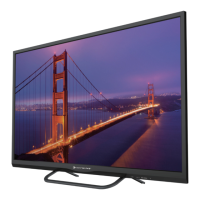
• Remove the 4 screws that secure the stand to the unit.
(Figure 2)


 To Next Page