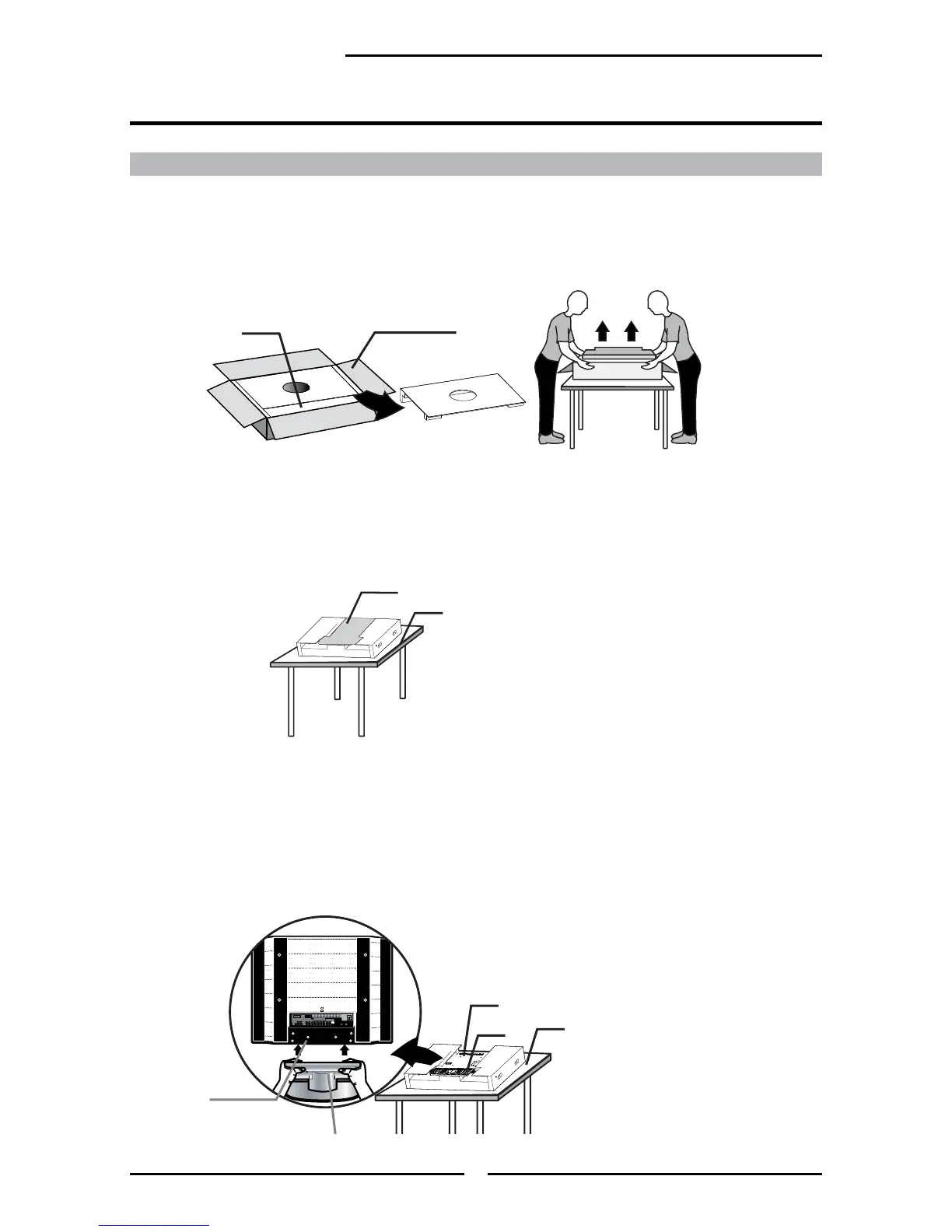
Follow the instructions below to install the TV stand:
Open the box, and make sure all necessary parts are in the box. The package
contains the LCD TV, screw(s) and stand.
Cover an even stable surface with a soft cloth. Place the LCD TV unit face-
down on the cloth. Fit the stand onto the bottom of the LCD TV unit as shown:
Secure the TV stand to the TV neck using the supplied screw(s).



 To Next Page