EasyManua.ls Logo

Element ELDFC551J - User Manual

Element ELDFC551J
27 pages
Print Icon
To Next Page IconTo Next Page
Loading...
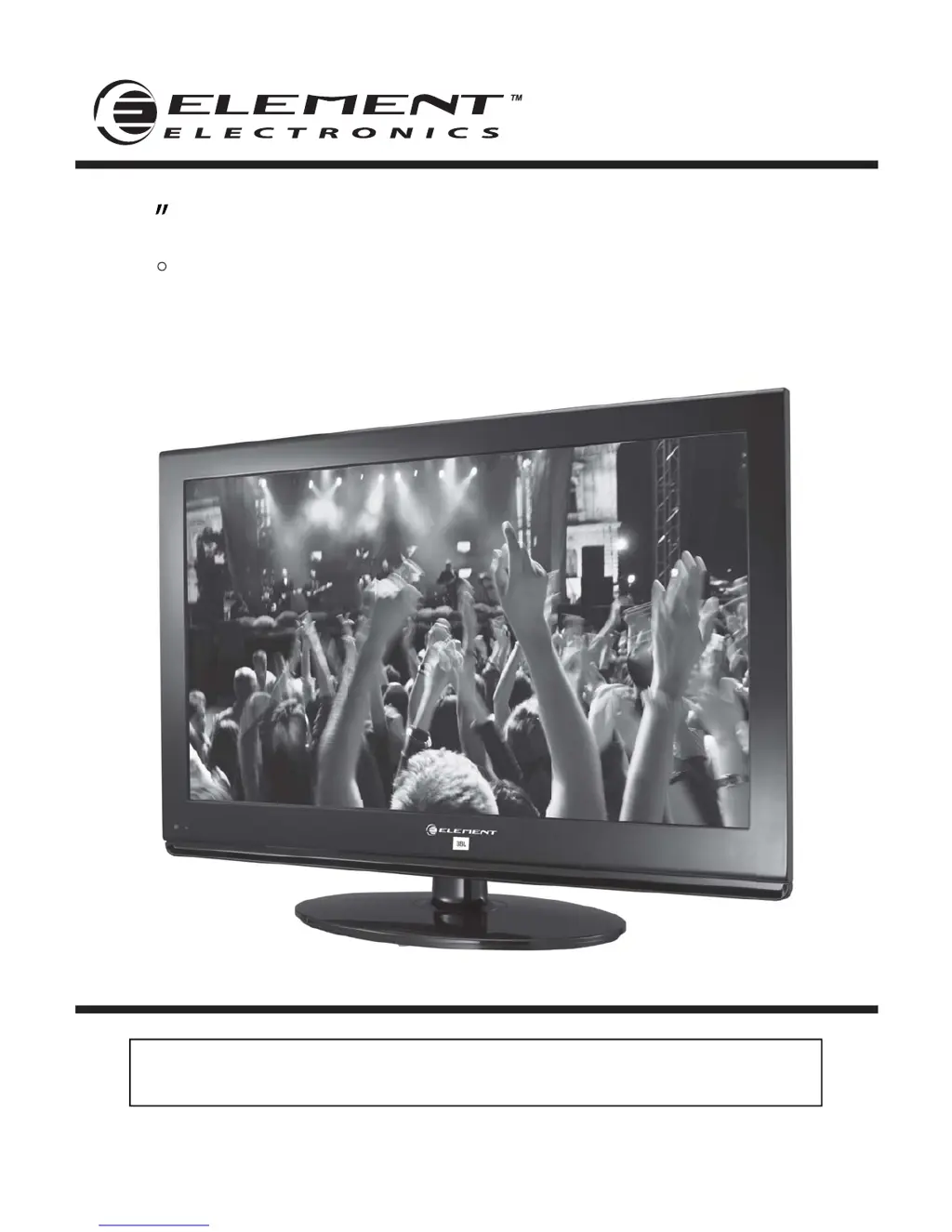
55 Full HD Digital LCD TV
Instruction Manual
Read all of the instructions before using this TV and keep the
manual in a safe place for future reference.
ELDFC551J
JBL sound is found everywhere – from top recording studios and concert venues to
millions of homes and cars. The worldwide authority in audio reproduction for more
than 60 years, JBL engineers have acoustically tuned the audio system for Element’s
display, creating maximum performance from minimal space. The built-in JBL subwoofer
and front speaker system unlocks the powerful studio sound for an unprecedented
widescreen cinematic experience.
R

Questions and Answers

  • C
    Cody SanchezAug 25, 2025
    How to fix normal picture but no sound on Element ELDFC551J?
    • C
      Crystal CrawfordAug 25, 2025
      If your Element LCD TV has a normal picture but no sound, first check the volume level. If the volume is not the issue, make sure that the sound isn't muted by pressing the MUTE button. Try tuning to another channel, as the problem may be with the broadcast. Finally, ensure that the audio cables are installed properly.

Element ELDFC551J Specifications

General IconGeneral
Display TechnologyLCD
HDMI Ports3
Refresh Rate60 Hz
Smart TVYes
Built-in Wi-FiYes
Screen Size55 inches

Related product manuals