ENGLISH
29
Chapter 3 Using the TV
Use the ▲▼ buttons to highlight the option of the sub-menu, and press the OK button.
While in adjustment mode, and use the ◄► buttons to change the value of the item.
Press the EXIT button to exit the menu.
SETUP MENU:
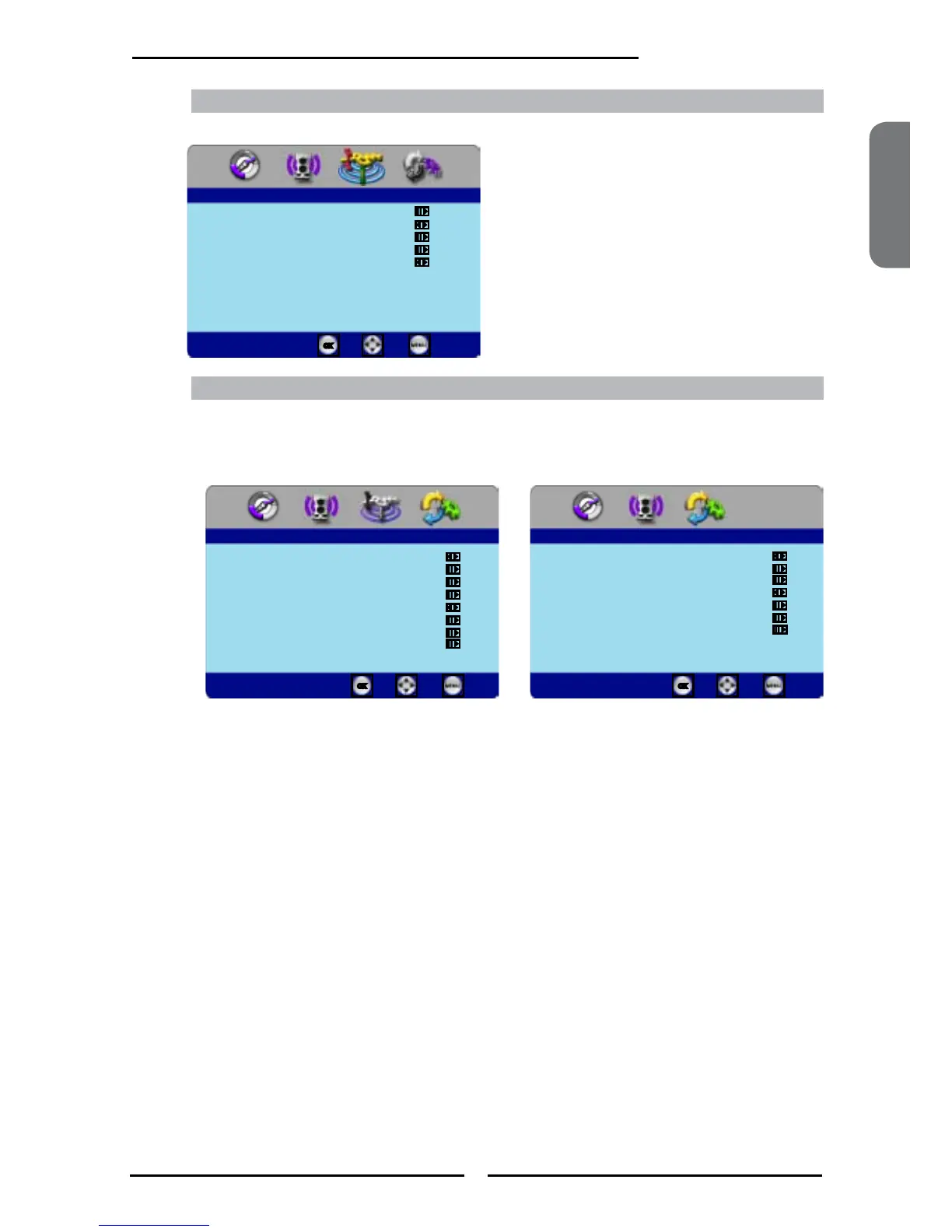
Allows you to set up a variety of features: Language, Closed Caption, factory reset, Parental Control, Time
Setup.
TV MENU:
Allows you to edit and label channels.
▪ If the signal source is TV/VIDOE/YPbPr, the
SETUP MENU appears as:
▪ If the signal source is HDMI/VGA, the SETUP
MENU appears as:
TV
Channel Scan
Tuner Mode Cable
Channel Skip
Favorite List
Time Zome Eastern Time
Enter Select
Exit
Setup
OSD Language English
Time Setup
Closed Caption
Parental
Gamma Middle
Back Light
Input Edit
Reset Default
Enter Select
Exit
OSD Language English
Time Setup
Parental
Gamma Middle
Back Light
Input Edit
Reset Default
Setup
Enter Select
Exit



 To Next Page