38
Chapter 3 Using the TV
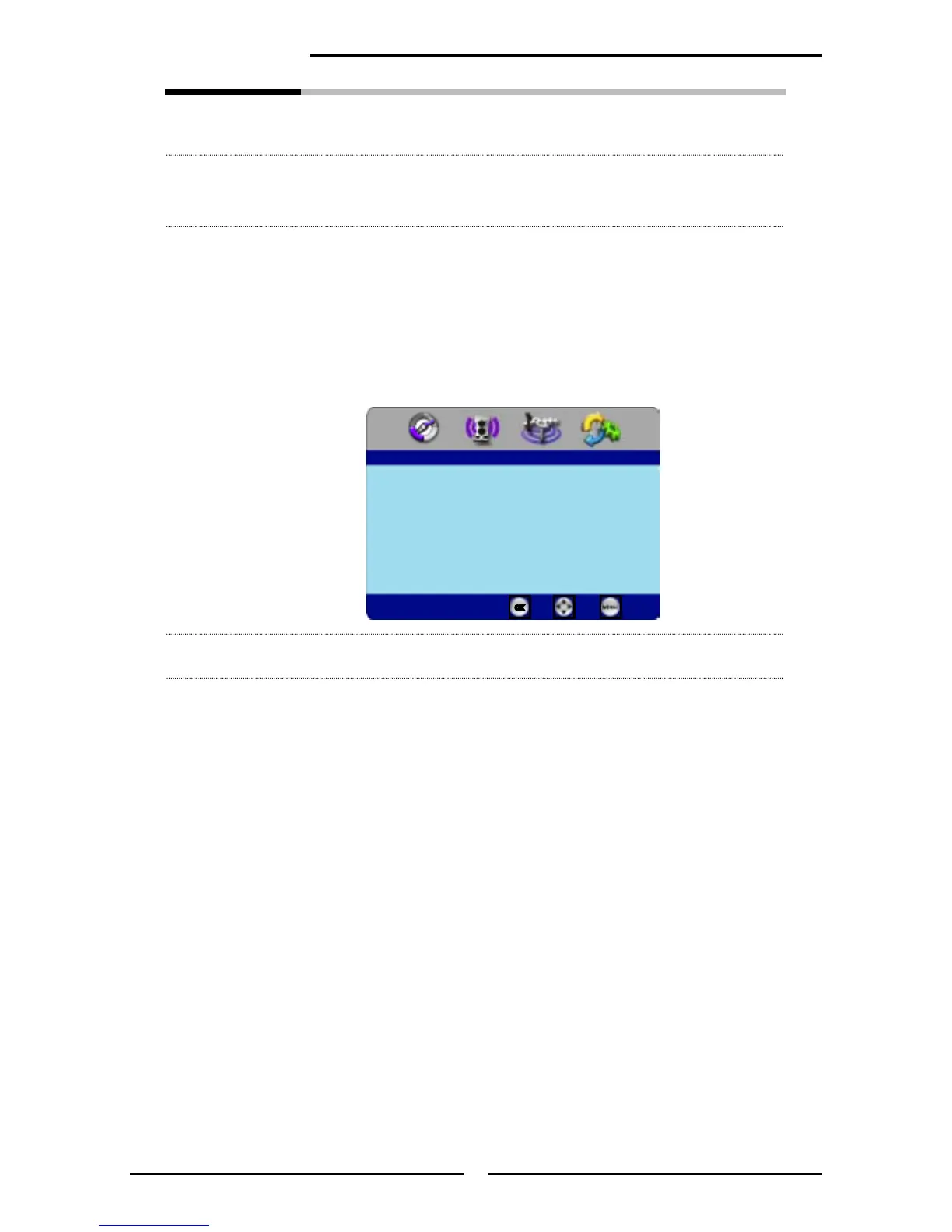
Input Edit Allows you to assign a label (maximun of 8 characters) to the input
source.
Use the ▼ button to select the Input Edit, and press OK to
display the Input Edit menu
Press the ▲▼◄► buttons to select Input source, and press the
OK button to enter editing mode.
Use the ▲▼ buttons to change the characters and move the
cursor by ◄► buttons. Press the OK button again when nished.
Gamma Allows for the adjustment of the display’s gamma correction, which ne
tunes both brightness and red/green/blue ratios: Bright/Middle/Dark.
Back Light Select to turn on or off the brightness of the screen.
▪ You can cancel the Back Light Off function by pressing any button on
remote control.
Reset Default Press
OK button to restore factory settings
VIDEO1 (AV) [ _ _ _ _ _ _ _ _ ]
VIDEO2(YPbPr)
VIDEO3(HDMI)
CUMPUTER(VGA)
Input Edit
Enter Select
Back



 To Next Page