EasyManua.ls Logo

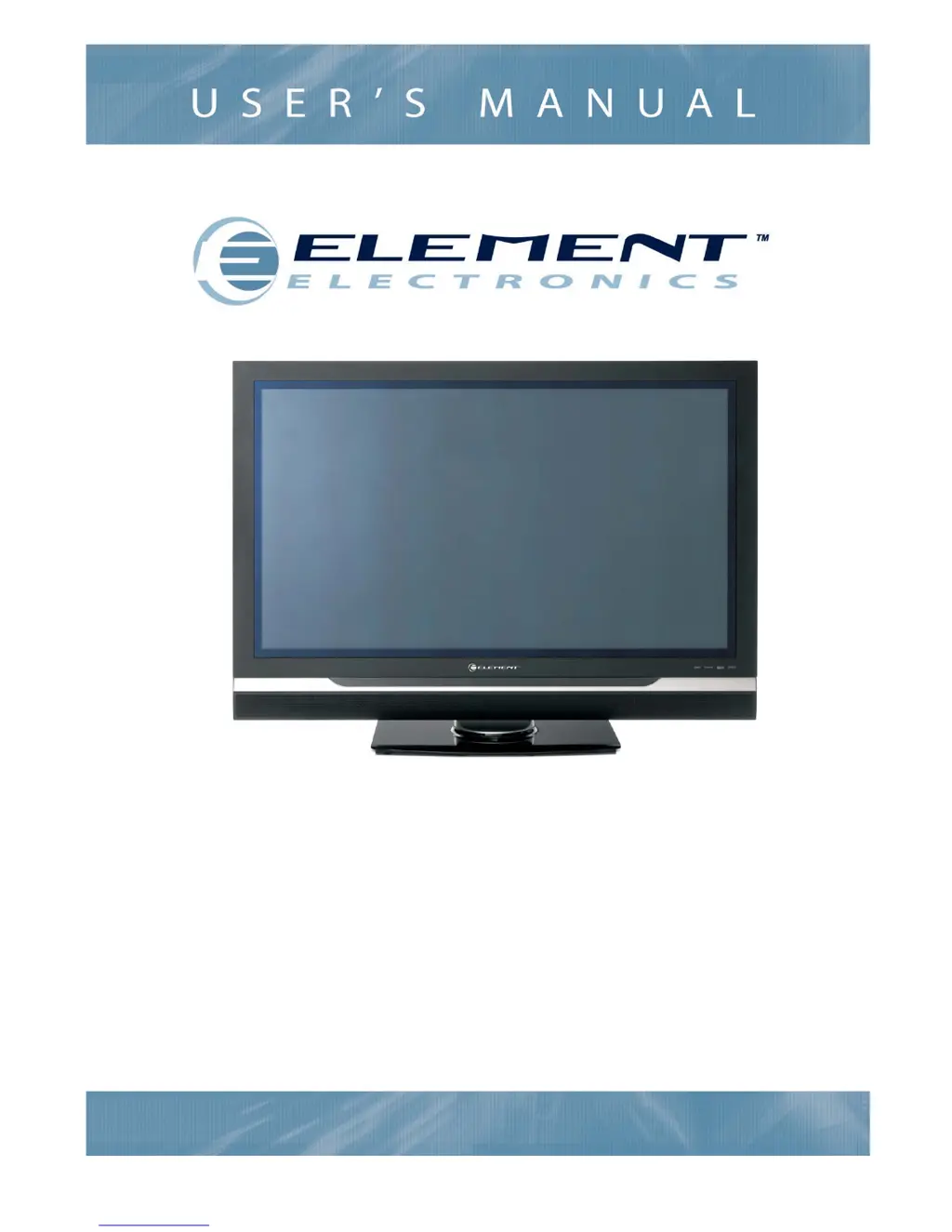
Element PLX-4202 - User Manual

Element PLX-4202
20 pages
Print Icon
To Next Page IconTo Next Page
Loading...
PLX-4202B and PLX-5002B
High Definition Plasma TV
20070515

Questions and Answers

  • G
    gonzalesshaneJul 29, 2025
    How to fix Element PLX-4202 Plasma TV that will not turn on?
    • M
      Megan GuerreroJul 29, 2025
      First, ensure the power cord is securely plugged in and then press the power button. If the TV still doesn't turn on, the remote control batteries might be dead. Try replacing them to see if that resolves the issue.
  • S
    Shelby SmithAug 2, 2025
    What to do if my Element PLX-4202 has no sound but the picture is fine?
    • N
      Nicole ClayAug 2, 2025
      If you're getting a picture but no sound, first check if the sound is muted. Press the [VOL+] button on the remote control to increase the volume. If that doesn't work, the station you're watching might be experiencing broadcast difficulties, so try switching to another channel.
  • W
    watkinscindyAug 6, 2025
    How to troubleshoot no picture and no sound on Element PLX-4202?
    • G
      gmeyersAug 6, 2025
      If you have no picture and no sound on your Element Plasma TV, press the [Display] button to ensure you have selected the correct signal source.
  • H
    hhughesAug 10, 2025
    How to improve poor picture quality on Element Plasma TV?
    • R
      Richard AlexanderAug 10, 2025
      If you are experiencing poor picture quality but the sound is fine, try adjusting the picture settings from the menu.
  • W
    William YoungAug 15, 2025
    How to fix poor color on Element PLX-4202?
    • A
      angelasullivanAug 15, 2025
      If you are experiencing poor color or no color on your Element Plasma TV, adjust the Saturation in the Video settings menu.
  • S
    Stanley SextonAug 19, 2025
    Why is my Element Plasma TV remote control not working?
    • R
      Randy AdkinsAug 19, 2025
      There might be a few reasons why your remote control isn't working. First, check for any obstructions between the remote and the TV's sensor and remove them. Also, make sure the batteries are installed with the correct polarity. If it still doesn't work, try replacing the batteries altogether.
  • L
    lawrenceschneiderAug 23, 2025
    Why is my Element PLX-4202 Plasma TV display disordered when I turn it on?
    • J
      James JacobsonAug 23, 2025
      A disordered display at power on might be caused by too short an interval between powering the TV off and on. Unplug the power cord and then restart the TV.

Summary

Important Safety Instructions

Preparation for Using Your New TV

Selecting a location for the TV

Instructions for choosing a suitable location for the TV, considering light and ventilation.

Understanding your TV

Overview of TV operation using side buttons or remote control and terminal connections.

Connecting to A;V Equipment

Connect multimedia devices such as VCD, DVD, STB, Satellite receiver, Camcorder, or Audio amplifier.

Connecting to a Computer

Use the TV as a monitor by connecting via RGB interface and PC audio interface.

Connecting to an Antenna

Connect an indoor or outdoor antenna for local TV station reception.

Connecting to a Cable Converter Box

Connect a cable converter box for basic or scrambled cable TV service.

Using the Remote Control

Preparing the remote control for use

Instructions for installing batteries in the remote control and understanding its effective range.

Learning about the remote control

Detailed explanation of each button's function on the remote control for various operations.

Understanding the TV features

Basic Operations

Fundamental operations including power, source selection, and channel tuning.

Remote Control Functions

Detailed explanation of remote control buttons for sound, picture, zoom, guide, display, exit, menu, recall, enter, and volume.

Menu operation

Video mode adjustment

Adjust picture settings like brightness, contrast, saturation, hue, sharpness, and color temperature.

Audio mode adjustment

Adjust sound settings including balance, bass, treble, surround sound, equalizer, and volume control.

Setup Menu Configuration

Configure OSD language, screen mode, DPMS, time, caption settings, and reset defaults.

Parental Control Setup

Set up parental controls for channel and program blocking based on ratings.

Parental Rating Systems

Details on TV PG, MPAA, Canadian French, and Canadian English rating systems for parental control.

TV Settings

Input Block

Block specific input sources like AV from being displayed on the screen.

Change Password

Change the default password for parental controls or other functions.

Clean All

Reset all TV channels and presets to factory default settings.

Appendix

Cleaning and Care

Instructions for safely cleaning the TV screen and cabinet, with cautions.

Troubleshooting

Solutions for common TV problems like no picture, no sound, remote issues, and display disorders.

Specifications

Technical details of the TV models including display size, resolution, power, and connectivity.

Element PLX-4202 Specifications

General IconGeneral
BrandElement
ModelPLX-4202
CategoryPlasma TV
LanguageEnglish