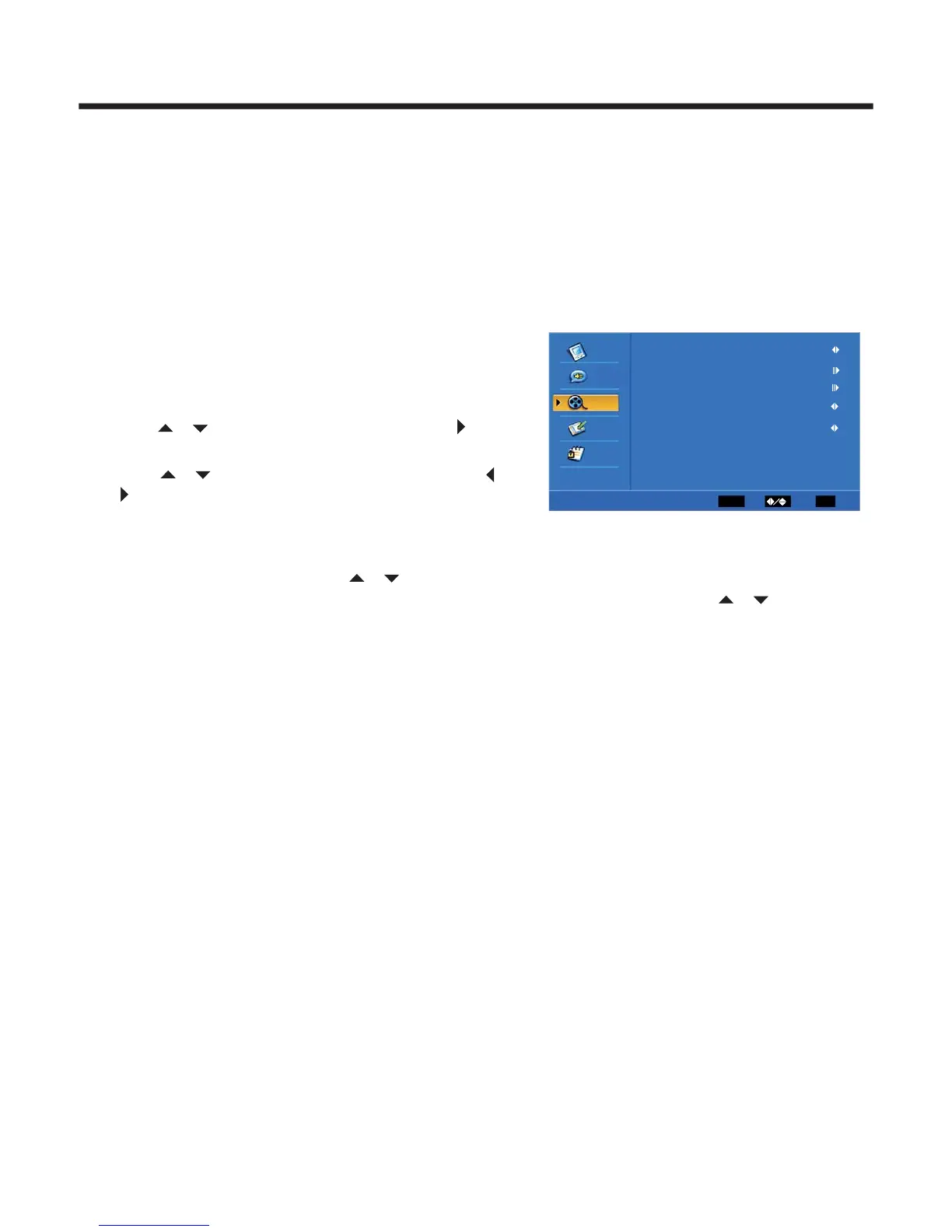
1.Press MENU. The OSD opens.
2.Press or to highlight TV, then press
to enter the TV menu.
3.Press or highlight an option, then press
or to adjust the option. You can
adjust:
Tuner Mode-Select the TV signal source. You can select Antenna or Cable.
Channel Scan-Scans for channels that have signals and stores the channels information
in memory. When you press or ,your TV skips any channels that do not have a signal.
Channel Skip- Deletes a channel stored in memory. When you press or ,your TV skips
the channel you deleted. You can still tune to the channel using the number buttons on the
remote control.
MTS-Selects the sound mode. You can select Mono, Stereo, or SAP(second audio program)
Audio Language-Selects the audio language for a program.
TV Settings
◆
◆
◆
◆
◆
Appendix
Cleaning and Care
WARNING: Do not try to remove the cabinet back. Refer servicing to qualified service technicians.
To clean the TV screen:
1) Unplug the TV to avoid possible shock hazard.
2) Use a clean cellulose sponge or chamois cloth dampened with a solution of mild detergent and warm water
to clean the TV screen and trim. Do not use too much water as water spilled into the cabinet can cause
damage to the TV.
3) Wipe off any excess moisture with a clean dry cloth.
4) Polish the cabinet with a quality furniture polish to maintain the finish and appearance of the cabinet.
Caution: Never use strong solvents such as thinner, benzene, or other chemicals on or near the cabinet.
These chemicals can damage the finish of the cabinet.
-17 -
(3) Input Block:
You can block the input source by using this function.For example, if you want to block AV input, just highlight
[ AV] and push the [ENTER] button. The AV input will not be seen in the screen.
(4) Change Password:
The first time, you need to use the default password. If you want to change it, this function must be used.
First, enter the new password then enter it again. You will get the new password.
(5) Clean All
This function will let you clean all the channels remembered in this TV.
Note: if you choose this function, all the program that you preset will be lost.
2
VideoVideo
ENTER
Enter
Select
EXIT
Exit
AudioAudio
TV
TV
SutupSetup
Parental
Tuner Mode Antenna
Channel Scan
MTS Stereo
Audio Language English
Channel Skip



 To Next Page