1. How to operate the main menu1. How to operate the main menu
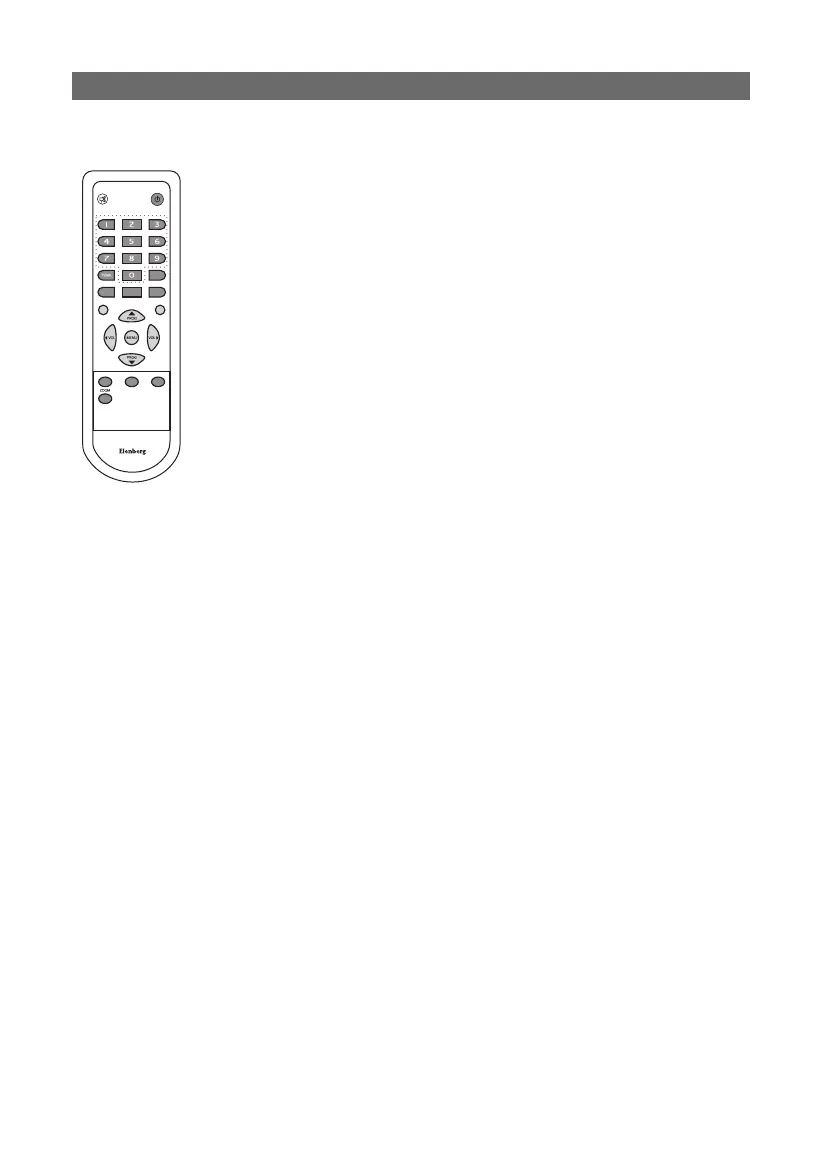
Press the MENU button on the remote control
to enter the main menu, you can select the item
with VOL ◀/▶ buttons, then press the PROG ▼
button to enter the selected item menu. If you
want to exit the menu, press the MENU button
and the menu will return to the previous menu,
press the MENU button repeatedly till you exit
the menu.
2. How to operate the submenu2. How to operate the submenu
Select one main item, then press the PROG ▲/▼
button to select the submenu, and use the VOL
◀/▶ to enter the submenu. In the submenu,
press the PROG ▲/▼ button to select item, and
press the VOL ◀/▶ button to adjust the item
value which you want to change.
Using the MenuUsing the Menu



 To Next Page