Operation instructions
33
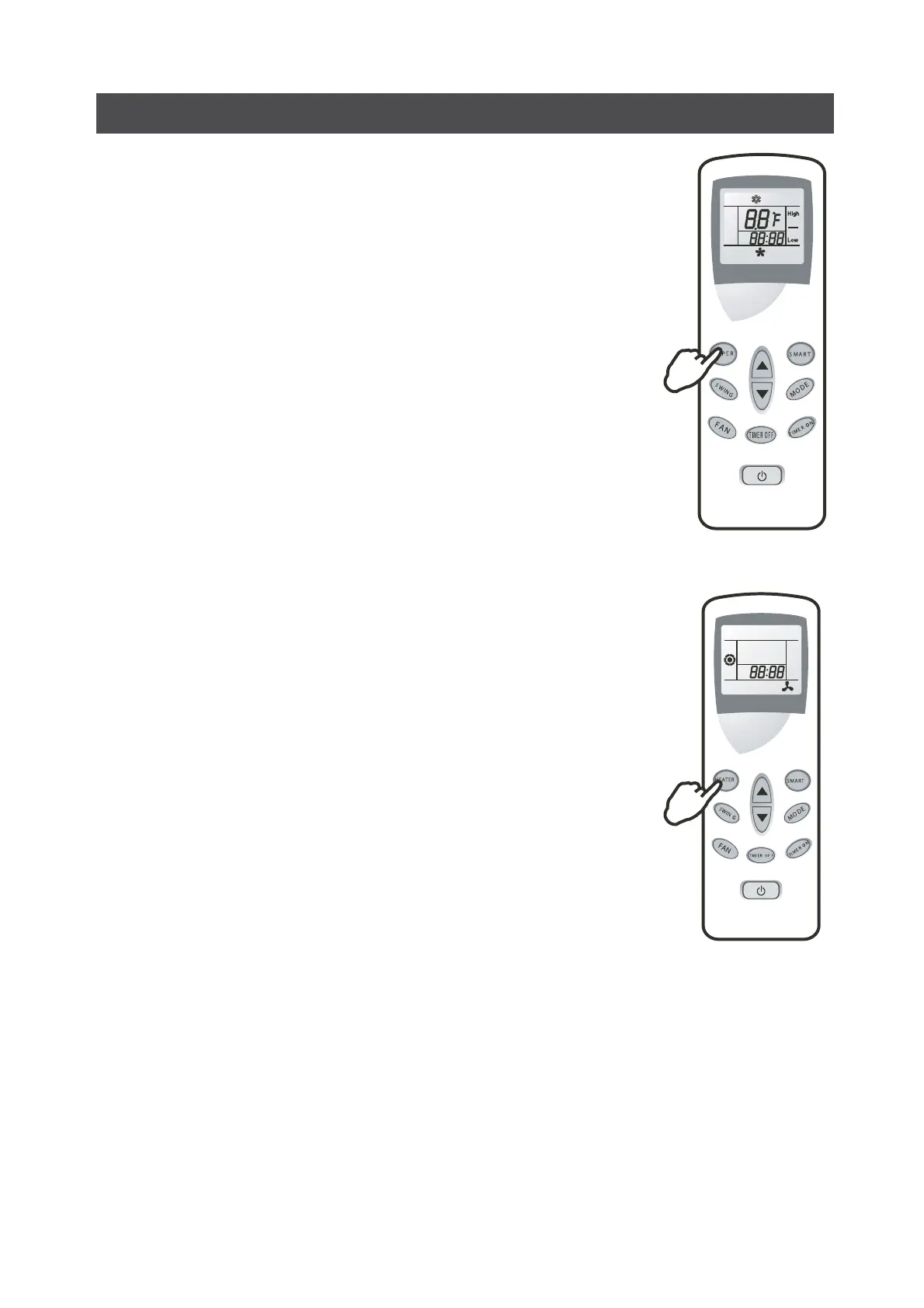
SUPER mode
For cooling model only
SUPER mode is used to start or stop fast cooling.
Fast cooling operates at high fan speed, changing the set temperature
automatically to 18°C (64°F).
SUPER mode can be set when the appliance is in operation or energized.
In SUPER mode, you can set airflow direction or timer. If you want to
escape from SUPER mode, press any SUPER, MODE, FAN, ON/OFF or TEM
PERATURE SETTING button, the display will return to the original mode.
Note:
• SMART buttons are not available in SUPER mode.
• The Appliance will continue working in SUPER mode with set temper
ature of 18, if you do not press any of the buttons mentioned above.
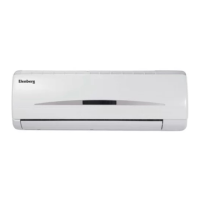
HEATER mode (optional feature)
For heating model only
You can press HEATER button to come into heater mode.
Press FAN button, fan speed changes in turns: AutoHighLow. You can set TIMER ON or TIMER OFF
in heating mode.
The appliance will escape from heating mode by pressing HEATER button
again. Then the appliance comes into fan only mode.
Note: HEATER button is available in any mode.


 To Next Page