AC Current Measurement
1. Set the selector switch to the desired “A~” position.
2. Disconnect the test leads from the meter.
3. Clamp the jaws around the one conductor to be measured.
Center the conductor within the jaw using the centering marks
as guides.
4. Read the result on the LCD panel.
Resistance Measurement
1. Connect the black test lead to the “COM” socket and the red test
lead to the “VΩHz” socket.
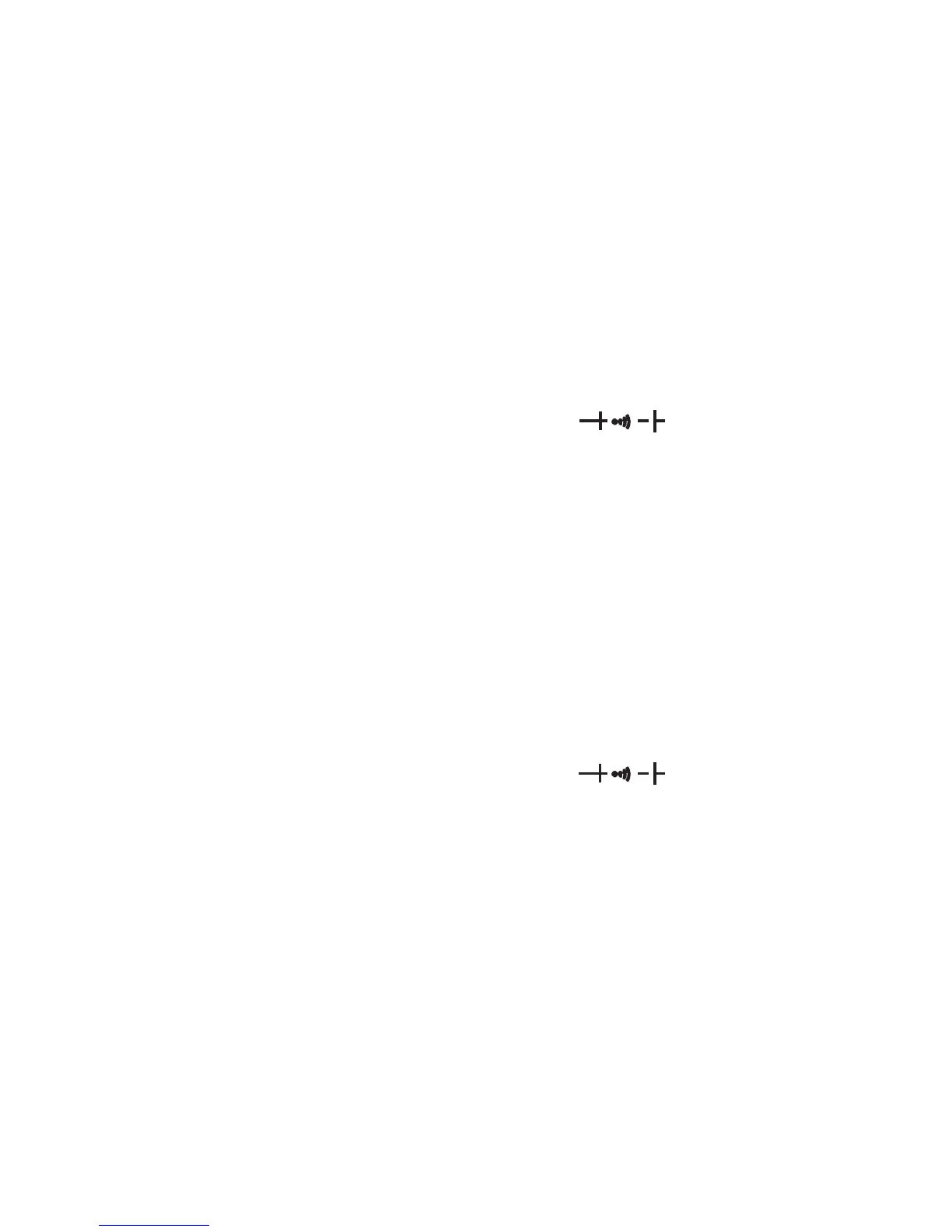
2. Set the selector switch to the desired “Ω
)
” position.
3. Press the “SELECT” button to choose the resistance measurement.
4. Connect the tips of the test leads to the points where the value
of the resistance is needed.
5. Read the result from the LCD panel.
Note: When taking the resistance value from a circuit system, make
sure the power is disconnected and all capacitors are discharged.
Capacitance Measurement
1. Connect the black test lead to the “COM” socket and the red test
lead to the “VΩHz” socket.
2. Set the selector switch to the desired “Ω
)
” position.
3. Press the “SELECT” button to choose the capacitance measurement.
4. Connect the tips of the test leads to the points where the value
of the capacitance is needed.
5. Read the result from the LCD panel.
Note:
a) Before testing, discharge the capacitors by shorting the leads together.
Use caution when handling capacitors because they may have a
considerable charge on them before discharging.
b) Before testing, pres the “REL (DCA ZERO ADJ)” button to eliminate the
zero error.
c) When testing 100μF capacitors, note that there will be a time lag of
approximately 15 seconds.
-13-


 To Next Page