-7-
13
12
11
10
9
8
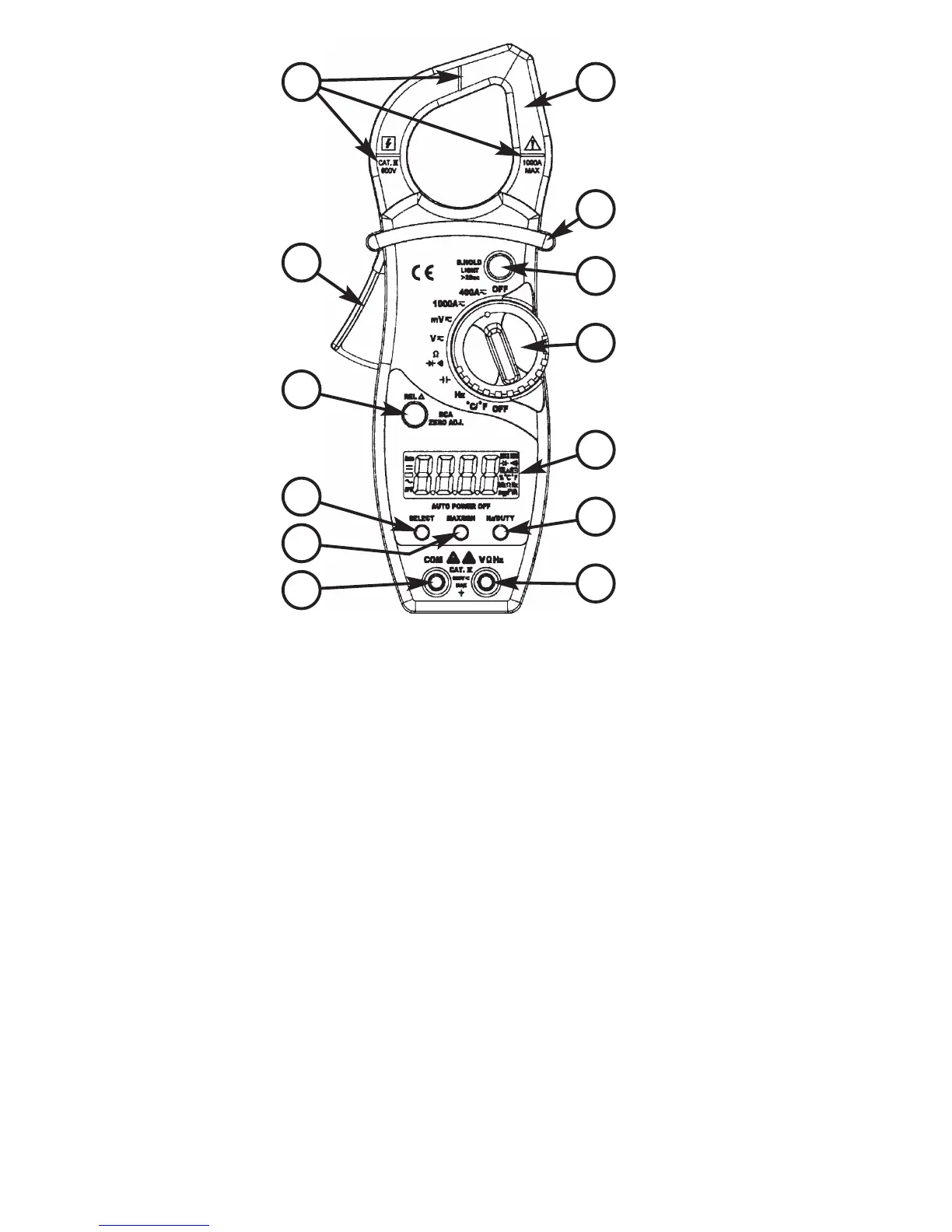
1
2
3
5
6
7
4
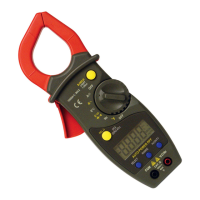
1. Transformer Jaws
2. Barrier - Hand guard holds meter
below this barrier. DO NOT touch any
bare wires that the jaws may be
clamped around.
3. Data Hold / Light Button - Holds
reading in display when the D-Hold
button is pressed and released. Also
turns on the back light.
4. Rotary Select Switch - Selects the
function and range to measure.
5. LCD Display - Provides the
measurement indications and other
instrument status.
6. Hz/Duty Button - When the selector
switch is set to Hz or V~, this button
allows the selection of Frequency
Measurement (Hz) mode or the duty
cycle measurement (duty) mode.
7.
VΩHz Jack - The red test lead is
inserted into this jack for all
measurements except current (amps).
8. COM Jack - The black test lead is
plugged into this jack for all
measurements except current
(amps).
9. Range Button - Press this button to
obtain the desired measurement
range.
10. Select Button - Press this button to
access the alternate measurement
modes.
11. REL and DCA Zero Adjust -
Press this button to enter the
Relative mode, zero the display, and
store the displayed reading as a
reference value.
12. Trigger - Opens and closes the
clamp jaws.
13. Centering Marks - Locators for
positioning the conductor within the
jaws to obtain specified accuracy.


 To Next Page